43
EN
GETTING STARTED AND OPERATION
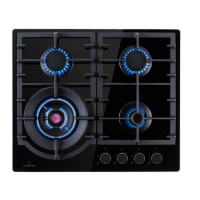
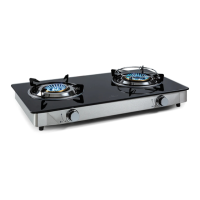
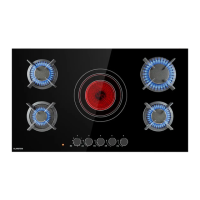
The position of the corresponding gas burner is indicated on each control knob.
Gas burners
The burners are di erent in size and power. Choose the most appropriate one for
the diameter of the cookware being used.
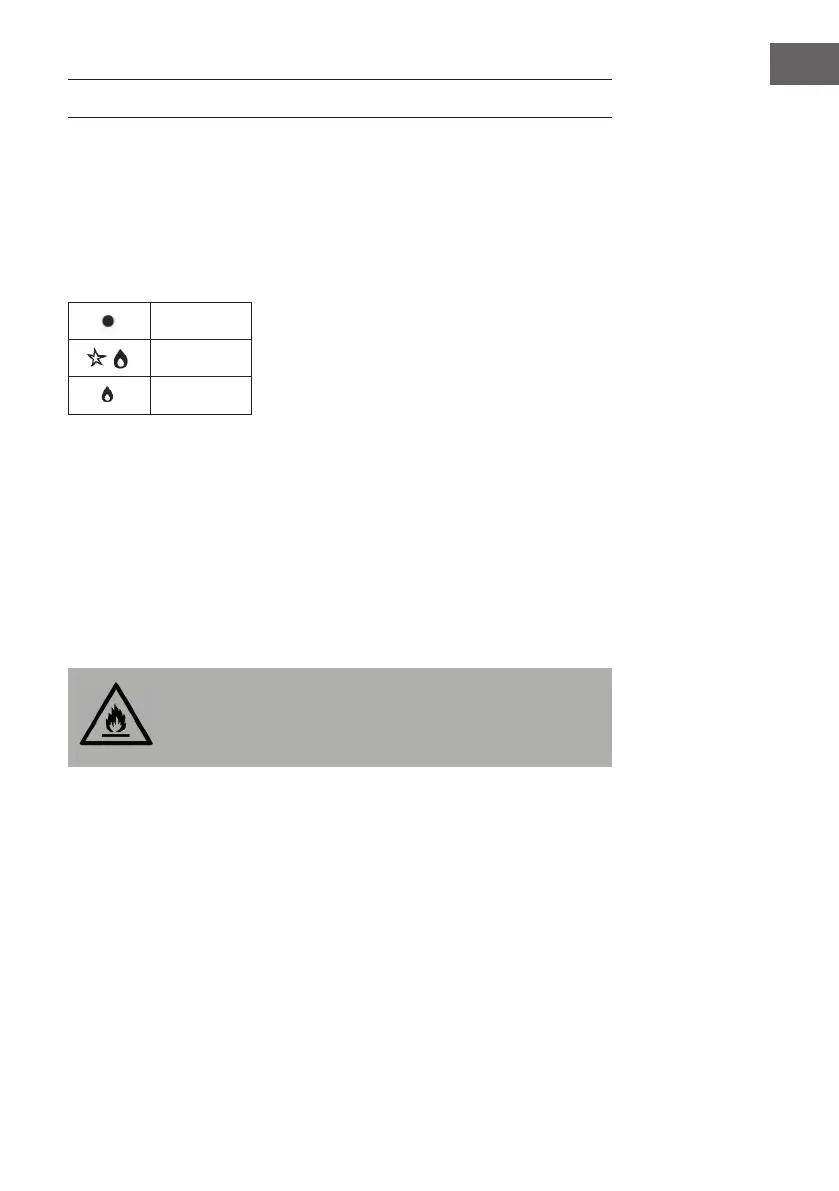
The burner can be regulated with the corresponding control knob by using one of
the following settings:
OFF
High
Low
On those models tted with a safety device
The knob must be pressed for about 6 seconds until the ame is lighted and
warmed up.
On those models tted with an igniter
The electric ignition button, identi ed by the symbol, must be pressed rst, then
the corresponding knob is pushed and turned in the counter-clockwise direction
to the "High” setting.
To light a burner: Simply press the corresponding knob and turn it in the counter-
clockwise direction to the High setting, keep press until the burner is lighted.
CAUTION
Fire and explosion hazard! If the ame goes out accidentally, turn
o the gas with the control knob and try to light it again at least 1
minute later.
To turn o a burner: Turn the knob in the clockwise direction until it is stopped (it
should be on the "" setting).


 To Next Page