24
EN
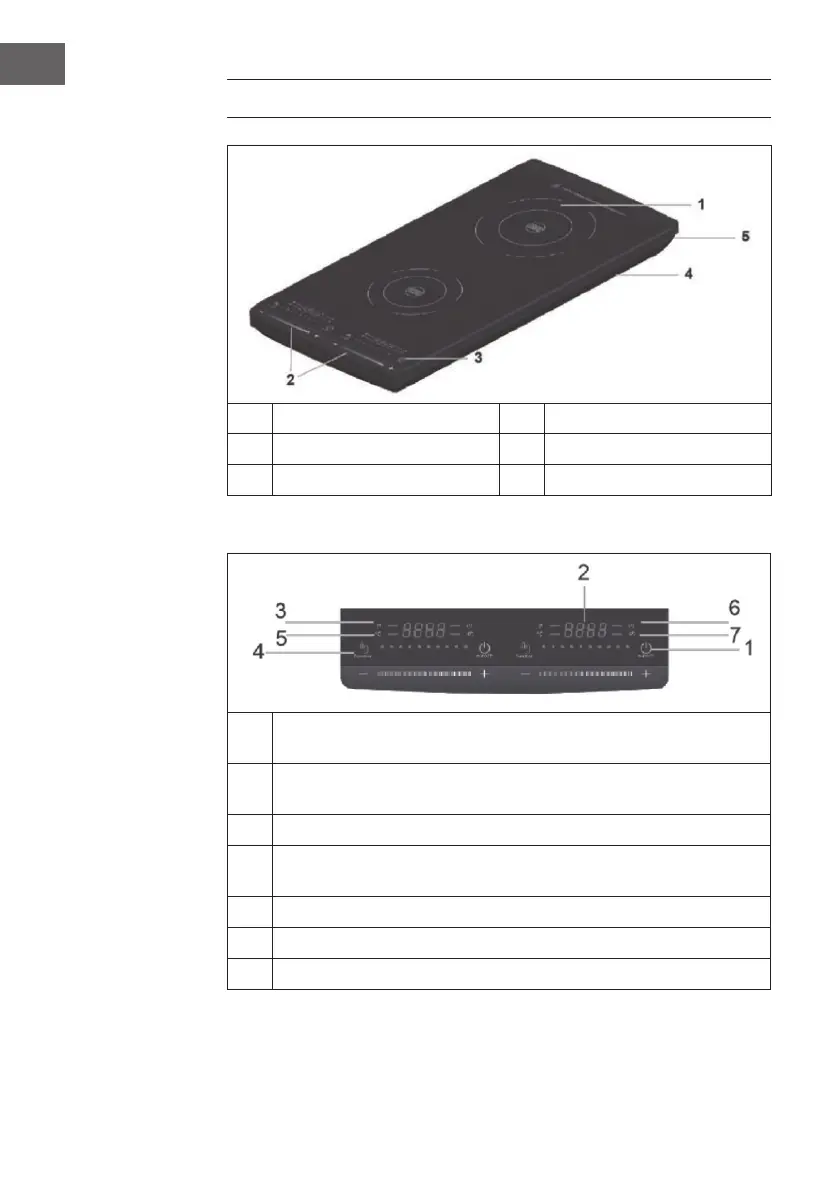
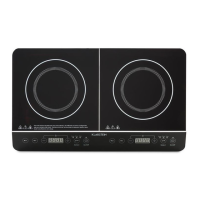
PRODUCT OVERVIEW
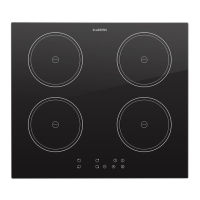
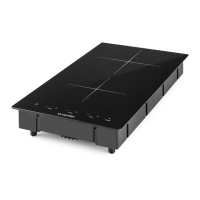
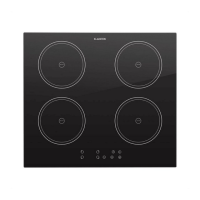
1 Hot plates 4 Air inlet openings
2 [+] and [-] key / slider keys 5 Air vents
3 Control panel with display
Display and control panel
1
On/o switch: to switch the device on and o or to put the device into
standby mode.
2
Display: shows the set power, the set temperature, the timer runtime and
warning messages. In standby mode, the display shows [L].
3 Displays the set power.
4
Function key: Use the key to toggle between the power and temperature
settings.
5 Displays the set temperature
6 Set timer: Press the key to set a timer between 1 minute to 3 hours.
7 Operating display



 To Next Page