9 Charge Plate Mode
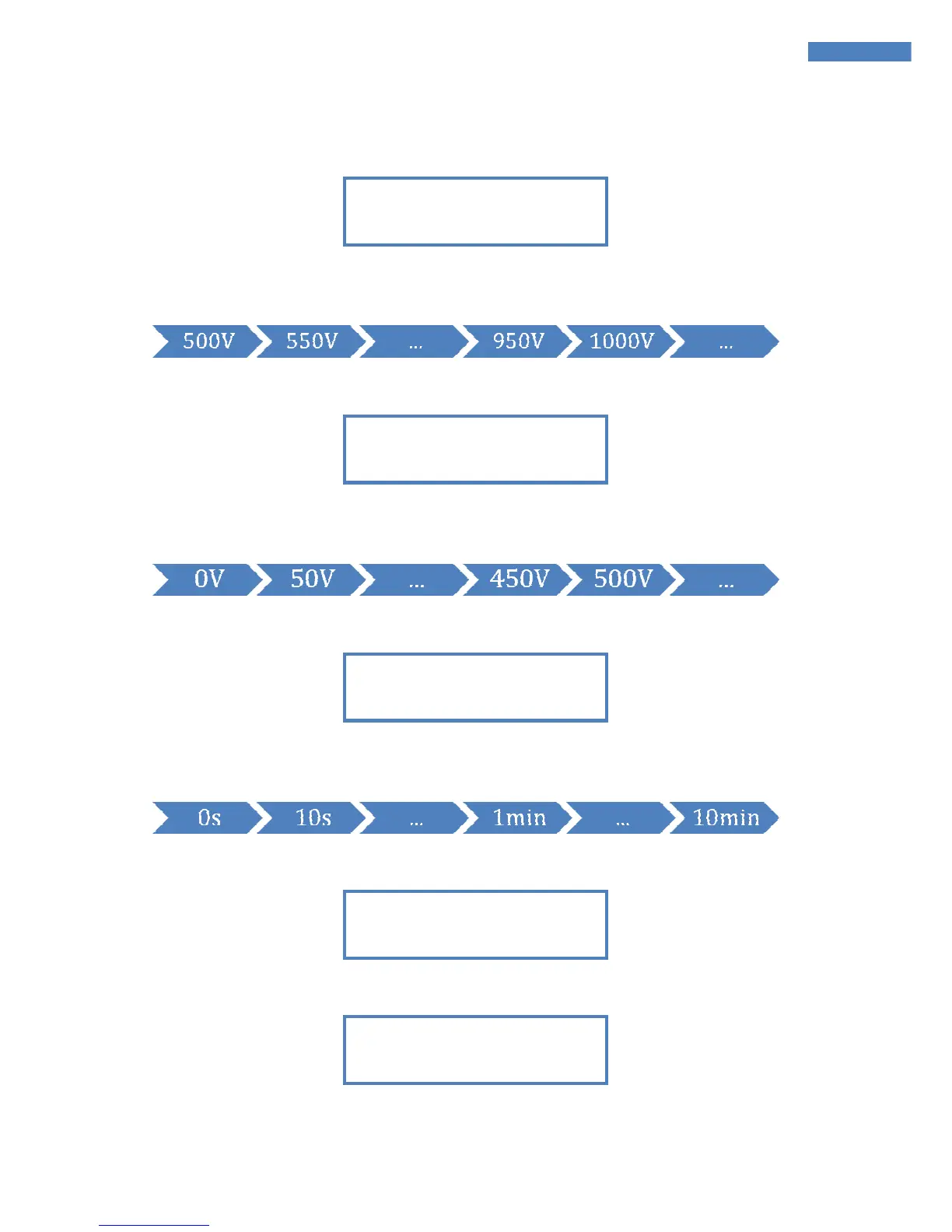
Afterwards the starting voltage can be set
Confirm the displayed value by pressing «A» or press «B» to select a new one. Values are
switched in the following order:
Next the stop voltage is set:
Confirm the displayed value by pressing «A» or press «B» to select a new one. Values are
switched in the following order:
Afterwards the time period for the offset voltage measurement is inquired:
Confirm the displayed value by pressing «A» or press «B» to select a new one. Values are
switched in the following order:
The selected parameters for START, STOP and OFFSET are displayed for 3 seconds:
The device inquires whether the parameters are right:
Confirm the displayed value by pressing «A» or press «B» to change the values again.
TIMER + OFFSET OK?


 To Next Page