8 Manual CPM 374
4.2.1. Choose Storage Space
In case of enough free space the device prompts:
Confirm the selection by pressing «A». The data is stored:
The selection can be modified by pressing button «B». The device displays:
Decrease the tens column by pressing «A» and/or decrease the ones column by pressing «B».
Important: Only existing file numbers can be overwritten.
If no button is pressed for about 3s the display returns and you can select the new value by
pressing button «A».
4.3. Settings
By pressing «A» and «B» simultaneously the device prompts after 1s:
Press «A» to enter SETUP or «B» followed by «A» to enter the ZERO ADJUST menu.
4.3.1. Setup
In the SETUP the last selected settings for mode are displayed:
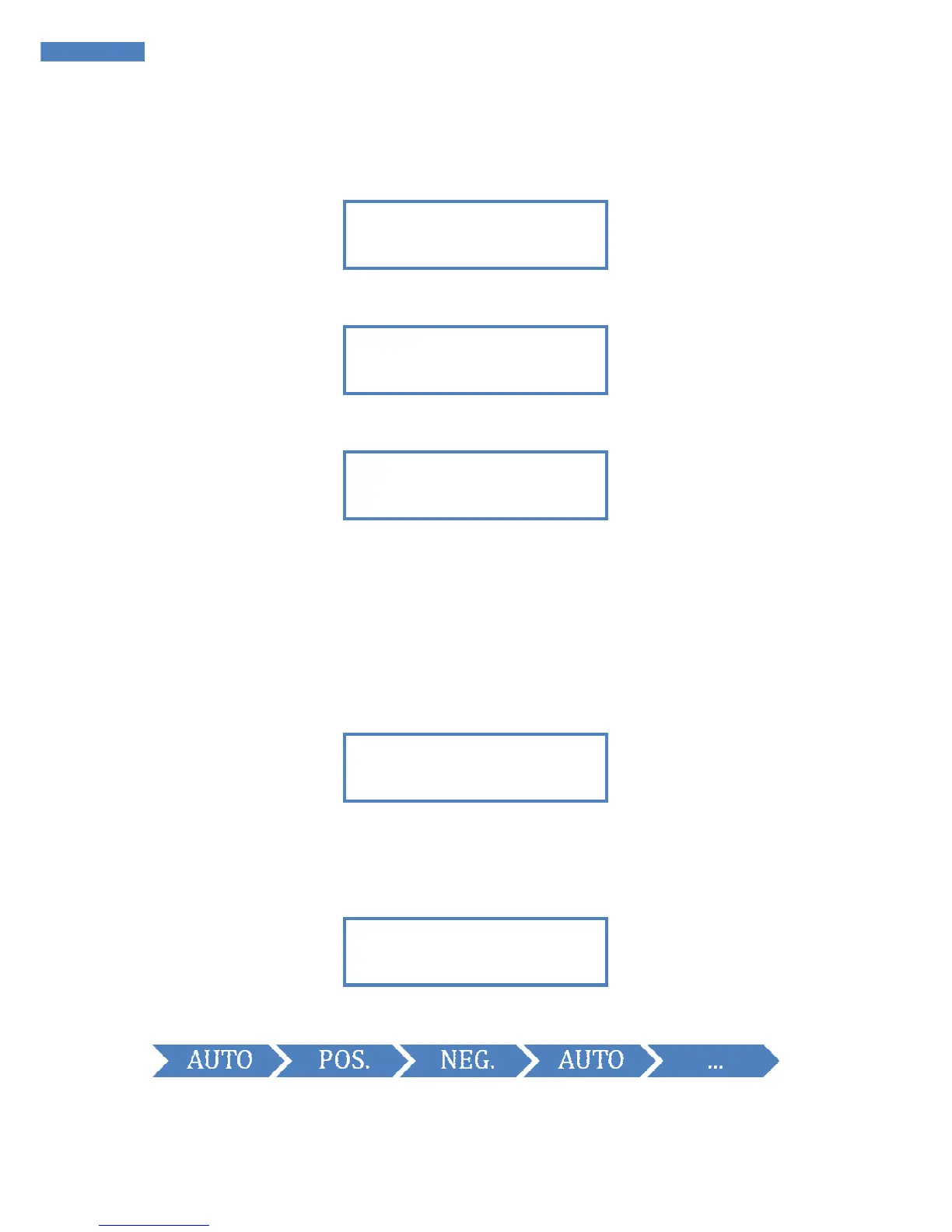
By pressing «B» the following options can be selected:
In the modes POS or NEG only positive resp. negative decay time is measured and after the time
period the offset voltage is displayed.
MODE = AUTO


 To Next Page