0. INTRODUCTION
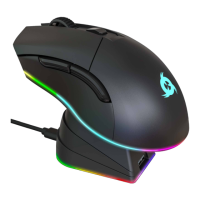
On behalf of the entire KLIM Team, thank you for purchasing our KLIM Aim gaming mouse.
We hope it meets your expectations and that you enjoy using this device.
Features
500-7000 DPI for maximum precision
Teflon coating for added durability
6 customizable buttons
Fully customizable RGB backlight
Ambidextrous grip
Compatible with Windows, MacOS & PS4
I. PRODUCT DESCRIPTION
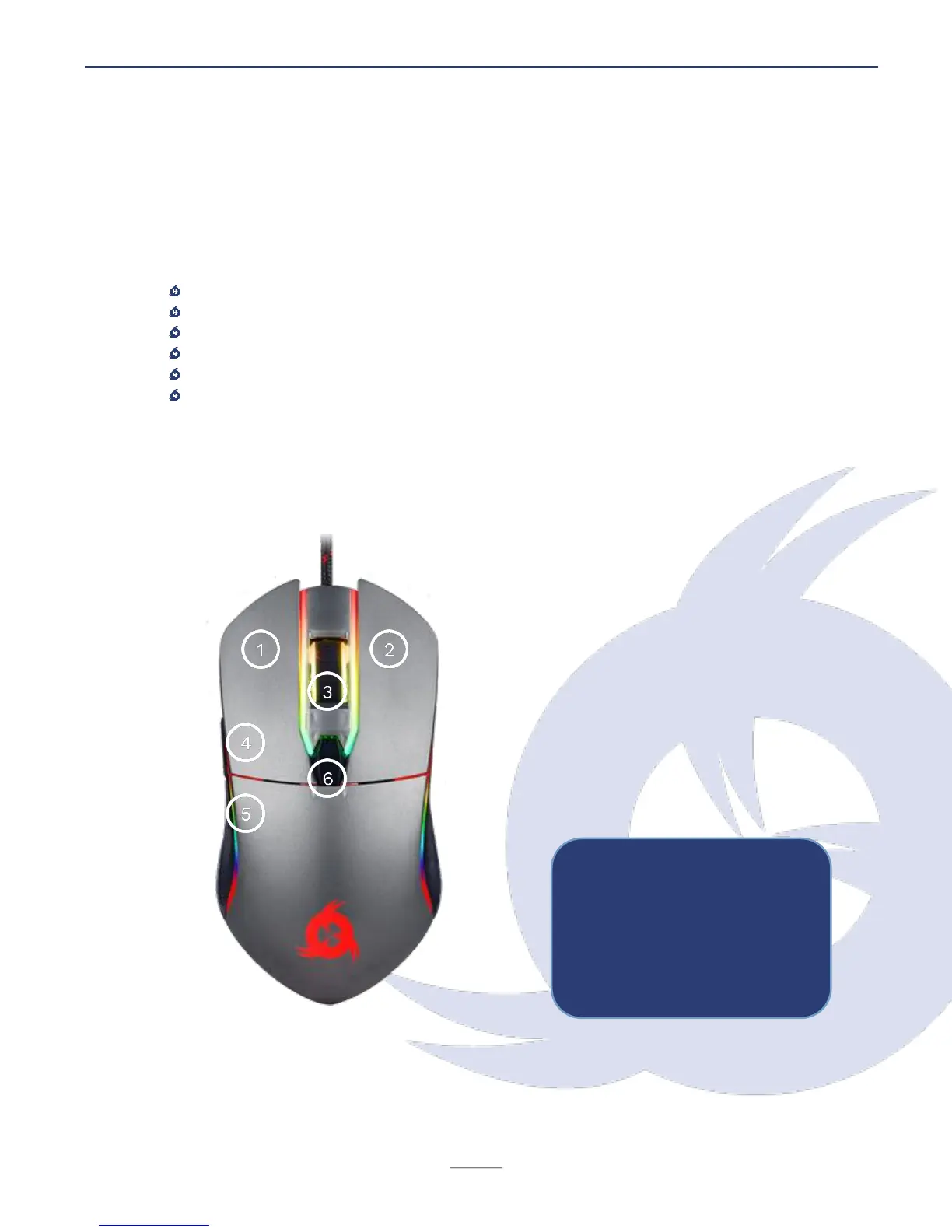
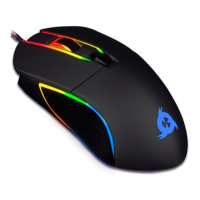
The KLIM Aim mouse has six buttons and a scrolling wheel. Their default functions are
listed below:


 To Next Page