KLIM Puma User Manual www.klimtechs.com
0. INTRODUCTION
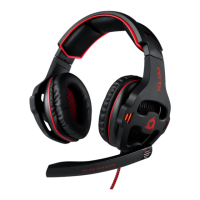
On behalf of the entire KLIM Team, thank you for purchasing our KLIM Puma Gaming
Headset. We hope it meets your expectations and that you enjoy using this device.
Features
High definition sound
7.1 Virtual Surround Sound
Vibration feature
Powerful bass & sound isolation
Compatible with PC, Mac, PS4 &
Nintendo Switch
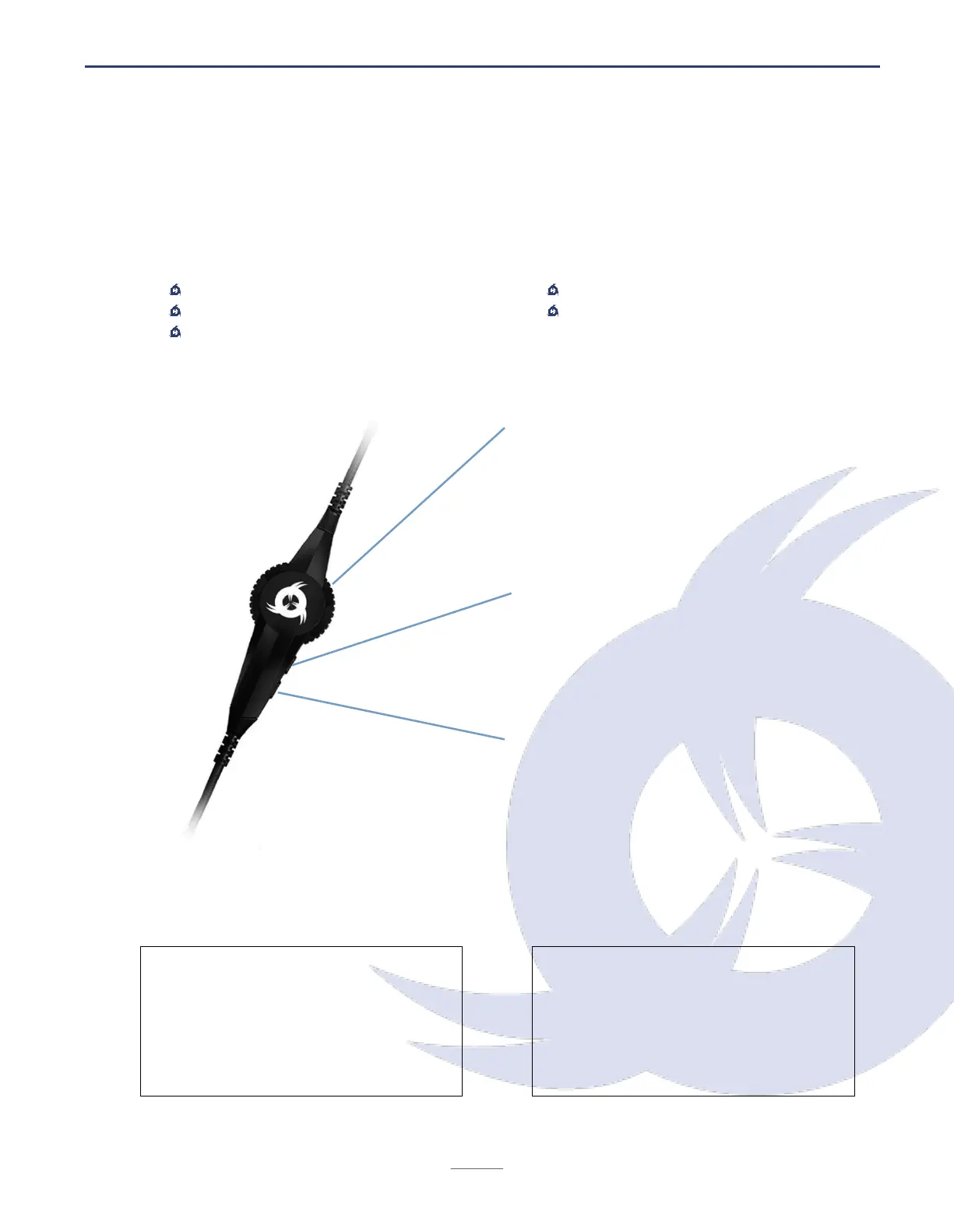
I. KLIM PUMA REMOTE
Volume up / down
Use the wheel to change the volume.
Unlike button-based remotes, this is
independant to the operative system and
adjusts volume directly on your
headphones.
Microphone mute
Use this button to toggle the microphone
mute. The light at the tip of the
microphone turns off when muted.
Vibration toggle
Press the V button to activate or
deactivate the vibration feature. If active,
the headset will vibrate when bass
sounds are played for greater immersion.
Technical specifications


 To Next Page