KLIM Puma User Manual www.klimtechs.com
AUDIO SETTINGS
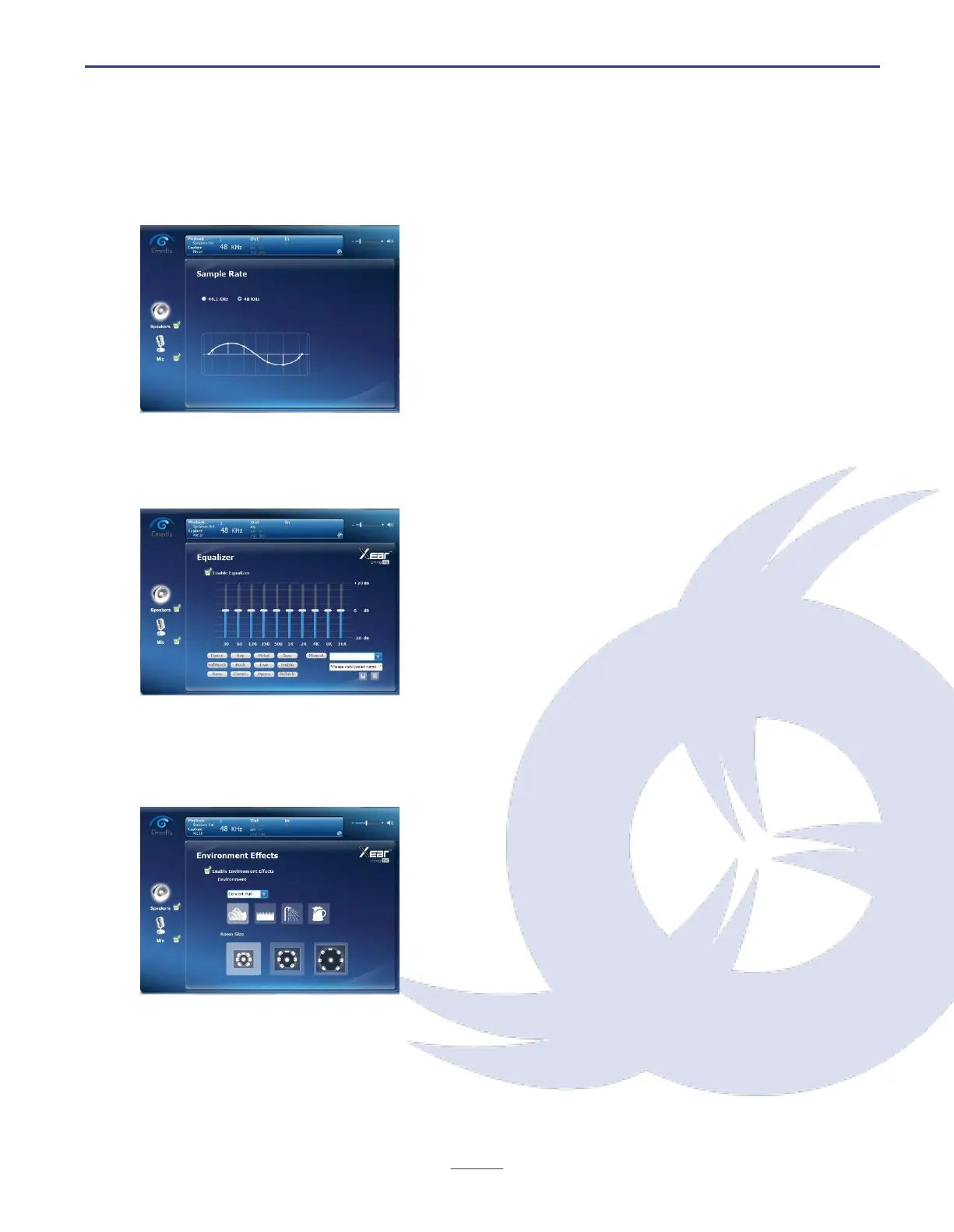
Sample rate
Select the sample rate (44.1 KHz or 48 KHz) on this
screen.
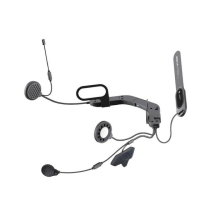
Equalizer
This screen allows you to individually adjust the
audio equalization. You can manually adjust it
yourself or choose from a set of predefined values.
To save your own settings, input a name on the
bottom right field and click on the Save button (disk
icon). You can delete any custom presets by
selecting one and clicking on the Delete icon.
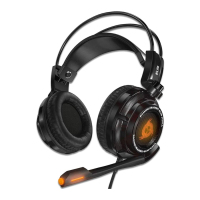
Environmental effects
Click on the icons or use the drop-down list to
select predefined effects to change your hearing
experience. You can also select one of the three
Room Size options at the bottom.


 To Next Page