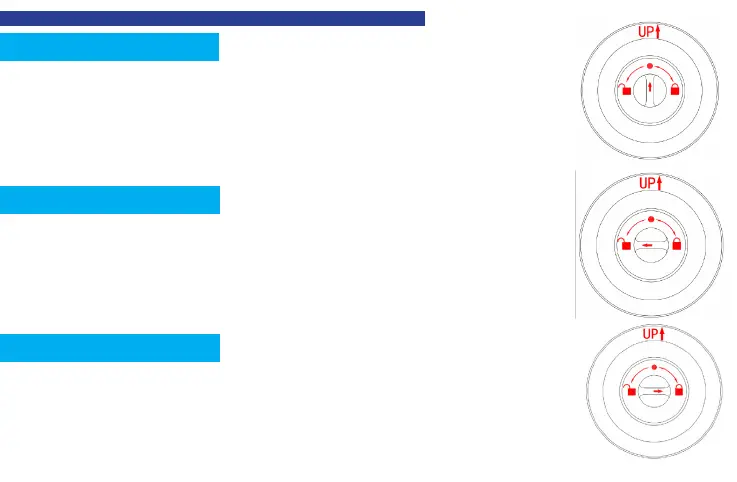
As shown right
,
rotate
the thumb turn to unlock sign on the left to activate
passage mode. After activating passage mode, the door knob is always
unlocked.
As the gure shows, rotate the thumb turn to circular mark above the thumb
turn to switch to normal mode. In the normal mode, after unlocking with the
ngerprint, the door knob automatically locks in 5 seconds. Both members and
administrators can unlock with their ngerprints.
Passage Mode
Normal Mode
Privacy Mode
As the gure shows, rotate the thumb turn to lock sign on the right to activate
privacy mode.Both members and administrators can unlock via app.Only the
administrators' ngerprints can unlock.
8

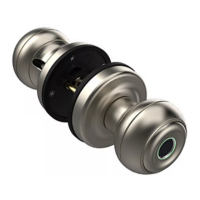

 To Next Page