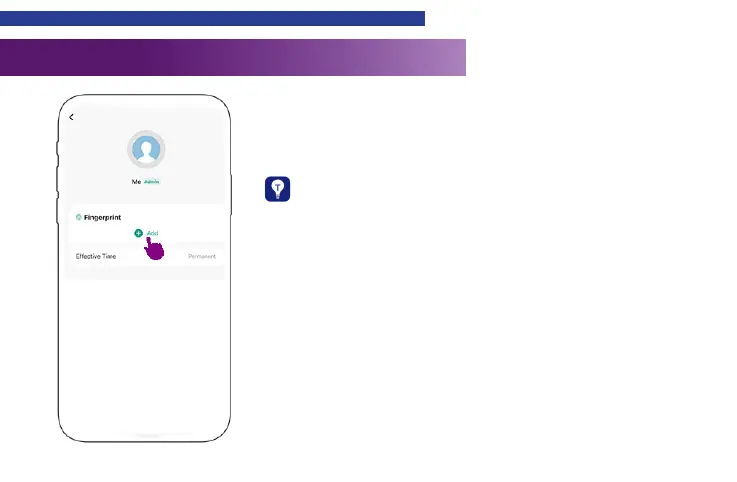
Member Management &Fingerprint Input
17
Press “Add” and follow the instructions to add ngerprints.
Warm tips:
1.Please keep your fingers and sensing area clean and dry
before inputing your ngerprint.
2.For improving the fingerprint recognition rate of the elderly,
children or people with light fingerprints, it is necessary to
create more ngerprint les and input dierent angles of their
ngerprints.
3.For your privacy, your ngerprints will be stored in the device
only.


 To Next Page