Connecting the terminal to the PLC system
6
Communication setup
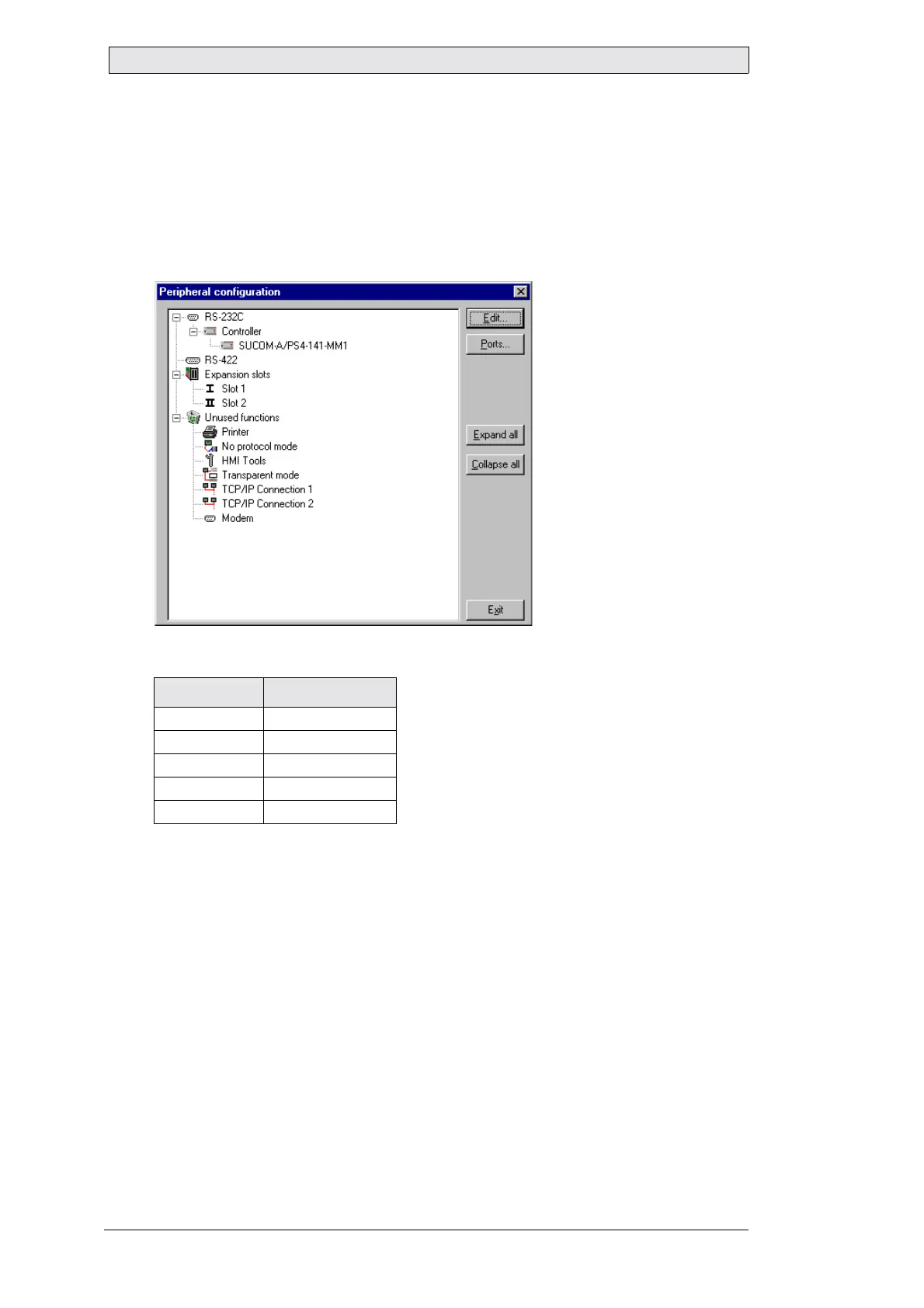
The settings for the communication between the terminal and the PLC
system are done under Peripherals in the Setup menu. To change which
port the PLC system is connected to, mark Controller and hold left mouse
button down and drag to move it to another communication port. Mark
the selected communication port and press Edit to change the other com-
munication settings.
The settings should be
:
Parameter Description
Port RS-232 or RS-422
Baudrate 9 600
Data bits 8
Stop bits 1
Parity None


 To Next Page
 Loading...