Installation & Operation Manual
63
Status Display Screens (cont’d)
By using the Previous/Next (, ) arrow keys on the SMART SYSTEM display panel, you can navigate through the eight (8)
display screens. Each screen will contain two (2) viewable items. The following is a description of the individual items and
what they can display:
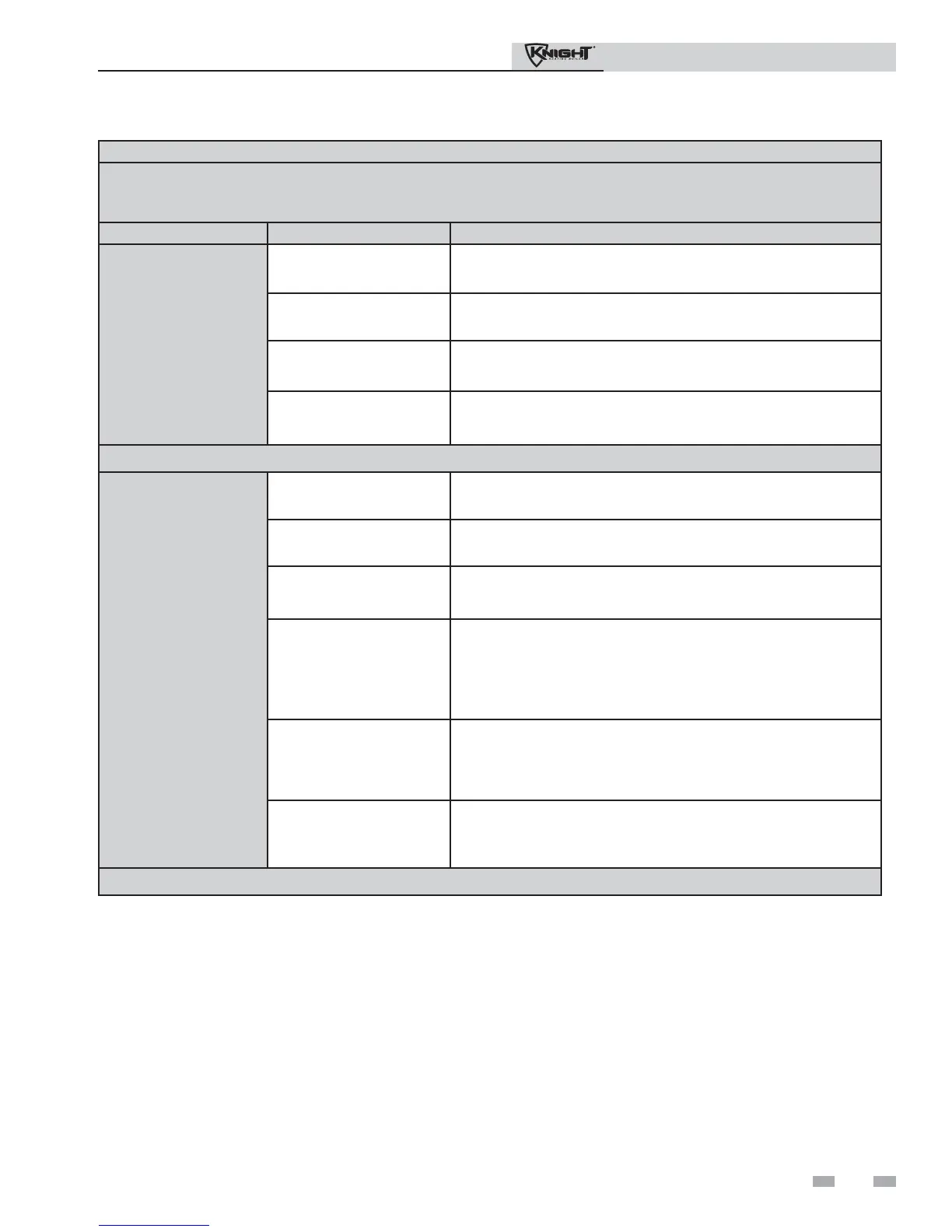
Screen Display shows: Description
#7
DHW PUMP: OFF
The control has not received a DHW call for heat and has not
powered the DHW pump.
ON
The control has received a DHW call for heat and has powered the
DHW pump.
Delay
The DHW call for heat has been satisfied and the DHW pump is
running for a fixed time to remove any residual heat.
0-10V IN: **.Vdc
The control will display a 0-10Vdc signal received from a Building
Management System (BMS) connected to the unit.
Press the Next arrow key on the SMART SYSTEM display to access Screen #8.
#8
SYS PUMP: OFF
The control has not received a call for heat from a remote thermostat
and has not powered the system pump.
ON
The control has received a call for heat from a remote thermostat
and has powered the system pump.
Delay
The system call for heat has been satisfied and the system pump is
running for a fixed time to remove any residual heat.
BLR PUMP: OFF
The control has either not received a call for heat from a remote
thermostat, a remote thermostat is not connected to the unit and the
water temperature has not dropped below the temperature set point
of the control to initiate a call for heat, or the control has received a
DHW call for heat from a DHW thermostat.
ON
The control has received a call for heat from a remote thermostat or
a remote thermostat is not connected and the water temperature has
dropped below the temperature set point of the control to initiate a
call for heat.
Delay
The call for heat has been satisfied and the boiler pump is running
for a fixed time to remove any residual heat.
Press the Next arrow key on the SMART SYSTEM display to access Screen #9.
11 Operating information (continued)


 To Next Page