8 FPGA projects with Xilinx's ISE (Pluto-IIx/HDMI)
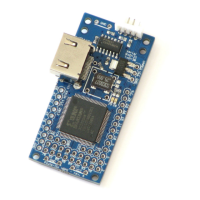
The Pluto-IIx board is configured from BIT files generated by Xilinx's ISE software.
8.1 Create a new project
1. Run ISE Project Navigator, and click on menu → File →
New Project.
2. Choose a project name, select the project location, and
click Next.
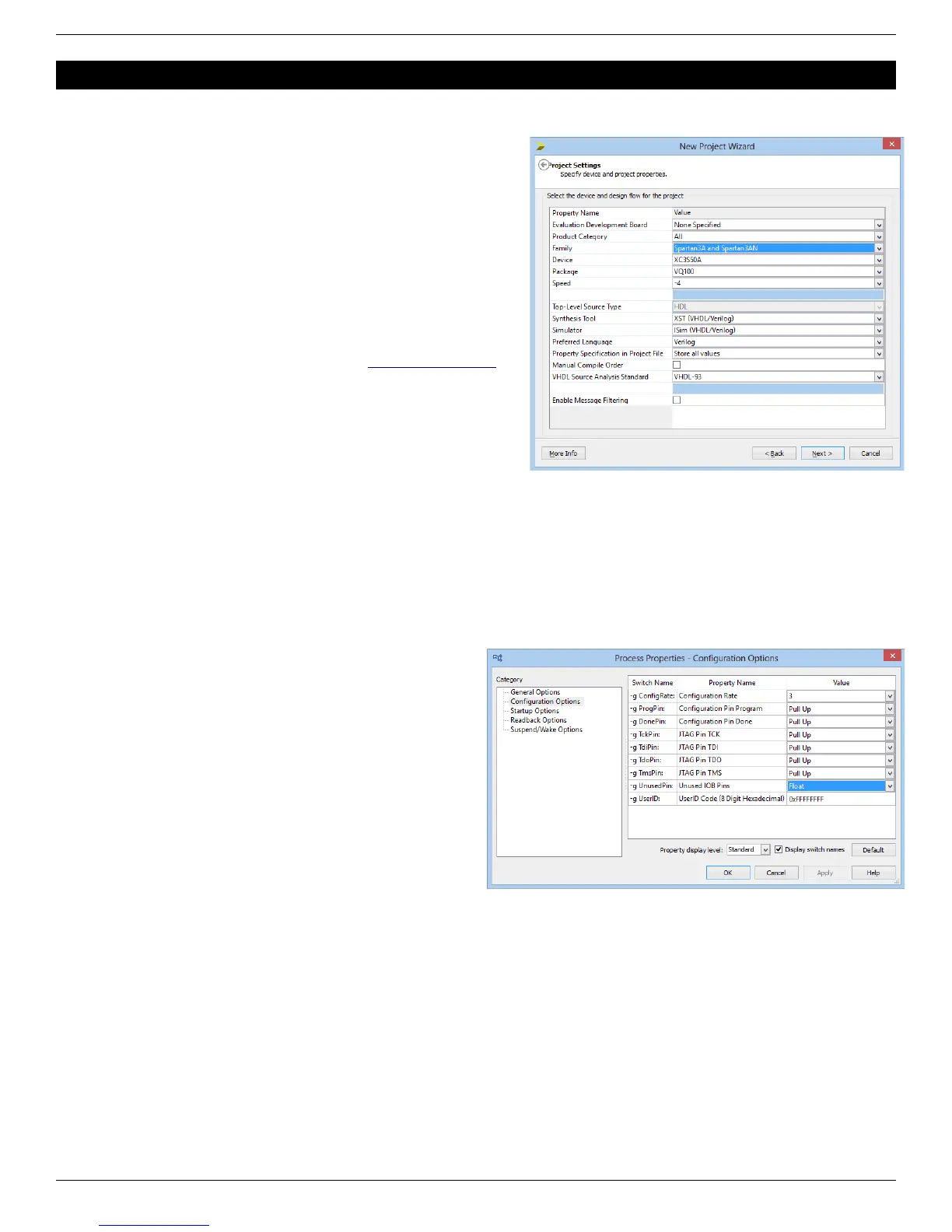
3. Select the “Spartan3A and Spartan3AN” family and the
device on your board, either
● XC3S50A in VQ100 package
● XC3S200A in VQ100 package
4. Click Next twice and Finish to close the wizard.
You can now create or add source files in the project.
A graphical work-through is also available on this fpga4fun page.
8.2 A simple start
Here’s a simple Verilog file:
module LEDblink(input clk, output LED);
// 32 bits counter
reg [31:0] cnt;
always @(posedge clk) cnt <= cnt + 1;
assign LED = cnt[23];
endmodule
Add it to the project and select it as the top-level design in your project.
Now add this UCF file to the project.
NET "clk" LOC = P40;
NET "LED" LOC = P29;
Finally right-click on “Generate Programming File” and
choose “Process Properties”. In “Configuration Options”,
allow “Unused IOB Pins” to “Float”. That prevents the FPGA
from driving the pins that are not used in your project.
Otherwise grounding all the unused pins (the default) often
ends-up creating IO contentions.
FPGA RS-232 development boards Page 12



 To Next Page