P.14P.13
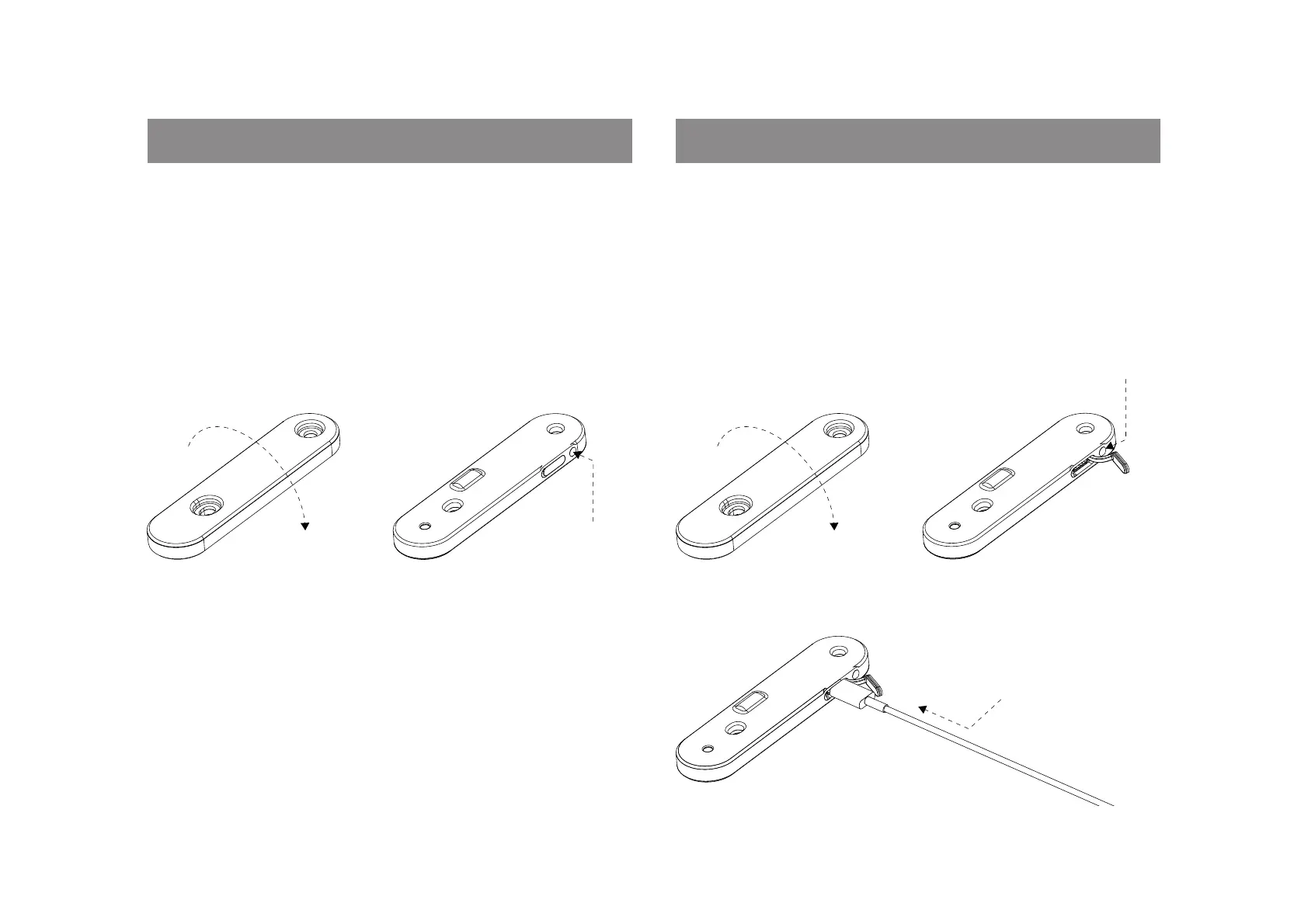
DISABLE Find My
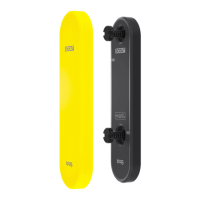
1. Turn the Scout upside down and place on an horizontal
surface (such as a table).
2. Press and hold the button for 30 seconds until 4 short
beeps are heard.
This procedure will stop sharing the location of the Scout.
FACTORY RESET
1. Turn the Scout upside down and place on an horizontal
surface (such as a table).
2. Press and hold the button, while plugging in a USB-C cable.
Continue to hold the button for 10 seconds, until 4 short beeps
are heard.
30
SECONDS
HOLD
INSERT USB-C &
CONTINUE TO HOLD
BUTTON FOR
10 SECONDS


 To Next Page