EasyManua.ls Logo

Kobra 300.1 - User Manual

Kobra 300.1
10 pages
Go to English
Print Icon
To Next Page IconTo Next Page
Loading...
LIBRETTO D'ISTRUZIONI
OPERATING INSTRUCTIONS
BETRIEBSANLEITUNG
INSTRUCCIONES DEMANEJO
MODE D'EMPLOI
ИНСТРУКЦИЯ ПО ЭКСПЛУАТАЦИИ
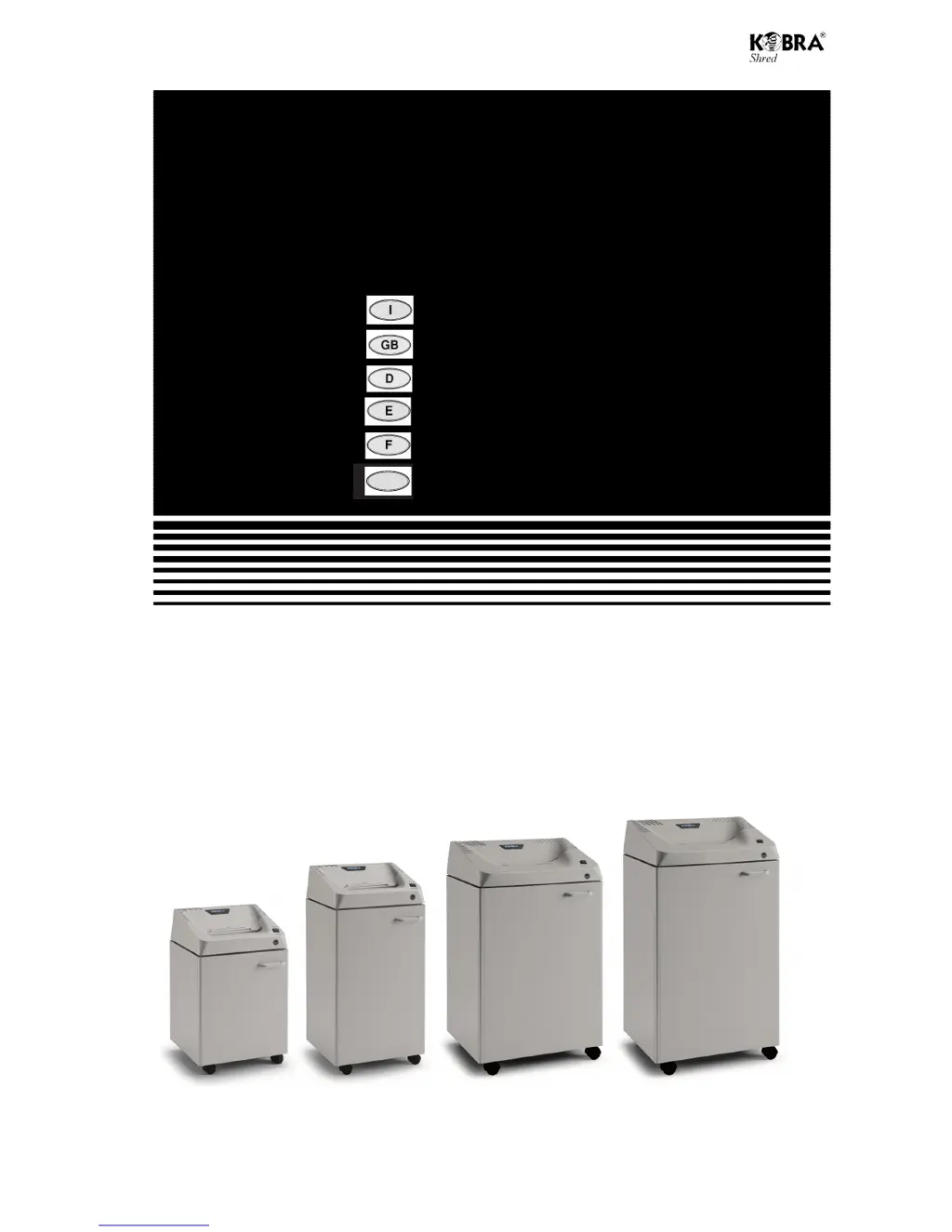
K240.1 K260.1 K300.1 K300.2
1
Distruggi documenti
Paper shredder
Schriftgutvernichter
Destructora de documentos
Destructeur de documents
Уничтожитель документов
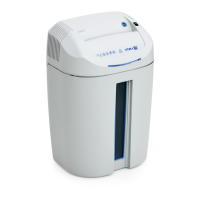
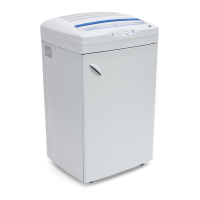
KOBRA 240.1
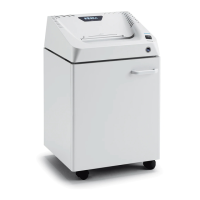
KOBRA 260.1
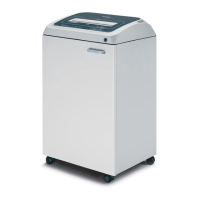
KOBRA 300.1
KOBRA 3
0
0.
2
Rus

Questions and Answers

  • H
    hilldorisAug 8, 2025
    How to fix a notable reduction in shredding capacity of my Kobra 300.1 Paper Shredder?
    • C
      Caitlin SullivanAug 8, 2025
      A notable reduction in your Kobra Paper Shredder's shredding capacity is likely due to the cutting knives needing oiling. Manually oil the cutting knives to resolve this issue.
  • K
    Kim WeeksAug 18, 2025
    What to do if my Kobra 300.1 Paper Shredder won't start?
    • A
      Ashley WestAug 18, 2025
      If your Kobra Paper Shredder won't start, there are several potential causes: * The switch (H) might not be in the correct position (I). If so, flick the switch to the correct position. * The power cable may not be properly plugged in. Ensure the plug is fully inserted into the socket. * The socket might not be switched on. Check that the socket is on. * The door (C) may not be closed properly. Make sure to close the door properly. * The bag might be full. Empty the bag. * The motor could be in heat protection mode. If this is the case, wait 15 minutes for the motor to cool down.
  • E
    Edward SmithAug 27, 2025
    Why does my Kobra 300.1 Paper Shredder never stop working?
    • K
      Katherine SuttonAug 27, 2025
      If your Kobra Paper Shredder never stops working, it could be due to material or dirt on or between the electronic eyes. Remove any deposits from the electronic eyes or free the electronic eyes. Also, clean the electronic eyes with a brush.

Summary

Important Warnings

Safety Precautions

General safety guidelines including keeping away from the feed opening, not inserting hands, and keeping children and long hair away.

Technical Data

Installation Guide

Instructions for setting up the shredder, including connecting to a power socket and assembling the waste bag.

Operating the Shredder

Details on how to use the shredder's functions, including power switch positions and automatic features like electronic eyes.

Shredding Specific Media

Guidance on shredding single sheets, CD-ROMS, DVDS, and credit cards, including protective door usage.

Automatic Functions Explained

Explanation of automatic reverse, motor saver, automatic stop for full bag or open door, and energy smart system.

Care and Maintenance

Recommendations for maintaining the shredder, including lubricating cutting knives and avoiding specific cleaning products.

Troubleshooting Guide

Shredder Not Starting

Identifies causes for the shredder not starting, such as switch position or power issues, and provides solutions.

Shredder Runs Continuously

Addresses the issue of the shredder not stopping, linking it to sensor obstruction or motor protection.

Reduced Shredding Capacity

Explains reasons for decreased shredding performance, such as un-oiled knives or dirty electronic eyes.

Kobra 300.1 Specifications

General IconGeneral
BrandKobra
Model300.1
CategoryPaper Shredder
LanguageEnglish

Related product manuals