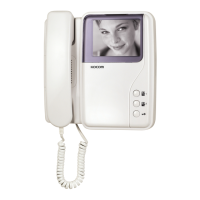
KVM-624 Monitor
Name of each part
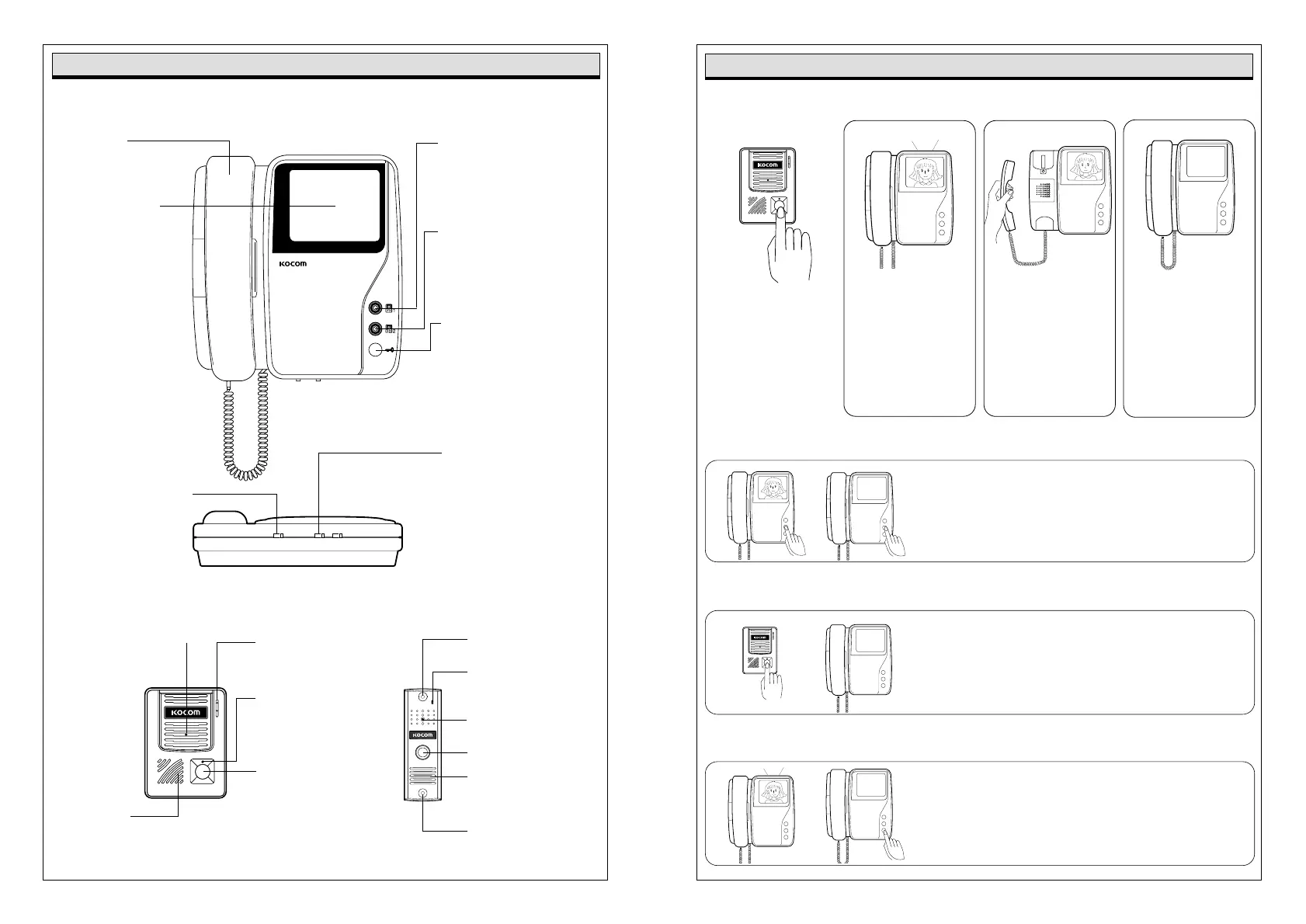
Handset●
To communicate with
door camera.
4 inch screen ●
To identify visitor.
●Camera1 Button
Without lifting receiver,
visitors can be seen on
the screen when Camera1
button is pressed.
●Camera2 Button
Without lifting receiver,
visitors can be seen on
the screen when Camera2
button is pressed.
●Door Key
Door opens when this button
is pressed.
Available only for the door
equipped with door opener.
A.VR BRIT
●Brightness Control Knob
To control brightness of
monitor screen.
Call Signal Volume●
Control Knob
To control calling
signal volume.
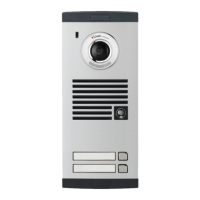
Door Camera (KC-D33 / KC-MB20)
●C-Mic
To communicate
with Monitor.
●Power Lamp
To check power
ON/OFF status.
●Call Button
By pressing the button,
the related house
will be called.
Pinhole Lens Camera●
Speaker●
When visitor calls,
the voice from monitor
comes out of the speaker.
●External fixing hole
●C-Mic
●Pinhole Lens Camera
●Call Button
●Speaker
●External fixing hole
How to operate (Instruction for operating)
Identifying and talking to visitors
Checking out door side - Don’t need to hold handset
Identifying visitors
3.After communications
are finished, replace
handset.
However, if conversation
continue more than
3~4 minutes, monitor
screen is turned off
automatically.
2.Hold handset and
identify visitor.
Then, communicate
with visitor.
And, unless you replace
handset within 3~4
minutes, the monitor
screen is turned off
automatically.
1. If press camera button on the monitor, screen is turned on
automatically. And, you can check out door side.
1.Call signal rings from
the monitor, while
screen is turned on and
visitor is appeared
automatically.
When visitor presses
the call button of
door camera
(Camera1 or Camera2).
2. After 3~5 sec., Monitor Screen is turned off Automatically.
1. If press call button on the door camera, the screen is turned on
automatically. And, you can check out door side.
2. At this time, you can easily identify visitors without lifting handset
(After 30sec., Monitor screen is turned off automatically).
Opening front door automatically
1. After communication with visitor, press door key button.
The door is automatically opened.
2. For this purpose, automatic DC door lock should be first installed
on the door and then connected with video doorphone.


 To Next Page