Setting Up the Printer
1-9
To load the paper into the printer:
1. Remove the plastic cover from the new paper roll.
IMPORTANT: Do not remove the label from the paper roll until you have
successfully loaded the paper into the printer.
2. Attach the paper flanges to each end of the paper roll.
a. Line up the lugs on the green paper flange with the notches on the left
side of the paper roll.
b. Place the green paper flange on the left side of the paper roll.
c. Place the black paper flange on the right side of the paper roll.
NOTE: Be sure to match up the lugs on the green paper flange with the
notches on the left side of the paper roll. If you do not attach the
paper flange properly, the paper roll will not fit into the printer.
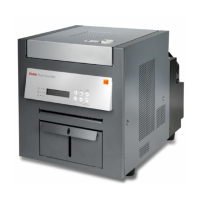
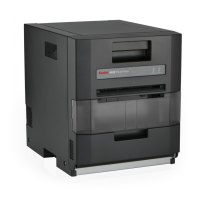
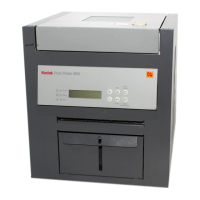
3. For the KODAK Photo Printer 6805, attach the paper spacers before
attaching the paper flanges.
4. Open the paper door.
The operator panel displays the Cover Open message.
5. Set the paper roll into the printer according to the green and black
arrows on the label.
6. Remove the label from the paper roll.
Label
Lugs
Notches
Green paper flange
Black paper flange
Paper spacers


 To Next Page