Setting Up the Printer
1-5
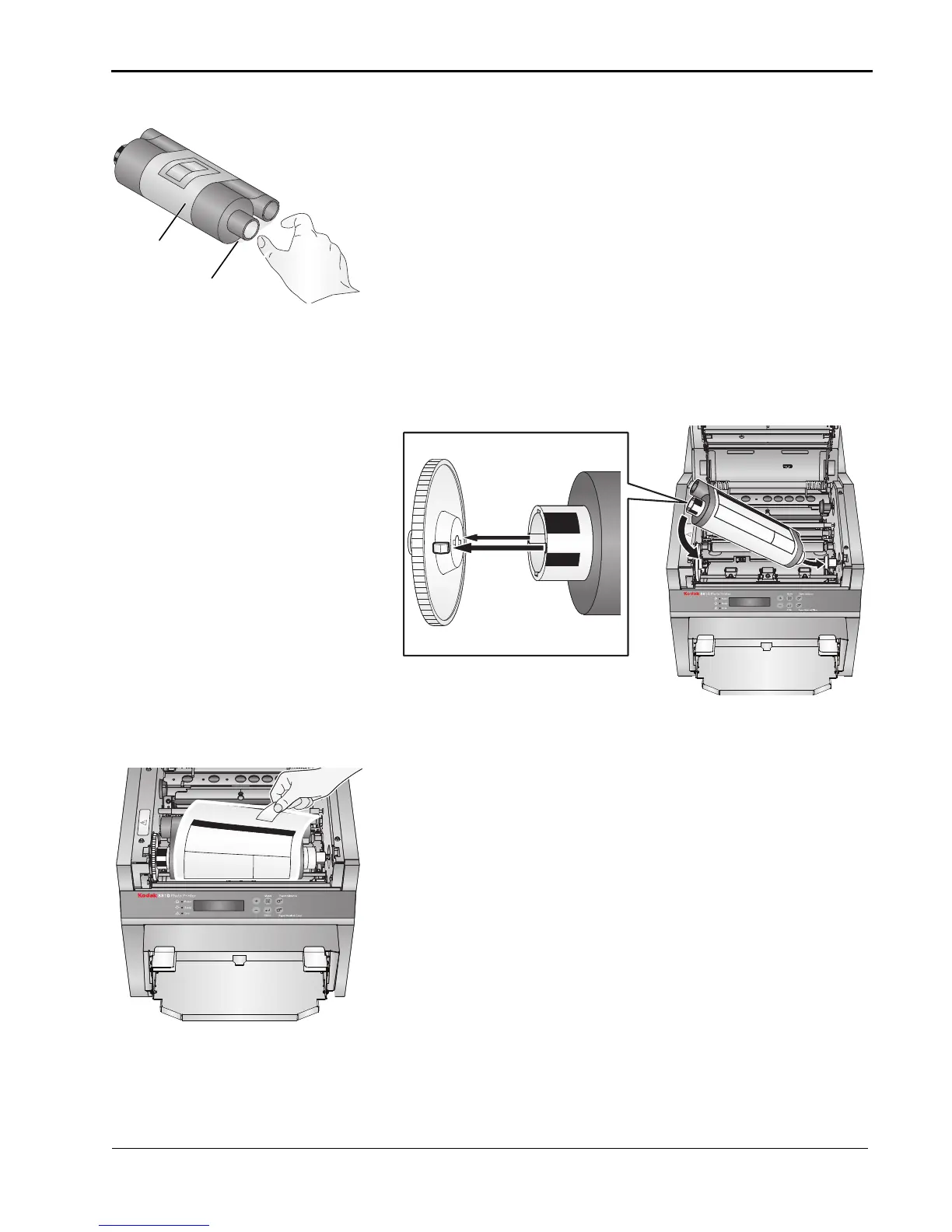
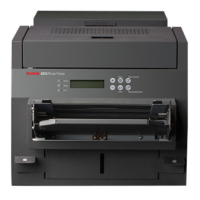
4. Insert your fingers into the holes in the plastic wrapper on the
end of the ribbon. Remove the plastic wrapper from the
ribbon.
IMPORTANT: Do not remove the label from the ribbon at this time.
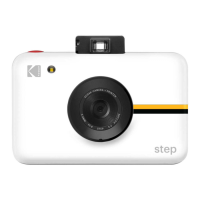
5. Push the end of the supply spool without the bar code onto
the front spool holder on the right.
6. Insert the left side of the supply spool onto the front spool
holder on the left. Align the notches on the supply spool with
the lugs on the spool holder.
7. Adjust the supply spool until the spool locks into the spool
holder.
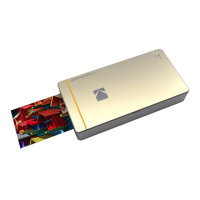
8. Remove the label.


 To Next Page