EasyManua.ls Logo

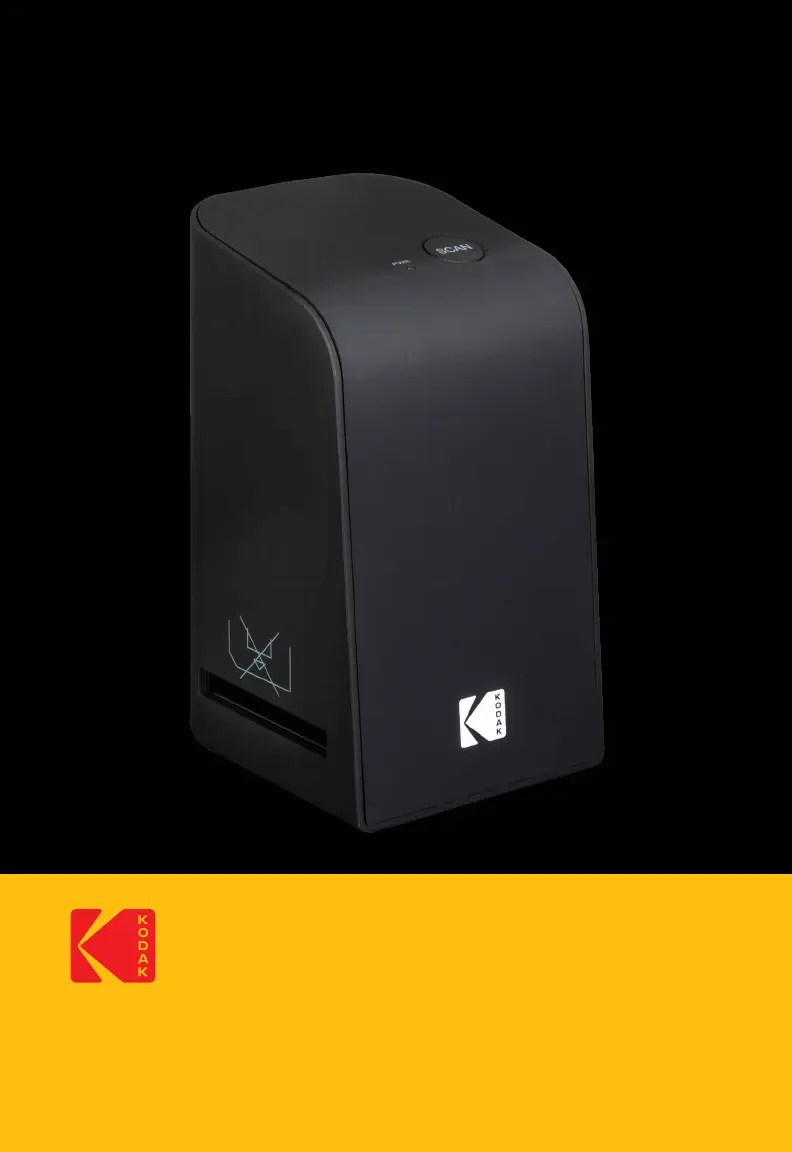
Kodak Digital Film Scan Tool - User Manual

Kodak Digital Film Scan Tool
25 pages
Print Icon
To Next Page IconTo Next Page
Loading...
1
User Manual
KODAK Digital Film Scan Tool
Scanner Numérique de Pellicules
Herramienta de Escaneo Digital para Película
Manuel de l'utilisateur
Manual del usuario

Questions and Answers

  • S
    Shaun Lewis DVMJul 27, 2025
    Why are my scanned images blurred on my Kodak Digital Film Scan Tool?
    • A
      Angela JonesJul 27, 2025
      If your scanned images from your Kodak Scanner are blurred, it might be due to the lens fogging up because of temperature changes. To resolve this, allow the scanner enough time to adjust to the room's temperature.
  • D
    Dr. Elizabeth WilsonAug 12, 2025
    How to fix Kodak Digital Film Scan Tool if the PWR LED (#1) does not light up?
    • S
      Sarah CraigAug 12, 2025
      If the PWR LED (#1) on your Kodak Scanner does not light up, it could be due to the scanner not being correctly connected or the computer being off. First, ensure your computer is turned on. If it is, disconnect and then reconnect the scanner.

Summary

Introduction

Specifications

Box Contents

Safety Precautions

General Safety Warnings

Adheres to proper usage, handling, and environmental guidelines for safe operation.

Product Overview

Connecting the Scanner

Installing the Software (Windows)

Installing the Software (Mac OS)

Continuous Loading

Using the Software to Digitize Negatives;Slides (Windows)

Film Type Selection

Select the type of film: negative, slide, or color/black & white.

Image Format Selection

Choose the desired image file format: JPG or TIFF.

Resolution Options

Select between standard (2592x1680) or interpolated (5184x3360) resolution.

Product Registration Link

Link to visit the Kodak website for product registration.

Scan Image Function

Initiate scanning by clicking the SCAN button or pressing the SCAN button.

Delete Image Function

Remove the currently selected scanned image.

Image Display Area

Shows the currently selected image for review.

Image Flip Function

Flip the current image horizontally.

Image Rotate Function

Rotate the current image clockwise.

Save Scanned Images

Save the scanned images to the computer.

Close Program Function

Exit the scanning software.

Brightness Adjustment

Adjust image brightness using a slider (-64 to 64).

Reset Adjustments

Reset color and brightness adjustments to default levels.

Color Balance Adjustment

Adjust RGB color balance using sliders (-6 to 6).

Select Save Location

Choose a folder to save scanned images.

Save Path Display

Shows the current file path for saved images.

Unsaved Images Window

Displays images not yet saved to the computer.

Live View Display

Shows a live preview of the inserted negative/slide.

Using the Software to Digitize Negatives;Slides (Mac OS)

Film Type Selection

Select the type of film: negative, slide, or color/black & white.

Image Format Selection

Choose the desired image file format: JPG or TIFF.

Resolution Options

Select between standard (2592x1680) or interpolated (5184x3360) resolution.

Product Registration Link

Link to visit the Kodak website for product registration.

Scan Image Function

Initiate scanning by clicking the SCAN button or pressing the SCAN button.

Delete Image Function

Remove the currently selected scanned image.

Image Display Area

Shows the currently selected image for review.

Image Flip Function

Flip the current image horizontally.

Image Rotate Function

Rotate the current image clockwise.

Save Scanned Images

Save the scanned images to the computer.

Close Program Function

Exit the scanning software.

Adjustments Before Scanning

Make color or brightness adjustments before scanning.

Brightness Slider

Adjust image brightness values between 0 and 255.

Color Balance Sliders

Set RGB values using three color balance sliders (0 to 255).

Select Save Location

Choose a folder to save scanned images.

Save Path Display

Shows the current file path for saved images.

Unsaved Images Window

Displays images not yet saved to the computer.

Live View Display

Shows a live preview of the inserted negative/slide.

After Use

Troubleshooting

Care and Maintenance

Storage and Disposal

Limited Warranty

Customer Service Contact Information

Kodak Digital Film Scan Tool Specifications

General IconGeneral
BrandKodak
ModelDigital Film Scan Tool
CategoryScanner
LanguageEnglish

Related product manuals