Troubleshooting
www.kodak.com/go/support
31
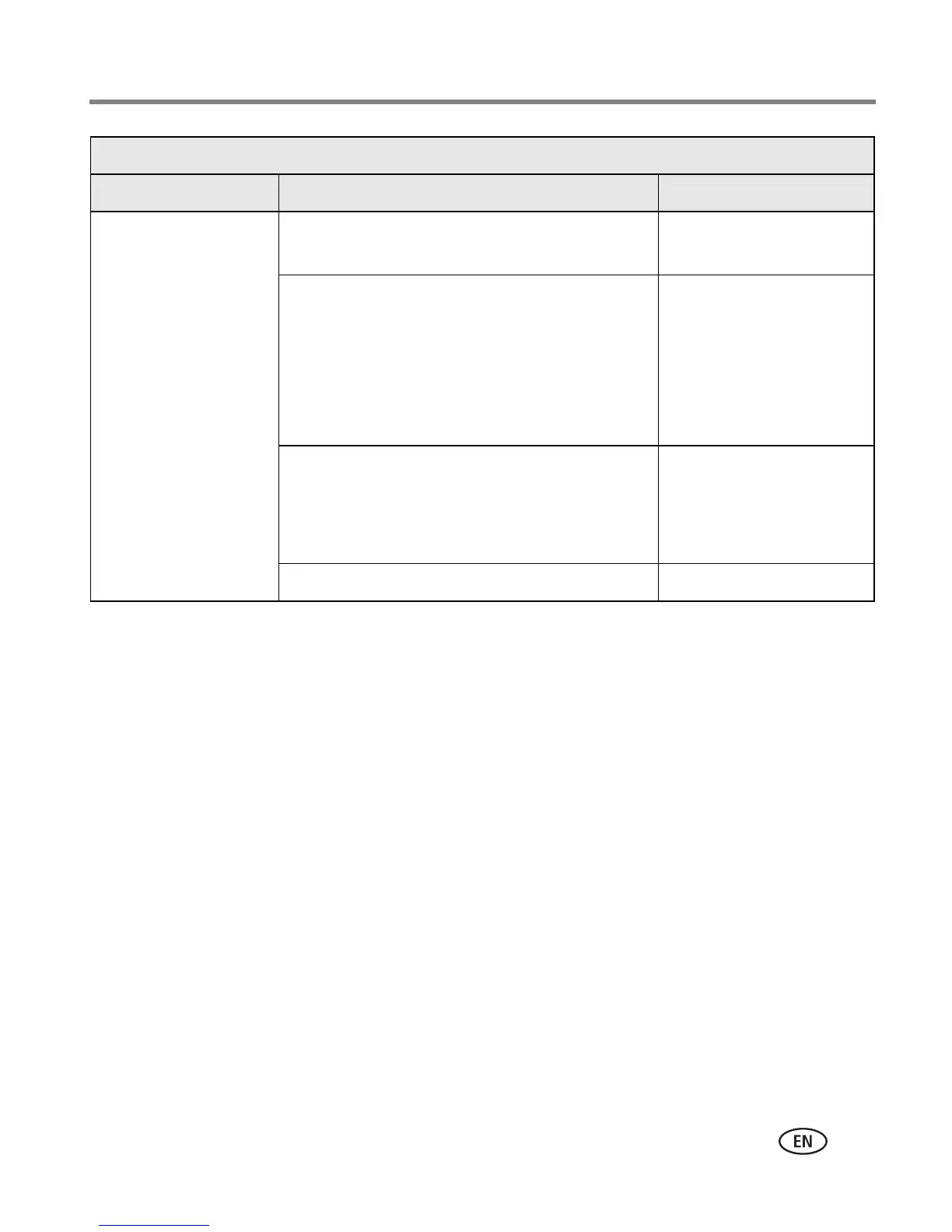
Light glows steady Paper tray empty. Load paper, then press
On/Off button.
Paper tray not loaded or improperly loaded. Remove Paper tray,
check that paper is
properly loaded, and
re-load. Press On/Off
button to resume
printing.
Paper did not feed; removable tabs may be
missing or sheets may be stuck together.
Check paper supply.
Reload with new paper,
then press On/Off
button.
Paper-feed roller may be dirty. Clean roller.
Paper light
Light status Cause Action/solution





 To Next Page