32 www.kodak.com/go/support
Troubleshooting
Still having problems?
Visit www.kodak.com/go/support, see Helpful links, page 33, or contact your camera
manufacturer.
Light blinks Paper jam. Clear jam, then press
On/Off button.
Printing stopped during mid-print; paper may
be damaged or missing removable tabs.
Remove loose paper.
Check the paper supply.
Reload with new paper,
then press On/Off
button.
Light blinks concurrently with Cartridge light:
corrupt or invalid image file.
None required.
Light blinks alternating with Cartridge light:
incorrect cartridge and/or paper loaded.
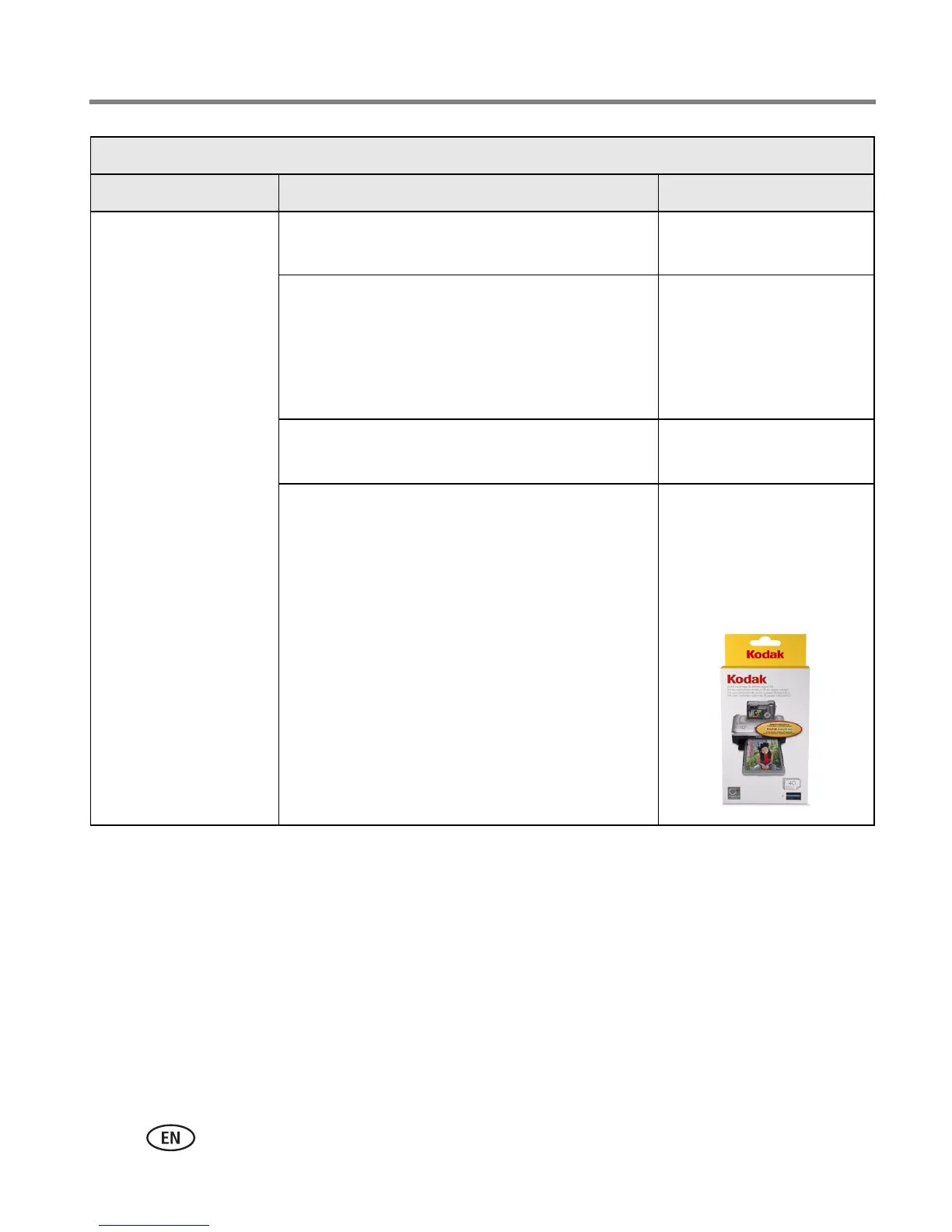
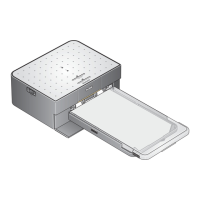
Use only the PH series
Kodak color cartridge &
photo paper kit for your
photo printer.
Paper light
Light status Cause Action/solution





 To Next Page