4 www.kodak.com/go/support
Setting up your camera
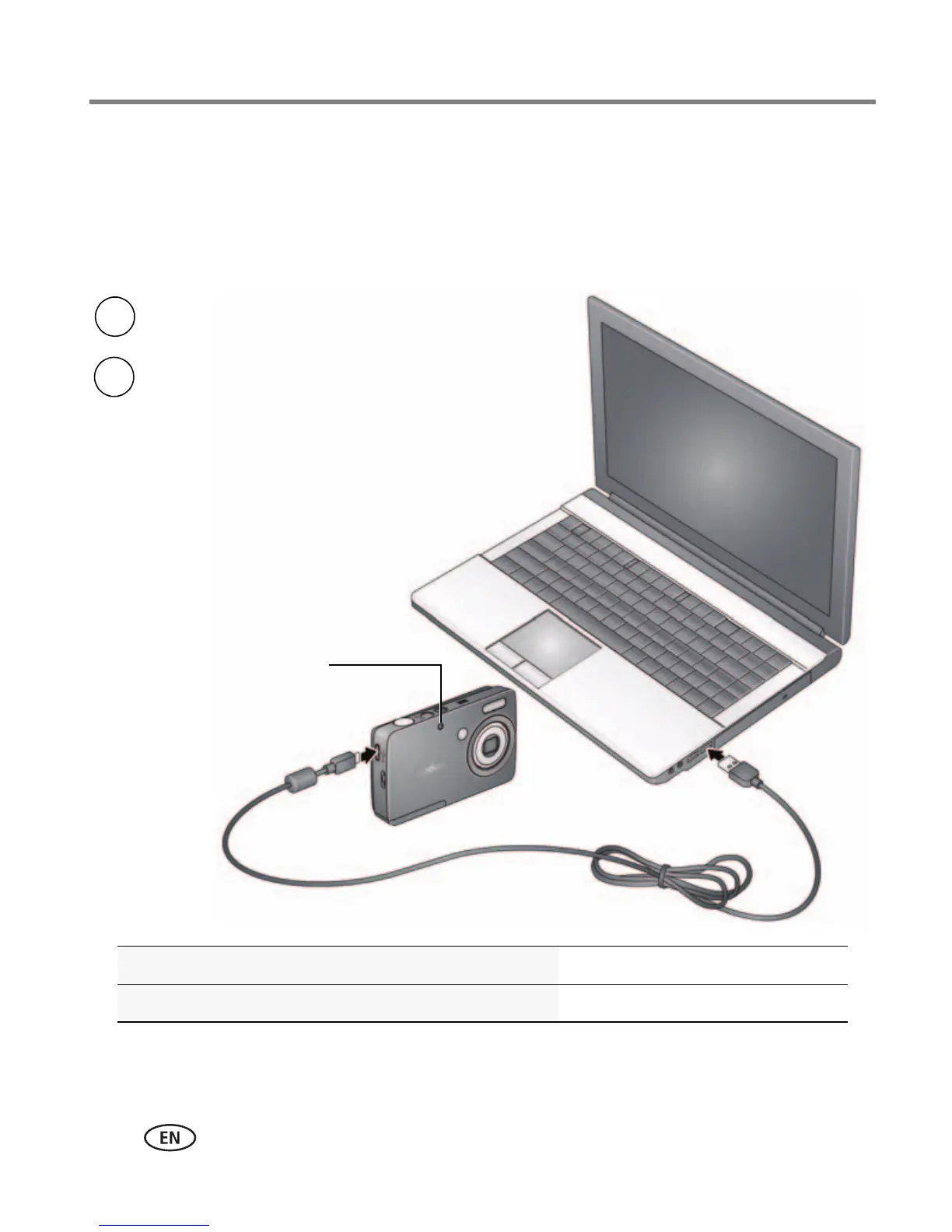
Charge via your computer’s USB port
You can charge the Li-ion battery whenever necessary.
IMPORTANT:
The camera charges when the computer is on and awake. Turn off the
computer’s hibernation, sleep, and standby modes.
Purchase extra batteries www.kodak.com/go/accessories
Know when your battery needs charging See page 10
Battery Charging light:
• Blinking: charging
• Steady: finished charging
Turn off the camera.
1
Connect the KODAK Camera USB Cable,
Micro B / 5-Pin and charger. Use only the
cable included with this camera.
2












 To Next Page