Reviewing and editing
www.kodak.com/go/support
33
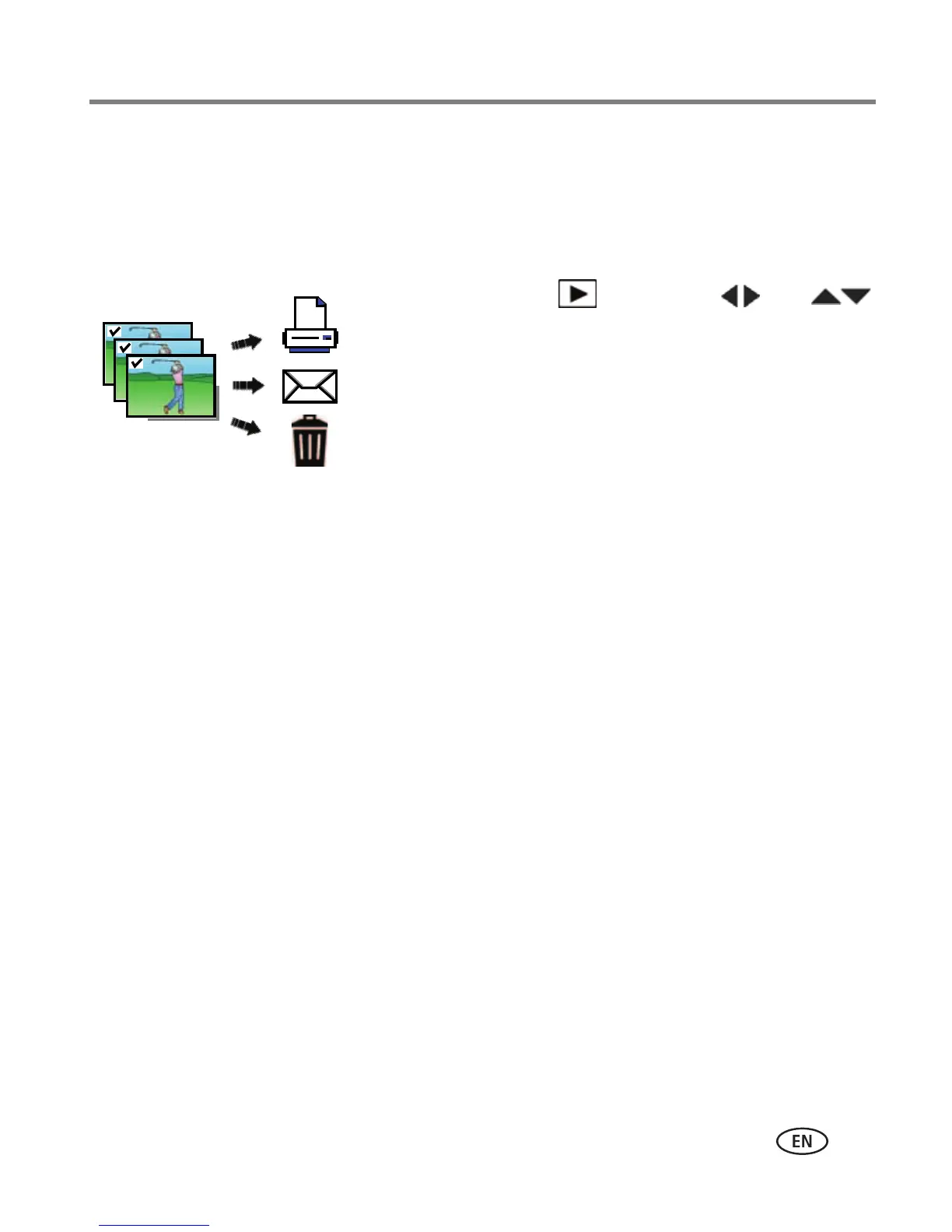
Selecting multiple pictures/videos
Use the multi-select feature when you have two or more pictures to print, share,
delete, protect/unprotect, tag with keyword, etc. Multi-select is used most effectively
in Multi-Up mode (see page 25).
1 Press the Review button, then (and
if you’re in multi-up mode) to find a picture/video.
2 Press OK to select pictures/videos.
A check mark appears on the picture. (Press OK again
to remove a check mark.) You can now print, transfer,
delete, etc. the selected pictures.













 To Next Page