Reviewing and editing
www.kodak.com/go/support
27
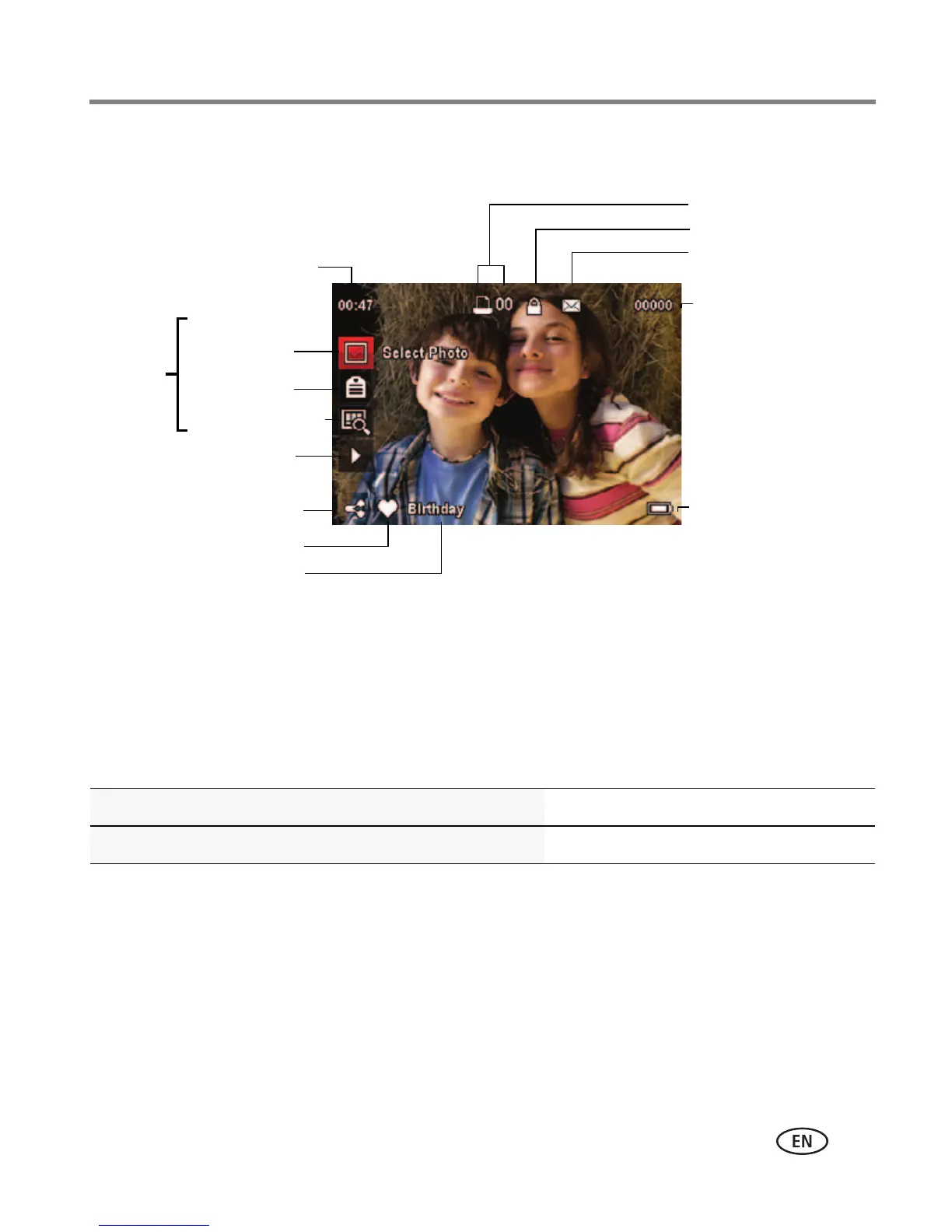
Understanding the review icons
* For more about shortcuts, see page 15.
Know when your battery needs charging
The battery level icon appears when the battery requires your attention. Charge the
battery whenever necessary.
Purchase extra batteries for your event www.kodak.com/go/accessories
Charge the battery See page 2
Email
Favorite
Print/number of prints
Protected
Picture/Video number
Upload
Video duration
Select
picture/video
Battery level
Keyword or
People Tag
Edit tags
View thumbnails
Play video
Shortcuts*













 To Next Page