EasyManua.ls Logo

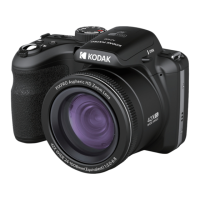
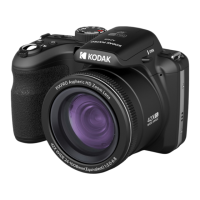
Kodak PIXPRO AZ425-WH - User Manual

Kodak PIXPRO AZ425-WH
94 pages
Print Icon
To Next Page IconTo Next Page
Loading...
i
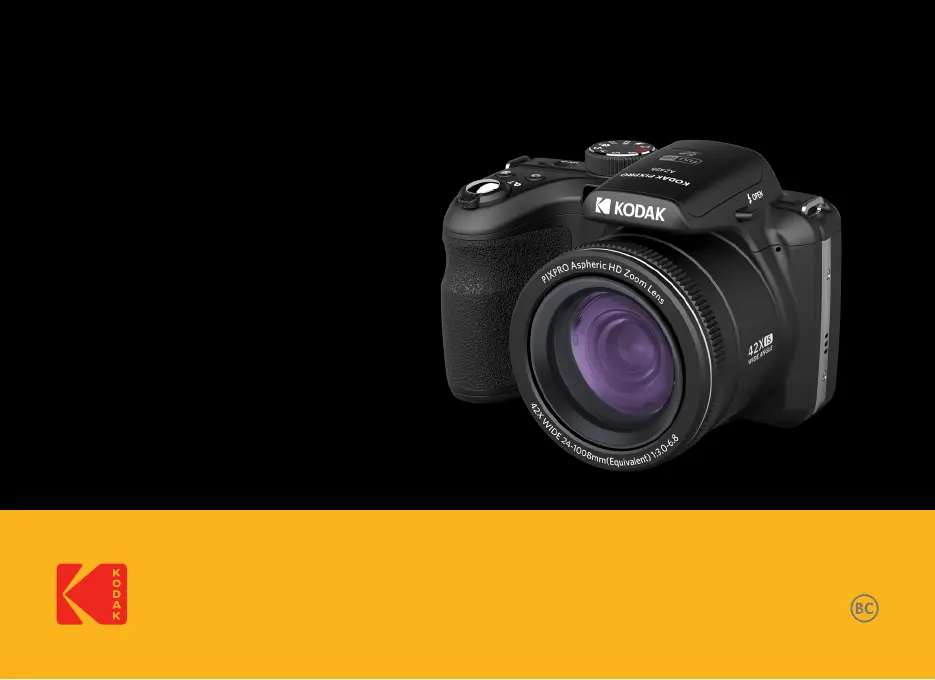
User Manual
DIGITAL CAMERA
KODAK
PIXPRO AZ425

Table of Contents

Questions and Answers

  • M
    moliverJul 29, 2025
    What to do if my Kodak PIXPRO AZ425-WH does not turn on?
    • R
      Rebecca WallJul 29, 2025
      If your Kodak Digital Camera doesn't turn on, the battery may be depleted. Replace it with a newly charged battery. Also, ensure the batteries are correctly installed in the camera. If not, reinstall the battery correctly.
  • B
    butlerstephanieAug 2, 2025
    What to do if Kodak PIXPRO AZ425-WH cannot write to the memory card?
    • R
      richmondnancyAug 3, 2025
      If your Kodak Digital Camera cannot write to the memory card, the memory card might be locked. Release the write lock of the memory card or replace it with another card.
  • K
    Keith KellyAug 8, 2025
    How to fix blurred pictures with Kodak Digital Camera?
    • S
      Shawn MillerAug 8, 2025
      If your pictures are blurred when using the Kodak Digital Camera, it might be due to camera movement while taking the picture. Turn on Anti-shake mode to resolve this issue.
  • B
    Benjamin BellAug 13, 2025
    What to do if my Kodak Digital Camera turns off suddenly?
    • K
      Katie JenkinsAug 13, 2025
      If your Kodak Digital Camera turns off suddenly during operation, it is likely that the camera battery is depleted. Replace it with a recharged battery.
  • M
    Meghan PetersAug 18, 2025
    Why can't images and video files be saved on my Kodak Digital Camera?
    • D
      dvegaAug 18, 2025
      If images and video files cannot be saved on your Kodak Digital Camera, it could be due to the memory card being full. Try using another memory card or delete unnecessary files. Alternatively, the memory card might be locked; in that case, unlock the memory card.
  • K
    Kimberly BarnettAug 23, 2025
    Why is saving data to memory card slow on Kodak PIXPRO AZ425-WH Digital Camera?
    • L
      Lisa DavisAug 23, 2025
      If saving data to the memory card is slow on your Kodak Digital Camera, it may be caused by using a memory card below Class 10. Use a memory card with Class 10 or higher standard to improve performance.

Summary

SAFETY NOTES

Safety Notes for this Camera

Essential precautions for safe handling, operation, and care of the digital camera.

Safety Notes for Battery

Guidelines for proper battery usage, charging, disposal, and safety precautions.

Safety Notes for Memory Cards

Crucial advice on handling, formatting, and preventing damage to memory cards.

Other Safety Notes

Covers additional safety concerns including LCD screen handling and neck strap usage.

WARNING

GETTING STARTED

Installing Battery and Memory Card

Step-by-step instructions for correctly inserting the battery and memory card.

MODE OVERVIEW

BASIC OPERATION

Using the Zoom Function

Explains how to operate the optical and digital zoom levers to frame subjects.

Focus Setting

Details the different focus modes available for sharp image capture.

PLAYBACK

Viewing Photos and Videos

Steps to access and view captured images and video clips on the camera's LCD.

USING THE MENUS

APPENDICES

Troubleshooting

Lists common camera problems and their potential causes and solutions.

Kodak PIXPRO AZ425-WH Specifications

General IconGeneral
BrandKodak
ModelPIXPRO AZ425-WH
CategoryDigital Camera
LanguageEnglish

Related product manuals