EasyManua.ls Logo

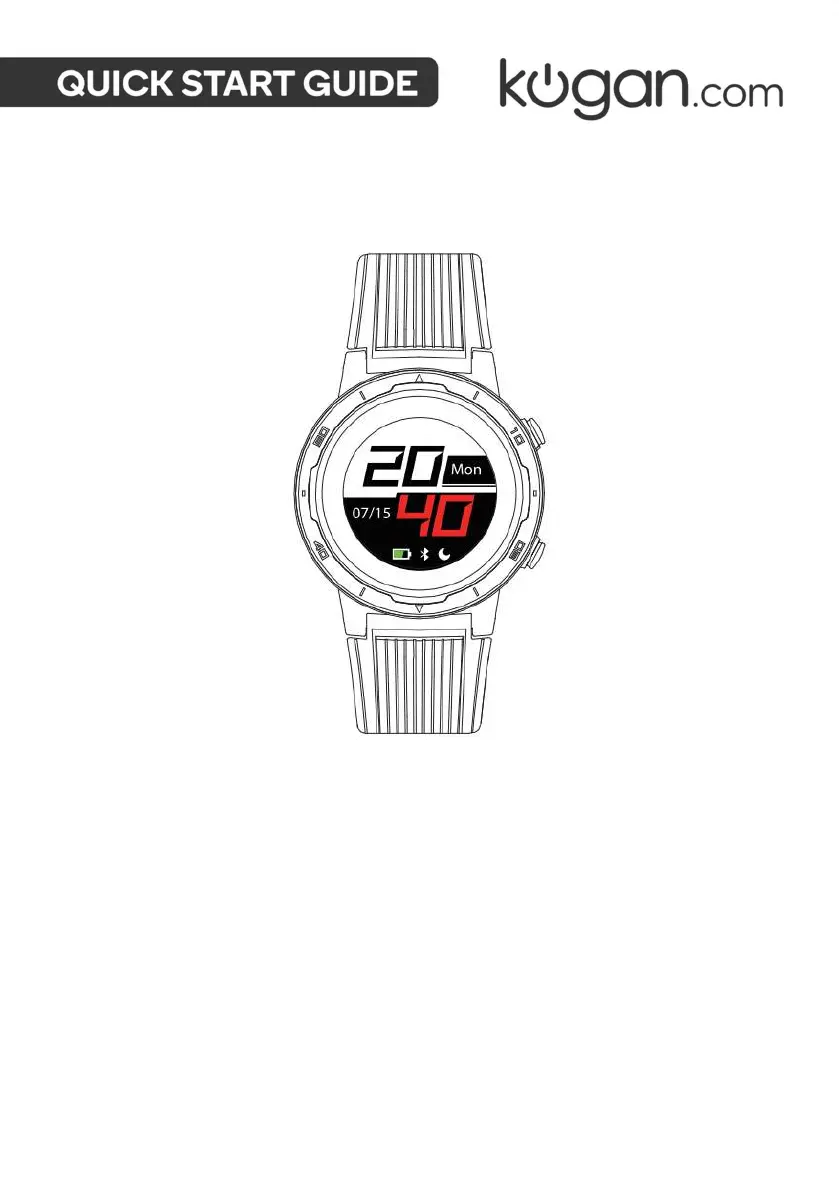
Kogan ACTIVE PRO GPS ALWAYS-ON DISPLAY SMART WATCH - User Manual

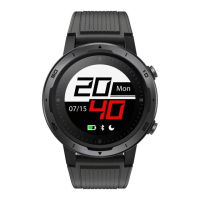
Kogan ACTIVE PRO GPS ALWAYS-ON DISPLAY SMART WATCH
16 pages
Print Icon
To Next Page IconTo Next Page
Loading...
ACTIVE PRO GPS ALWAYS-ON
DISPLAY SMART WATCH
KATPROGPSWA

Questions and Answers

  • D
    Danielle ReedAug 11, 2025
    Why does my Kogan ACTIVE PRO GPS ALWAYS-ON DISPLAY SMART Bluetooth disconnect frequently?
    • S
      Shirley SmithAug 11, 2025
      Bluetooth disconnections between your Kogan Watch and phone can occur due to several reasons. Excessive distance between the watch and phone can weaken the Bluetooth signal. Obstructions or shielding, such as metal jewellery, can interfere with the connection. Also, ensure that the Bluetooth function of your phone is working correctly.
  • B
    brian71Aug 25, 2025
    What to do if my Kogan ACTIVE PRO GPS ALWAYS-ON DISPLAY SMART Watch has no message or call reminders?
    • R
      rvazquezAug 25, 2025
      To ensure your Kogan Watch receives message and call reminders, first, verify that your phone's operating system is Android 4.4 or iOS 9.0, or a more recent version. Second, make sure that the smart reminder and call reminder functions are enabled within the app and synchronized with your watch. Finally, confirm that the watch is paired with your mobile phone via Bluetooth and maintains a stable connection.

Kogan ACTIVE PRO GPS ALWAYS-ON DISPLAY SMART WATCH Specifications

General IconGeneral
Heart Rate MonitorYes
GPSYes
Strap MaterialSilicone
Display TypeIPS LCD
Water ResistanceIP68
CompatibilityiOS 9.0+
SensorsAccelerometer, heart rate monitor
Activity TrackingSteps, Distance, Calories, Sleep Monitoring, Sports Modes
NotificationsCall, message, app alerts
ChargingMagnetic Charging

Related product manuals