EasyManua.ls Logo

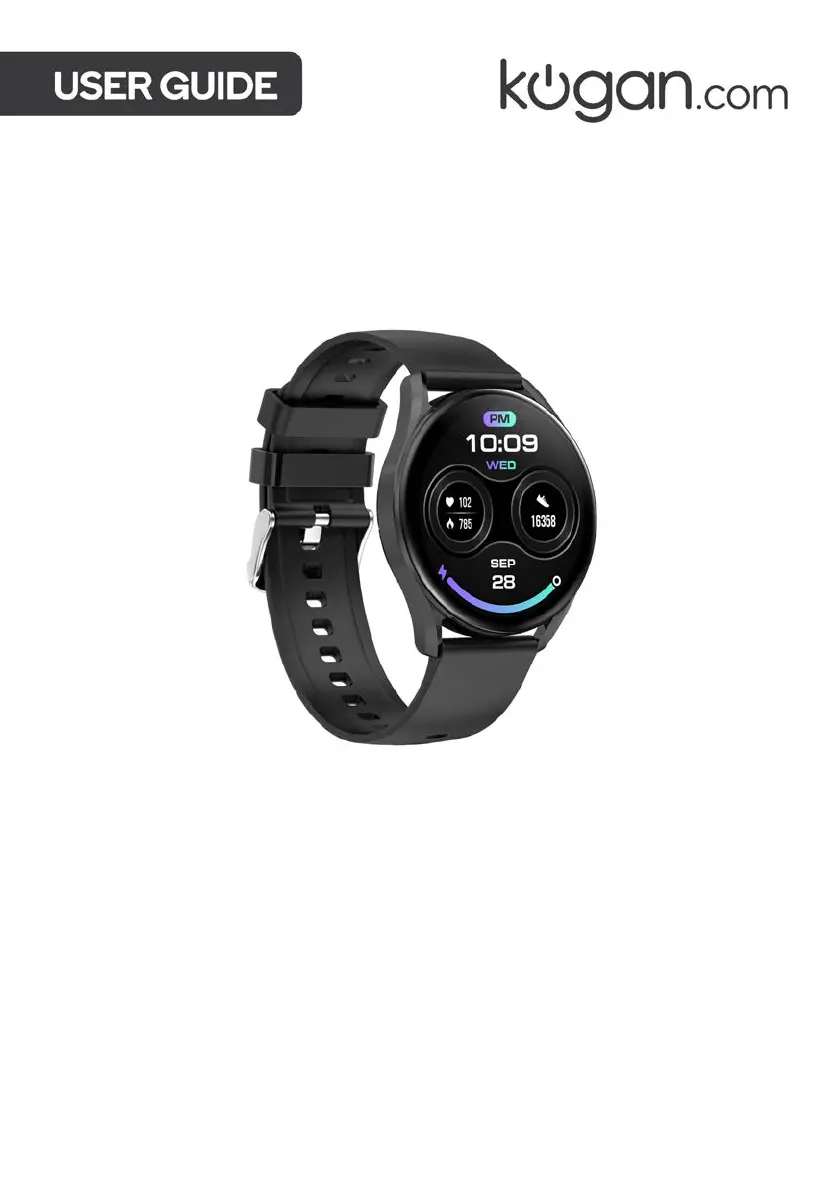
Kogan PULSE 3 SMART WATCH - User Manual

Kogan PULSE 3 SMART WATCH
20 pages
Print Icon
To Next Page IconTo Next Page
Loading...
KOGAN PULSE 3 SMART
WATCH
KAP3RNDBLKA & KAP3RNDPNKA

Questions and Answers

  • T
    Tina YatesAug 12, 2025
    How to connect Kogan Watch if the app cannot discover it?
    • K
      Kathleen CollinsAug 12, 2025
      If the app cannot discover your Kogan Watch, pairing has likely failed. Ensure the DaFit app is updated to the latest version. Close all programs on the watch. Turn your phone’s Bluetooth off and then on again. Ensure notifications for the app are enabled. Power off the smartwatch and repeat the pairing steps. Ensure your phone’s operating system is iOS 9.0 and above and Android 6.0 and above.
  • E
    Erica WilliamsAug 16, 2025
    How to fix a Kogan PULSE 3 SMART that is not charging?
    • J
      james37Aug 16, 2025
      If your Kogan Watch isn't charging, the charging contacts may be dirty or rusty. Clean the charging contacts on both the watch and the charging cable.
  • M
    Melvin MclaughlinAug 19, 2025
    Why is the time on my Kogan PULSE 3 SMART inconsistent with my phone?
    • K
      kkleinAug 19, 2025
      If the time displayed on your Kogan Watch and phone is inconsistent, it's likely that the watch isn't properly connected to your phone. Ensure your watch is connected to your phone through the app and not directly through your phone’s Bluetooth.
  • S
    Scott ChoiAug 23, 2025
    What to do if the number of steps on the Kogan Watch and app does not match?
    • T
      Trevor JonesAug 23, 2025
      If the step count on the app and your Kogan Watch doesn't match, the watch may not be synchronized with your phone. To resolve this, ensure your watch and the app are synchronized by opening the app and waiting until syncing is confirmed.
  • W
    wukyleAug 27, 2025
    What to do if my Kogan PULSE 3 SMART Watch is not receiving notifications?
    • R
      Rhonda HillAug 27, 2025
      If your Kogan Watch isn't receiving notifications, texts, or calls, the app may not have notifications enabled, or your phone might be in 'Do not disturb' mode. Ensure notifications are enabled for the app. Also, notifications won't show when your phone is in 'Do not disturb' mode, so disable this mode.
  • T
    terryrebeccaAug 30, 2025
    Why does the Bluetooth keep disconnecting on my Kogan PULSE 3 SMART?
    • D
      diane91Aug 31, 2025
      Bluetooth disconnections on your Kogan Watch may occur if the watch is too far from your phone. Reduce the distance between the watch and your phone, ensuring it's no more than 5m. Also, remove any metal jewellery, as it can interfere with the stability of the connection.
  • G
    Gary FloresSep 3, 2025
    How to stop music playing from my Kogan PULSE 3 SMART Watch instead of my Bluetooth speaker?
    • B
      baileychristopherSep 3, 2025
      If music is playing from your Kogan Watch instead of your Bluetooth speaker, it's likely that Bluetooth Audio is enabled on the watch. To fix this, go to settings, then Phone call, and switch “Bluetooth Audio” off.
  • D
    David LewisSep 7, 2025
    Why is outdoor exercise tracking on the Kogan PULSE 3 SMART Watch inconsistent with other apps?
    • J
      Jonathan WilliamsSep 7, 2025
      Outdoor exercise tracking discrepancies on your Kogan Watch, compared to other apps, occur because this watch does not have in-built GPS. To make use of your phone’s GPS, you must initiate the workout in the DaFit app's workout section and have your phone present with you during the workout. Even when connected to your phone's GPS, some data discrepancies between the watch and other fitness apps (Strava etc.) may occur due to the relative positions of your phone and watch during exercise.

Summary

Safety & Warnings

Component List

Overview

App Installation

Pairing iOS; Android Devices

Connects the smartwatch to your smartphone via Bluetooth and the Da Fit app.

Operation

Strap Attachment and Removal

Instructions on how to detach and attach watch straps using the quick-release pins.

Charging the Smartwatch

Details on charging time and how to use the magnetic charging cable.

Powering On and Off

How to turn the smartwatch on, off, restart, or reset it using the button.

IP Protection Rating

Explains the IP68 water resistance rating and its limitations.

Touchscreen Navigation

Describes how to navigate the smartwatch interface using swipes and taps.

Top Button Functionality

Explains the uses of the top button for waking, sleeping, and navigation.

Lower Button Functionality

Describes how the lower button accesses the smartwatch main menu.

Customizing Watch Faces

Outlines three methods to change or create custom watch faces using the watch or DaFit app.

Making and Receiving Calls

Details on how the smartwatch handles phone calls, including making, answering, and rejecting calls.

Managing Notifications

How the smartwatch displays smartphone notifications and how to enable them via the DaFit app.

Using Voice Assistants

How to access and configure the voice assistant function.

Music Playback Control

How to control music playback (play, pause, skip, volume) from the smartwatch.

Remote Camera Operation

Instructions for using the smartwatch to take photos remotely with the smartphone.

Locate Your Device

Explains the anti-lost function to find the paired phone by making the smartwatch sound.

Additional Smartwatch Features

Lists various other functions like alarm, calculator, timer, weather, etc.

Health

Sports Monitoring

Guide to monitoring various sports activities, tracking steps, calories, heart rate, and pace.

Pedometer, Calories, Distance

How the smartwatch automatically tracks steps, calories burned, and distance traveled.

Heart Rate Monitor

Instructions on how to measure heart rate automatically or instantly on the smartwatch.

Blood Oxygen Meter (SpO2)

Details on how to measure blood oxygen saturation levels instantly using the red O2 icon.

Sleep Monitor

How the smartwatch tracks sleep quality and duration, with data available on the watch and app.

Menstrual Cycle Tracking

How to set menstrual cycle reminders and view related data using the DaFit app and watch.

Connectivity & Data Sync

Connect to Health App (iOS)

Steps to synchronize activity data from the smartwatch to the Apple Health app.

Connect to Google Fit

Instructions to connect the smartwatch to Google Fit for step synchronization.

Updating Watch Firmware

How to update the smartwatch firmware using the DaFit app's upgrade function.

Synchronising Data

Importance and procedure for syncing data to the app to prevent loss, with a 7-day record limit.

Cleaning & Care

Specifications

Troubleshooting

Kogan PULSE 3 SMART WATCH Specifications

General IconGeneral
Battery LifeUp to 5 days
Charging Time2 hours
Water ResistanceIP67
SensorsHeart rate, Accelerometer
Weight50 grams
Strap MaterialSilicone
Resolution240 x 240 pixels
BluetoothBluetooth 5.0
CompatibilityAndroid 5.0+, iOS 10.0+
FeaturesNotifications
Display TypeTFT LCD

Related product manuals