27
Smart TV
Setup settings Brief description
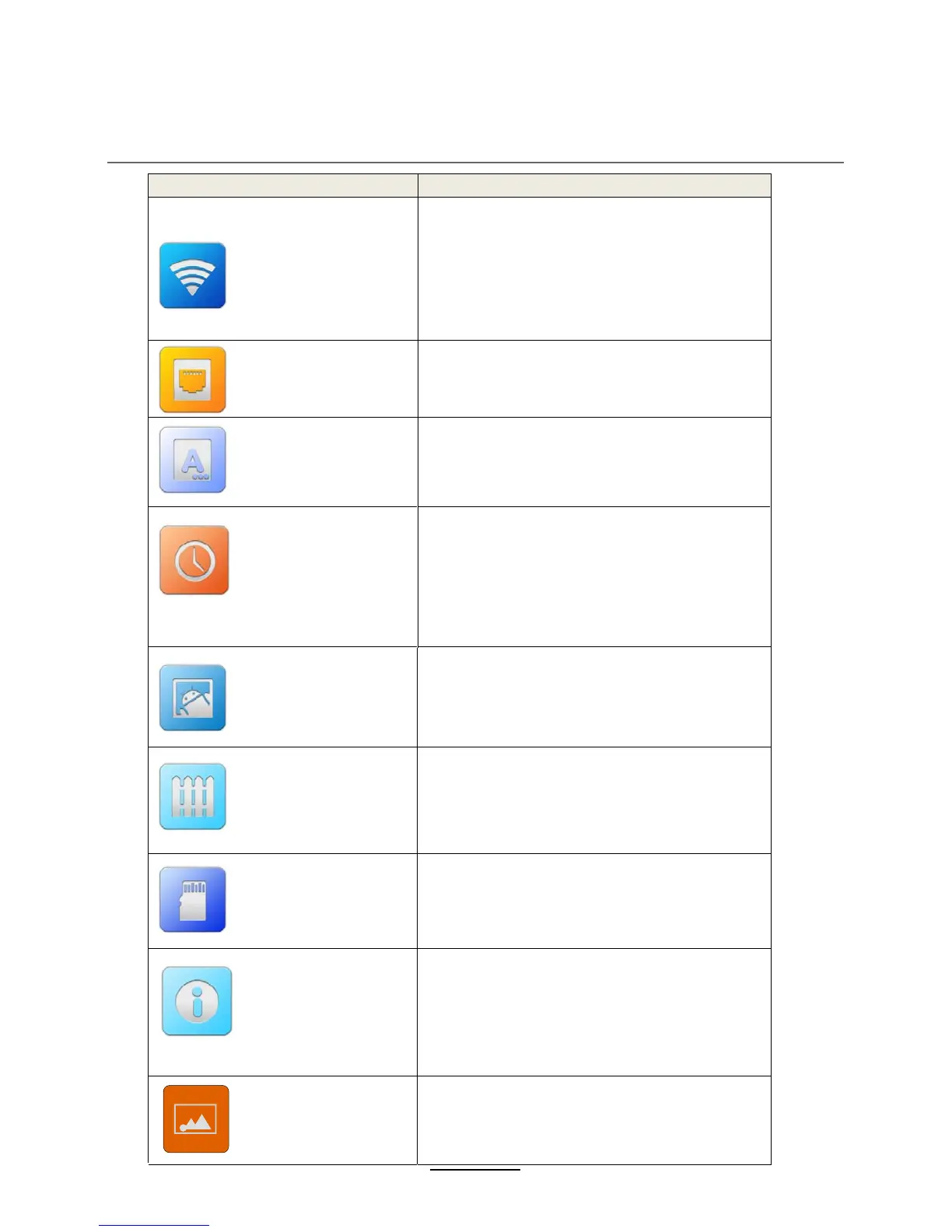
Wi-Fi settings
Turn on/off Wi-Fi
Check to receive an notification when an open
Wi-Fi network is available
MAC/IP address
network by entering its SSID (the name it
broadcasts) and security type
Ethernet
Check to turn on Ethernet so you can connect to
Ethernet networks
Configure Ethernet devices
Language and Input
Select language
Android keyboard
Date and time
Automatic
Set date
Select time zone
Set time
Use 24-hour format
Select date format
Storage
Tota l s pace
Available space
About device
Status
Model number
Android version
Kernel version
Build number
Application
Downloaded
On SD card
Running
All
Factory data reset
Back up my data
Back up account
Automatic restore
Factory data reset
Set wallpaper
Choose the pictures, set to wallpaper















 To Next Page