28
Smart TV
EXCEPTION HANDLING
System restore
If the Smart TV cannot start successfully, please proceed as follows:
*Please read carefully before operation!
1. Unplug your storage devices, such as: SD card, USB disk, mobile HDD etc...
2. Unplug the power supply
3. Press the RECOVERY button
, then plug in the power, release the RECOVERY button
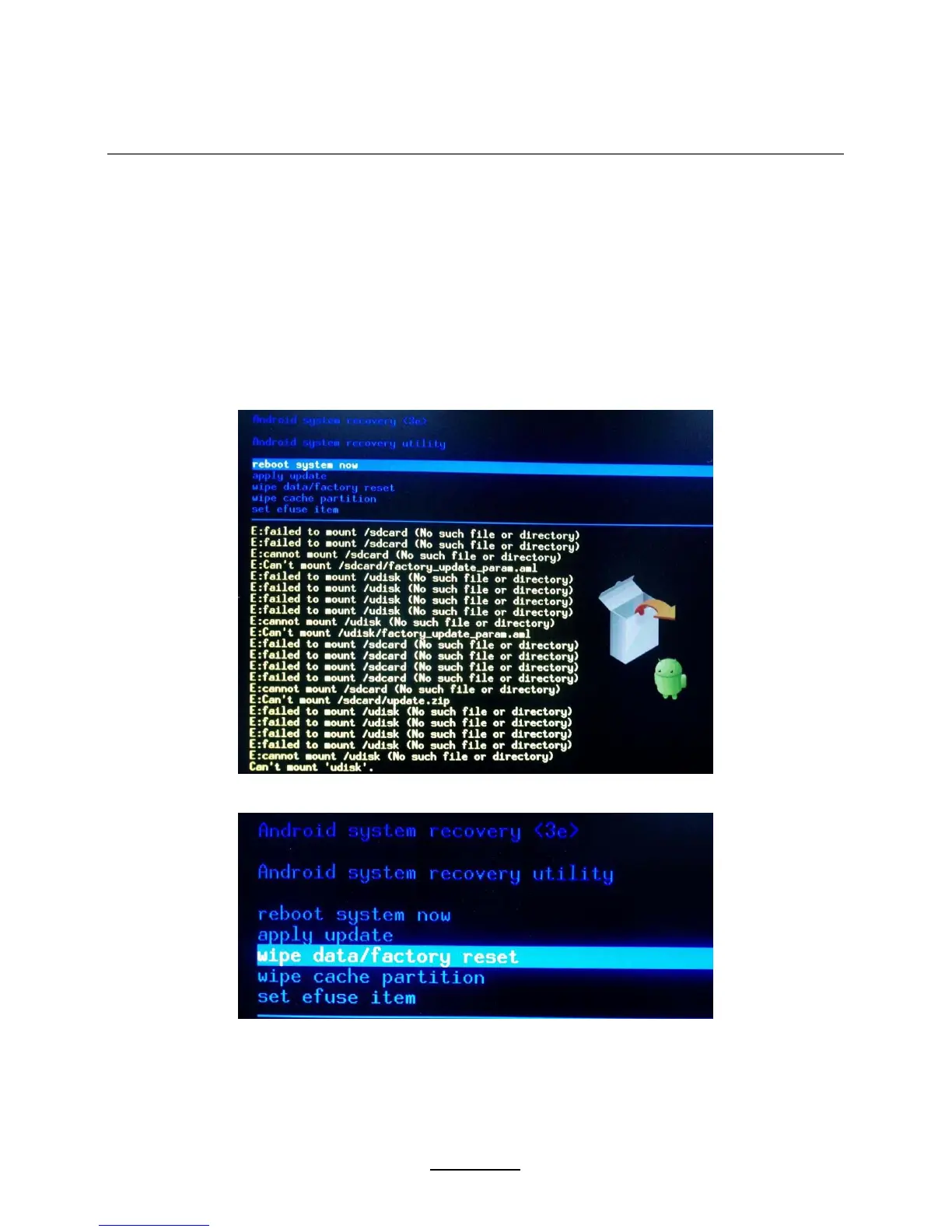
until you see the screen as follow
4. Use Up/Down buttons to choose “wipe data/factory reset” and enter it
5. Use Up/Down buttons to choose “Yes -- delete
all user data” and enter it
(
*Warning!: It will delete all of user’s information after confirmation
)















 To Next Page