6
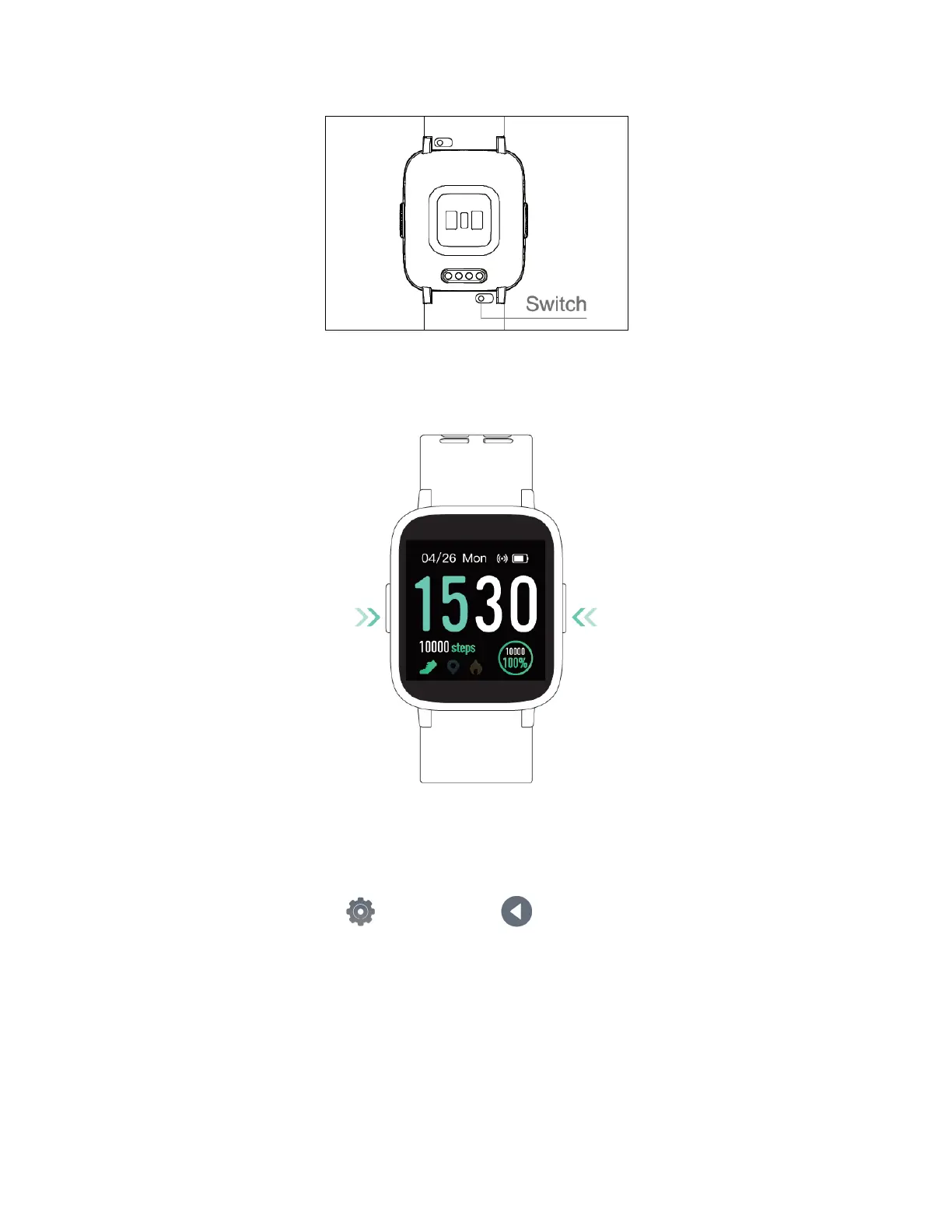
To replace the strap, flip the switch and take out the wristband.
Tip: Wearing the watch too loosely may affect the accuracy of heart rate data.
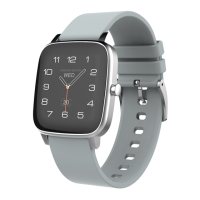
3. Button Functions
• Long press the left key: Enter the sports mode quickly.
• Short press the right key: Return to previous interface.
• Long press the right key: Turn on/off.
You can adjust left key function with the following steps:
Go to the function list > enter settings > select long press
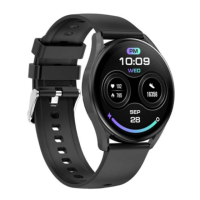
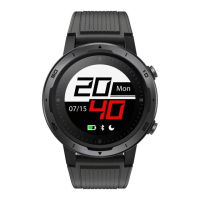
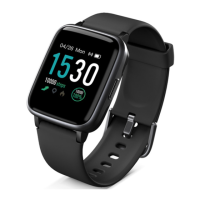
4. Watch Dial Switch


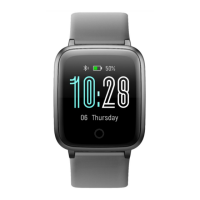
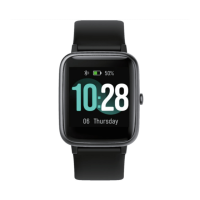
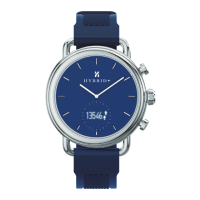
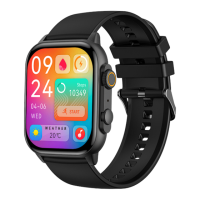

 To Next Page