UNLOCK
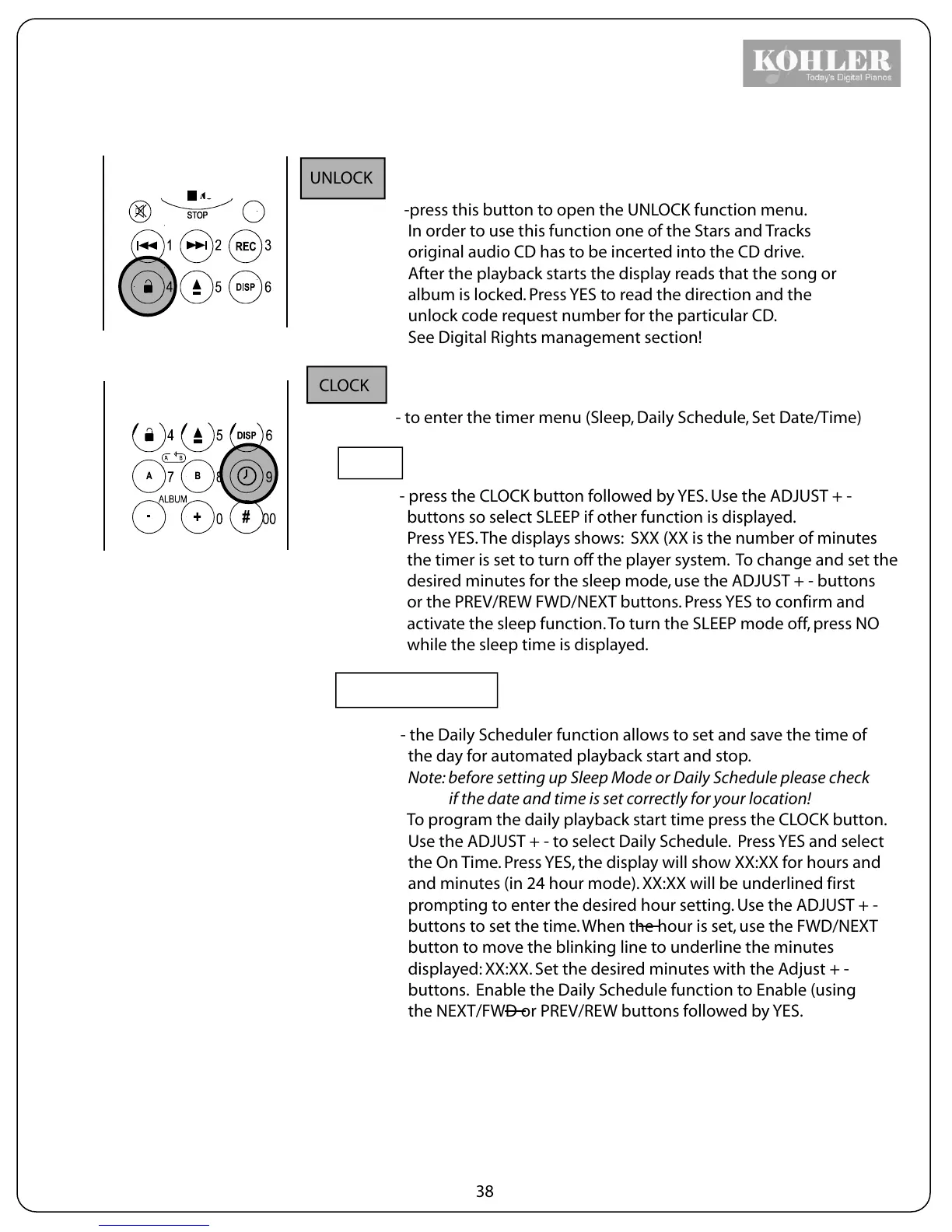
-press this button to open the UNLOCK function menu.
In order to use this function one of the Stars and Tracks
original audio CD has to be incerted into the CD drive.
After the playback starts the display reads that the song or
album is locked. Press YES to read the direction and the
unlock code request number for the particular CD.
See Digital Rights management section!
CLOCK
- to enter the timer menu (Sleep, Daily Schedule, Set Date/Time)
SLEEP
- press the CLOCK button followed by YES. Use the ADJUST + -
buttons so select SLEEP if other function is displayed.
Press YES. The displays shows: SXX (XX is the number of minutes
the timer is set to turn off the player system. To change and set the
desired minutes for the sleep mode, use the ADJUST + - buttons
or the PREV/REW FWD/NEXT buttons. Press YES to confirm and
activate the sleep function. To turn the SLEEP mode off, press NO
while the sleep time is displayed.
DAILY SCHEDULER
- the Daily Scheduler function allows to set and save the time of
the day for automated playback start and stop.
Note: before setting up Sleep Mode or Daily Schedule please check
if the date and time is set correctly for your location!
To program the daily playback start time press the CLOCK button.
Use the ADJUST + - to select Daily Schedule. Press YES and select
the On Time. Press YES, the display will show XX:XX for hours and
and minutes (in 24 hour mode). XX:XX will be underlined first
prompting to enter the desired hour setting. Use the ADJUST + -
buttons to set the time. When the hour is set, use the FWD/NEXT
button to move the blinking line to underline the minutes
displayed: XX:XX. Set the desired minutes with the Adjust + -
buttons. Enable the Daily Schedule function to Enable (using
the NEXT/FWD or PREV/REW buttons followed by YES.
38



 To Next Page