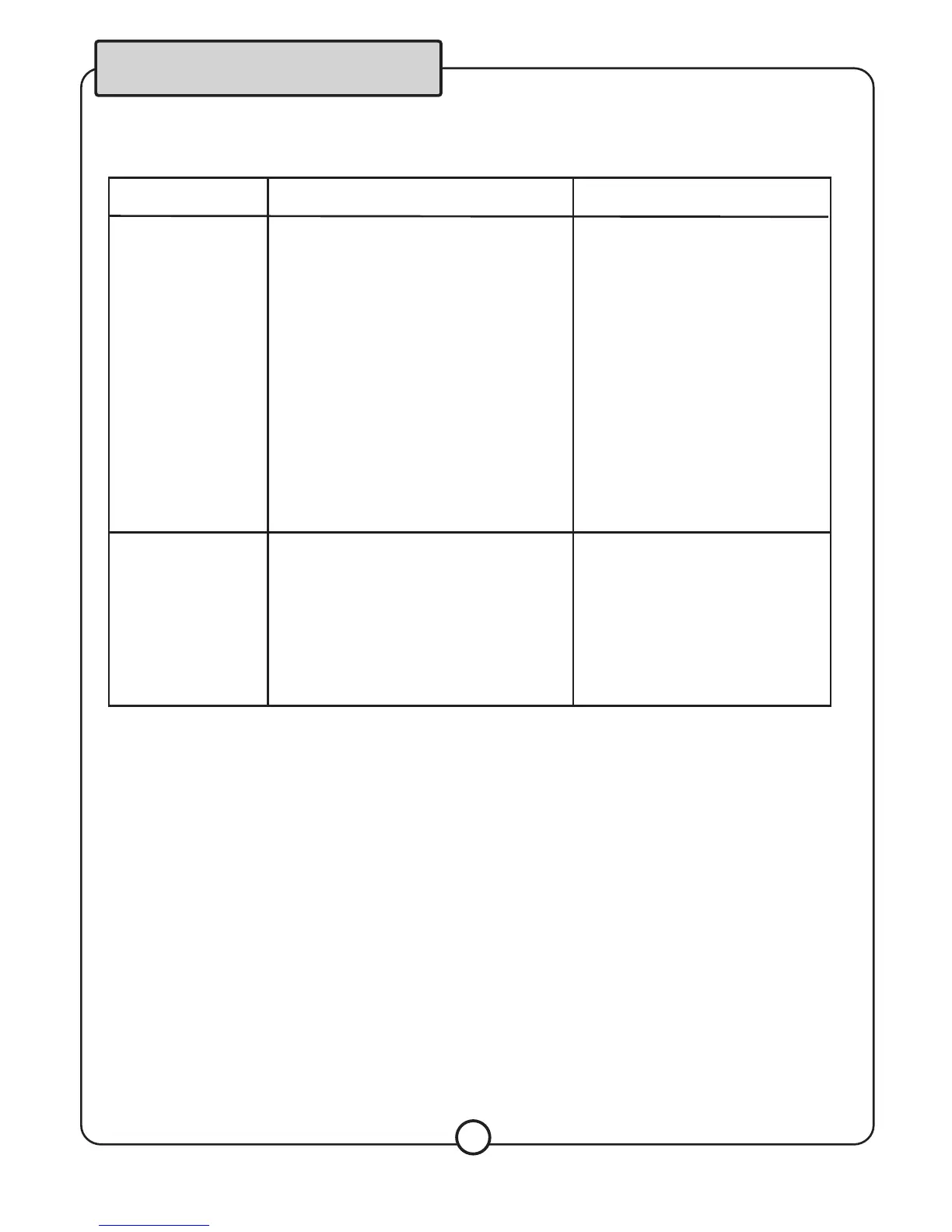
Problem
Possible Cause(s)
Solution(s)
No output is being
transmitted.
The input selector (Av1 Av2 Av3 Av4)
is set to the wrong position .
The output jacks of the MX-30 DSP may
not have proper cable connected.
Faulty connection within external
components or eternal component
failure.
The power cord to the PA-1650 is not
plugged in .
Switch source button to the
correct source channel.
Make sure the cables to the
correct source channel.
Make sure the cables from the
output jacks on the PA-1610 are
connected to the input jacks
on external equipment.
Checks the connection of input
and output jacks.
Plug the power cord from the
MX-30 DSP to a wall outlet.
There is a lound
"squealing" noise
coming from the
speaker.
Microphone is too close to the
speakers.
Microphone volume is too high.
Too much treble being used.
Increase space between microphone
and speakers
Turn down microphone volume
Lower the treble levels
Troubleshooting
9


 To Next Page