EasyManua.ls Logo

Kompernass WK 8 B3 - User Manual

Kompernass WK 8 B3
551 pages
Print Icon
To Next Page IconTo Next Page
Loading...
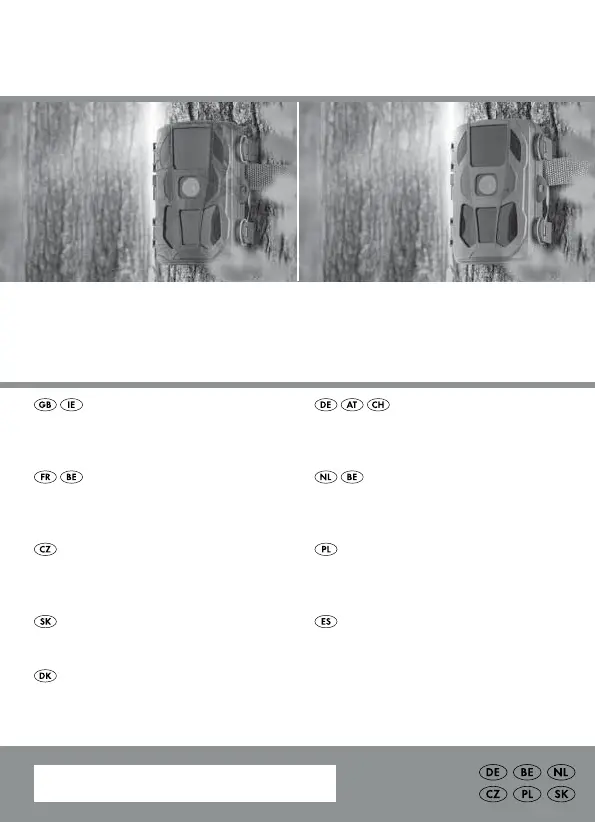
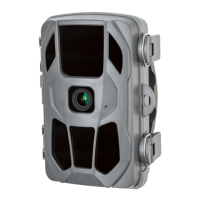
WILDLIFE SURVEILLANCE CAMERA /
WILD-/ÜBERWACHUNGSKAMERA /
CAMÉRA DE SURVEILLANCE / DE CHASSE WK 8 B3
IAN 351493_2007
CAMÉRA DE SURVEILLANCE /
DE CHASSE
Mode d’emploi
WILD-/
ÜBERWACHUNGSKAMERA
Bedienungsanleitung
WILDLIFE SURVEILLANCE
CAMERA
Operating instructions
WILD-/BEWAKINGSCAMERA
Gebruiksaanwijzing
FOTOPAST
Návod k obsluze
SPECJALISTYCZNA KAMERA
DO MONITORINGU
Instrukcja obsługi
POZOROVACIA KAMERA
Návod na obsluhu
VILDT-/
OVERVÅGNINGSKAMERA
Betjeningsvejledning
CÁMARA PARA NATURALEZA
Instrucciones de uso

Table of Contents

Other manuals for Kompernass WK 8 B3

Questions and Answers

Summary

Introduction and Safety

Operating Instructions and Intended Use

Essential information on using the product, its purpose, and safety guidelines.

Basic Safety Guidelines

Core instructions for safe operation and handling of the device.

Battery and Small Parts Safety

Precautions regarding battery handling, charging, and small swallowable parts.

Initial Setup

Package Contents and Inspection

Verify all included items and check for any visible transport damage.

Camera Opening, Closing, and Power

Steps for opening/closing the camera and inserting batteries or connecting power.

Storage Media and Adapter Card Usage

How to insert memory cards and utilize the provided SD adapter card.

Camera Operation and Settings

Powering On;Off and Basic Settings

Guide to device activation, deactivation, and navigating the main menu.

Recording Modes and Resolution Settings

Configuring recording modes, photo quality, and video resolution.

Time Lapse and Motion Sensor Settings

Setting up time-lapse recording intervals and adjusting motion detection sensitivity.

Password Protection and WiFi Configuration

Setting up password protection and WiFi network details for app connectivity.

Attaching and Aligning the Camera

Using the Securing Strap

Instructions for fastening the camera to objects using the provided strap.

Mounting with the Wall Bracket

Detailed steps for installing the camera using the wall mounting bracket.

Aligning Camera for Optimal Detection

Guidance on positioning the camera for effective motion sensor coverage.

Playback and App Usage

Viewing Recordings on the Camera Screen

How to access and review captured photos and videos on the device's display.

Managing Recordings: Delete, Protect, Slideshow

Functions for file management, including deletion, write protection, and slideshow playback.

Computer Transfer and External Playback

Connecting to external displays and transferring files to a PC via USB.

Using the Wildcam Mobile App

Steps to acquire and establish a WiFi connection with the mobile application.

Troubleshooting and Support

Fault Identification and Rectification

A guide to diagnosing and resolving common camera malfunctions.

WiFi Connectivity Issues

Solutions for troubleshooting problems related to WiFi connection.

Warranty Claims and Service

Information on warranty conditions, claim process, and contacting customer service.

Kompernass WK 8 B3 Specifications

General IconGeneral
BrandKompernass
ModelWK 8 B3
CategorySecurity Camera
LanguageEnglish

Related product manuals