Configuration and setup
20221560A 83
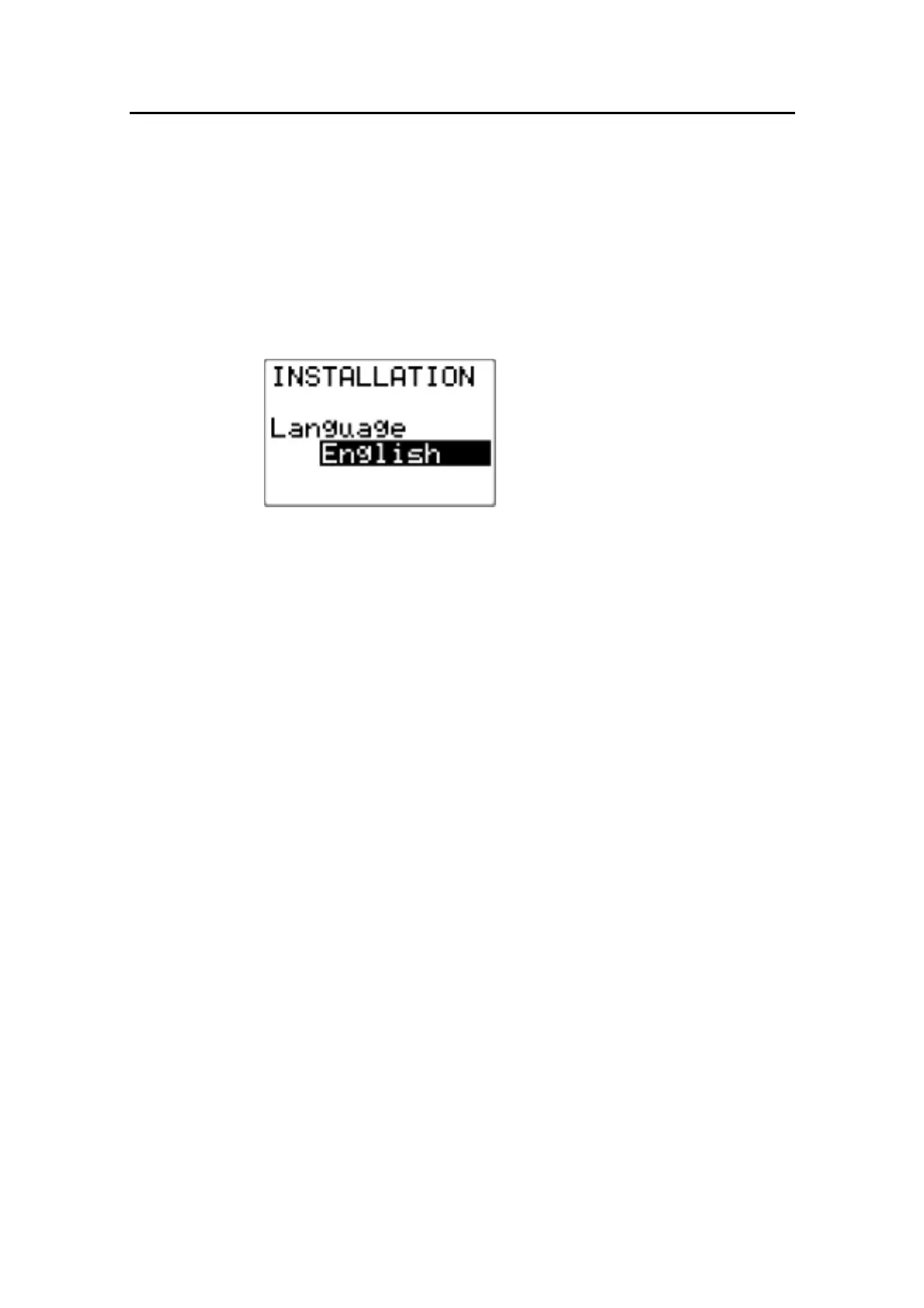
Language selection
To access the language selection in the Installation Menu,
confirm “Yes” by pressing the STBD 10 button.
The AP16 can present the display text in eight different
languages:
English, Deutsch, Francais, Espanol, Italiano, Nederlands,
Svenska and Norsk.
Press the STBD 10 or PORT 10
buttons to select language.
Continue to next item in the menu
by pressing the STBD 1 button, or
leave the menu by pressing the
STBY button.
4.4 Dockside settings
The following menu items are accessible and can be set up in the
Dockside Menu:
− Boat type
− Drive Unit voltage
− Rudder Feedback calibration
− Rudder test
− Drive engage
− Rudder deadband
When Sail is selected as Boat type the following menu items are
also accessible in the Dockside Menu:
− Wind setup
− Min. wind angle
If Wind setup is set to RACING the following items are added to
the menu.
− Separate (port, stbd) wind angle limits
− Tack angle
− Tack time
− Wind shift limit



 To Next Page