IS12 Mega
18
E04252
3.1 Page Configuration
To avoid having to scroll through data pages that have no
incoming information, or to set the Mega to display only select-
ed information available, individual data pages can be disabled
using this function.
Enter calibration mode - the display will show PAGES CAL -
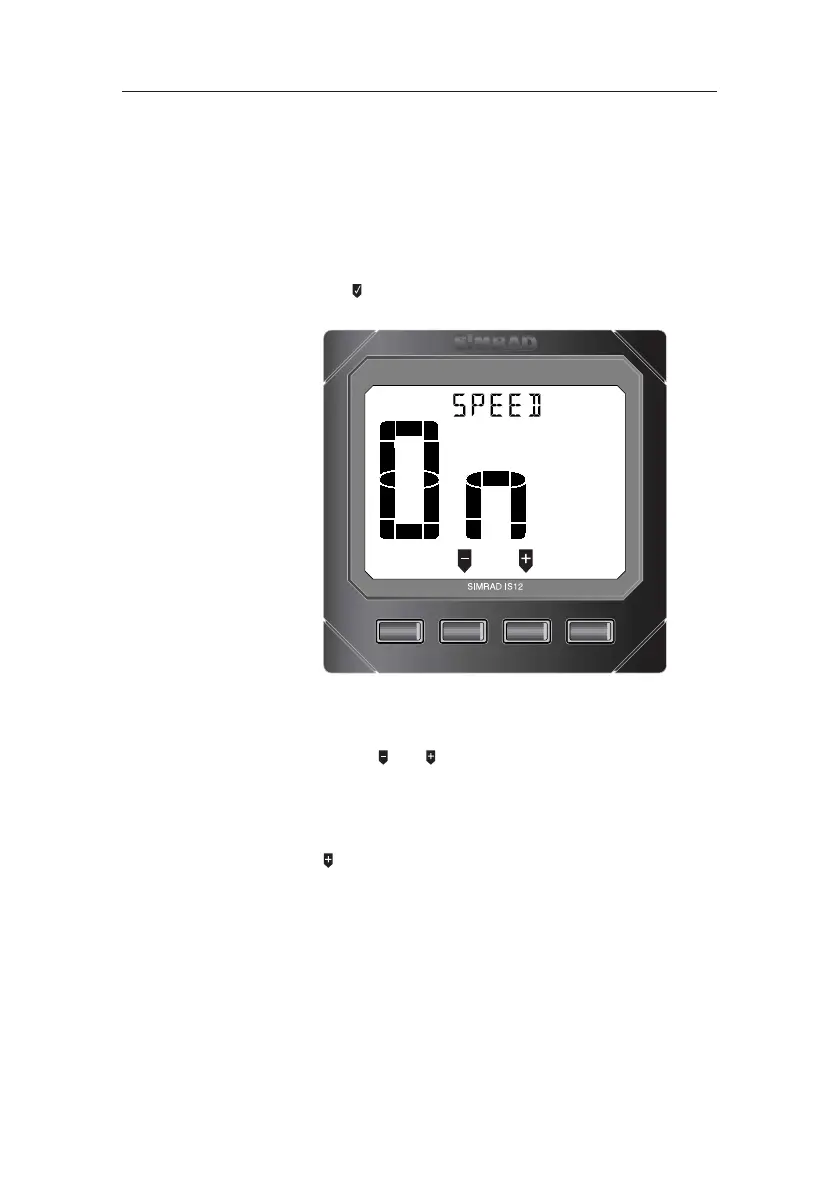
and press (INFO) . The current data page and its display
status will be shown (Fig 3.2) -
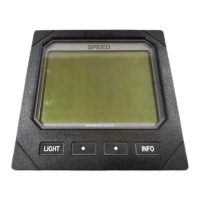
MEGA
LIGHT
••
INFO
Fig 3.2 - Page configuration status
“On” indicates that this data page is currently enabled. To
scroll through the data pages and view their configuration sta-
tus, press the and keys.
To toggle this page on/off, press INFO. With the page dis-
abled, it will not be displayed when scrolling through the data
pages.
Press to advance to the following data page.
Press LIGHT to accept the changes and exit to the calibration
menu.



 To Next Page