11
English
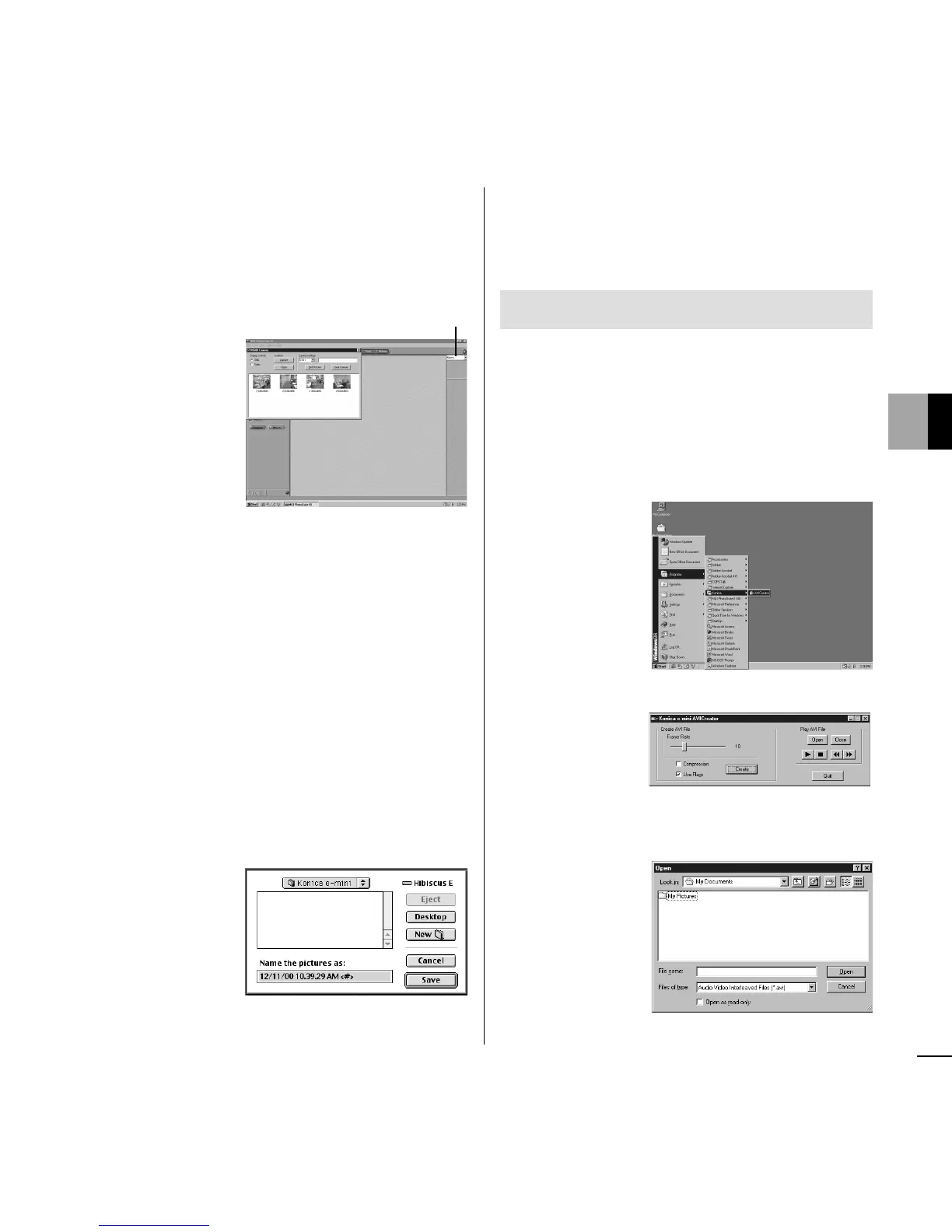
6 Click an image file of your choosing and click
[Capture].
Close the “Konica e-mini” dialog box and
choose [Photos] in the upper right menu.
The image file opens.
Note: Choose Video in the upper left corner
of the screen to clear all recorded
image files and enable a PC camera.
● Macintosh
1 Connect the e-mini unit and your computer
with the USB cable.
2 Click [Save] after choosing [Konica e-mini]
as the destination.
Recorded image files will be downloaded to
your computer automatically.
3 Double-click an image file of your choosing
in [Konica e-mini] on the hard disk.
The image file opens.
Enjoying Watching Movies
● Windows
1 Click [Start] in the lower left corner of the
screen.
2 Point to [Programs] and choose [AVI Cre-
ator].
3 Click [Create].
4 Enter a file name and click [Open].
Photos














 To Next Page