10
● Windows
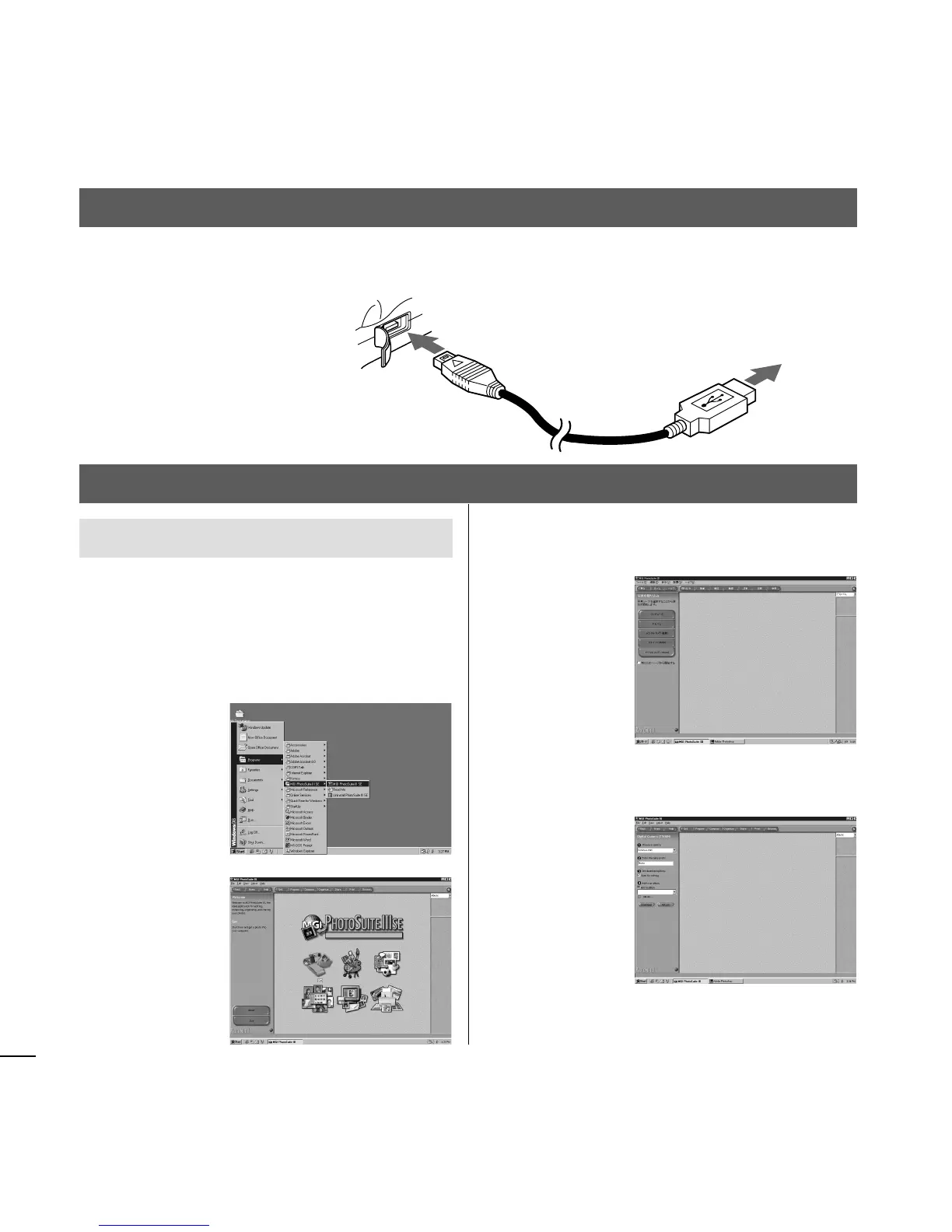
1 Click [Start] in the lower left of the screen.
2 Point to [Programs] and choose [MGI
PhotoSuite III SE].
3 Click [Get].
8. Working with the Computer
View images
USB connector of
the camera
USB connector of
your computer
7. Connecting to a Computer
1 Open the USB connector cover. 2 Attach the accessory USB connector to the USB connector
of the camera and that of your computer.
4 Choose [Digital Camera (TWAIN)] from the
menu in the pane on the left.
5 Choose [Konica e-mini] from [1 Choose a
camera.] and click [Download].
The image files that have been recorded will
be displayed.














 To Next Page