12
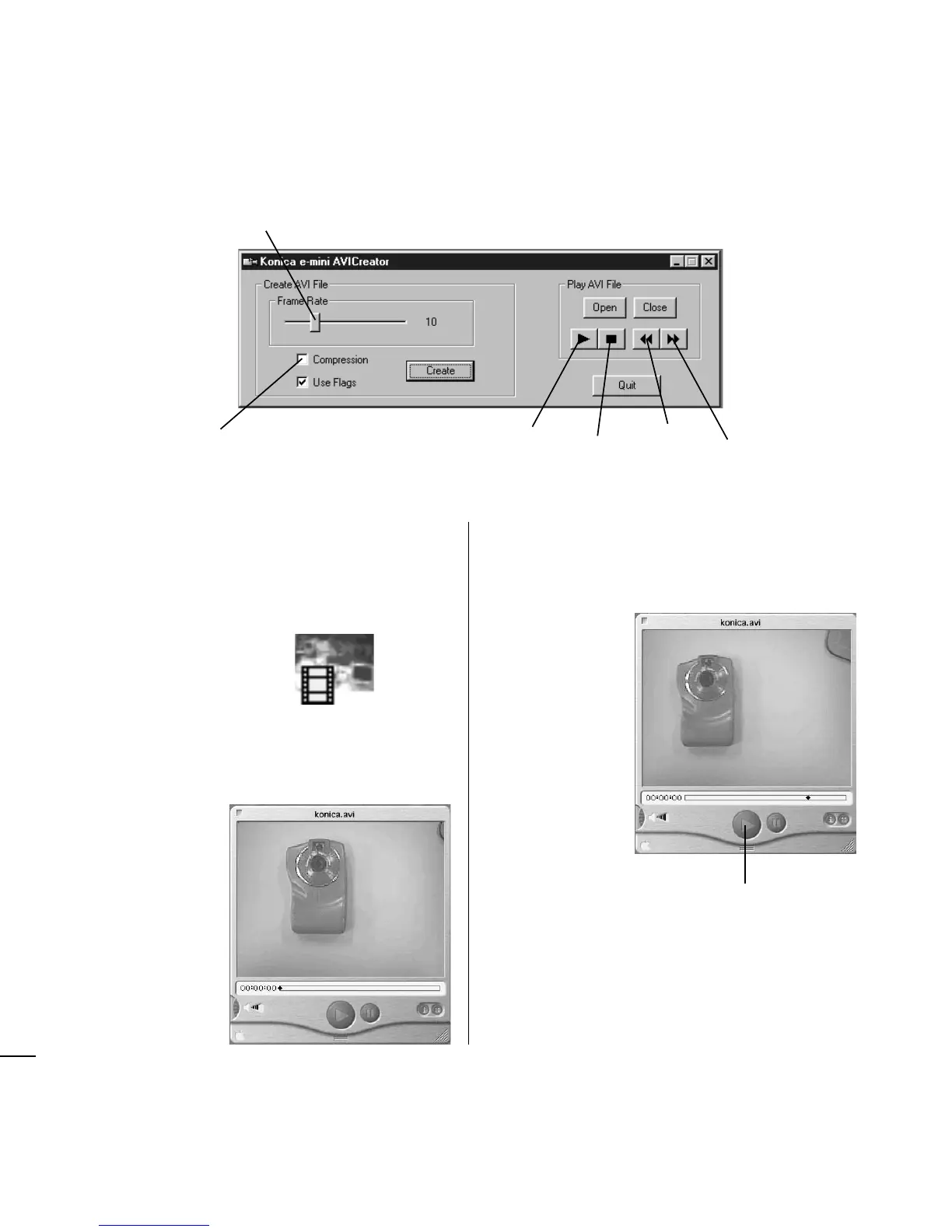
Number of image files per second
Set 10 normally.
Check this option to compress image
files, as for e-mailing them as an
attachment. (Compressed images will
have degraded image quality.)
Play start
Pause
Fast-forward
Rewind
● Macintosh
Image files that have been recorded in continu-
ous shooting mode (movie) are marked by a
movie icon like that shown below.
1 Double-click a file marked with the movie
icon.
QuickTimePlayer launches.
2 Click Play in the middle at the bottom of the
QuickTimePlayer panel.
The image file starts playing as a movie.
Play














 To Next Page