21
RECORDING IMAGES AUTOMATICALLY
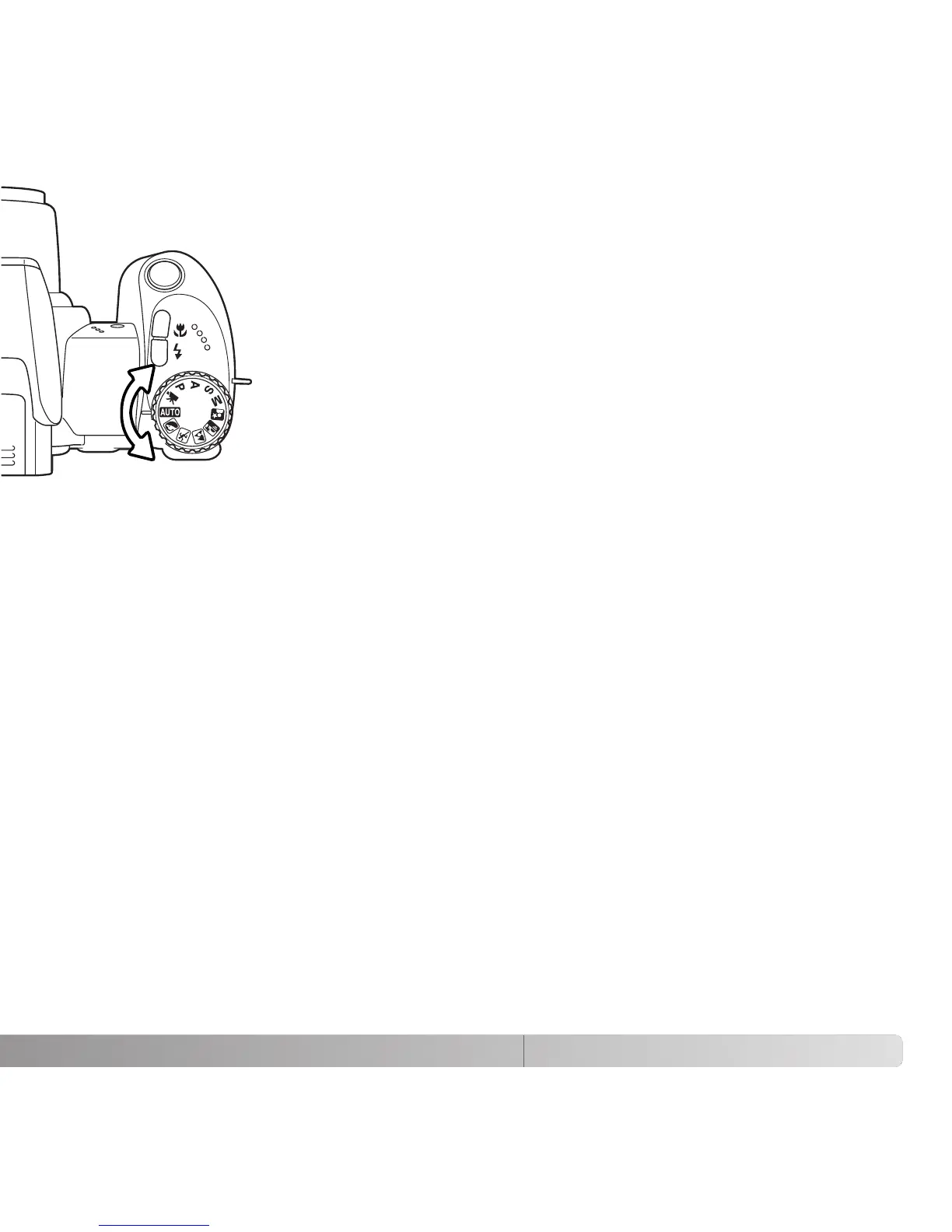
Turn the exposure-mode dial to the auto-recording position (1); all
camera operations are now fully automatic. The autofocus,
exposure, and imaging systems will work together to bring beautiful
results effortlessly.
While many of the camera’s systems in this mode are automatic.
The flash mode (p. 26) and drive mode (p. 46) can also be
changed. Image size and quality can be set on the auto-recording
menu (p. 44).
Metering mode
* Changes to the flash mode, focus area, or drive mode are reset when the exposure-
mode dial is turned to another position.
Multi-segment (fixed)
Camera sensitivity (ISO)
Flash mode
Focus area
Focus control
Drive mode
Auto (fixed)
Autoflash (can be changed*)
Single-frame advance (can be changed*)
Color mode
White balance
Natural Color (fixed)
Auto (fixed)
Autofocus (fixed)
Wide focus area (can be changed*)
–
–
–
–
–
–
–
–
1



 To Next Page
 Loading...










