89
SHUTTER FX
When the shutter is released, a shutter sound effect
gives a positive confirmation a still image is recorded.
The sound effect can be turn off in section 2 of the
setup menu (p. 84). Two shutter effects are available.
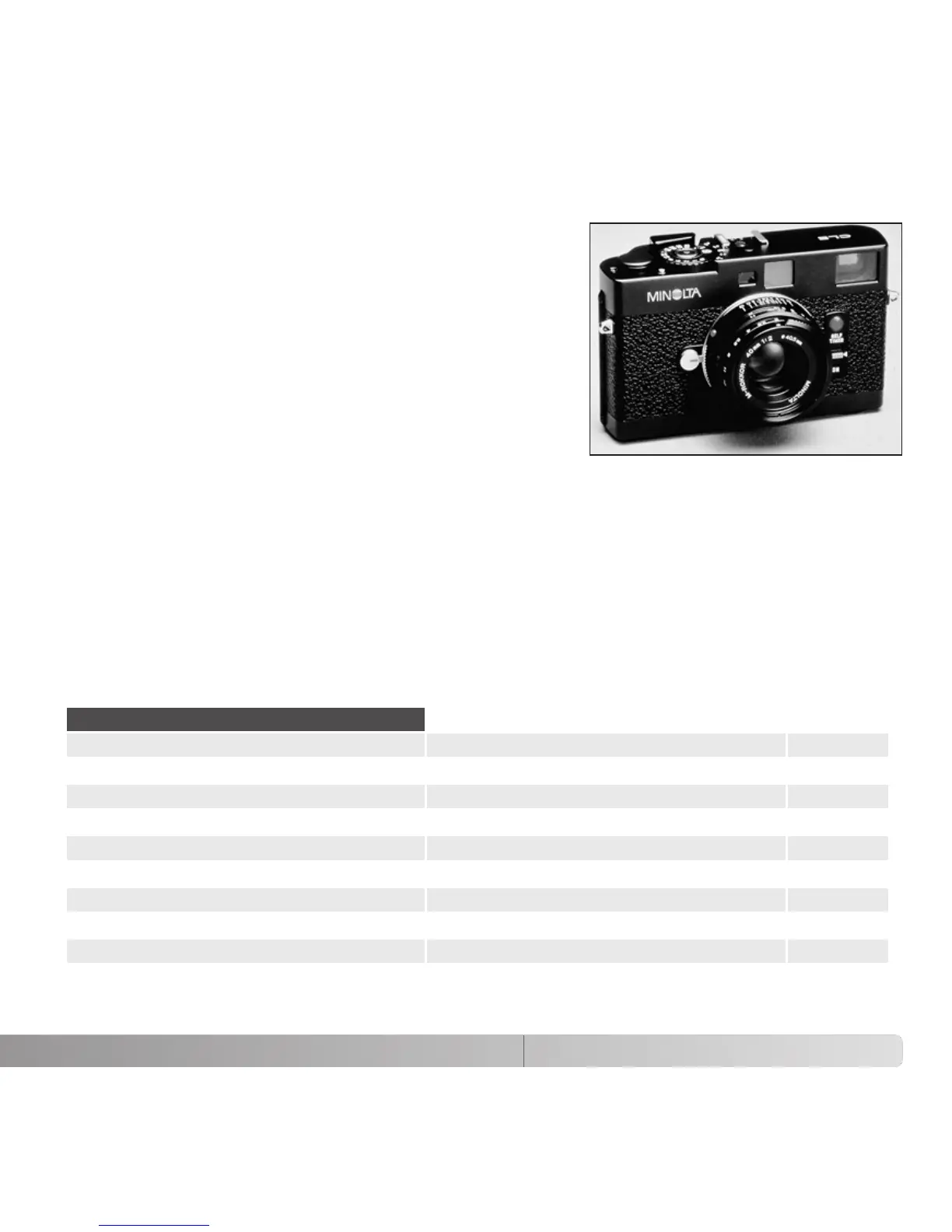
Signal 1 is taken from the Dynax/Maxxum 9 SLR and
signal 2 is taken from the legendary Minolta CLE, a
compact rangefinder that represents the pinnacle of
the development of the Leitz-Minolta CL.
VOLUME
The volume of the audio signals and shutter FX can be increased or decreased in section
2 of the setup menu (p. 84). This affects the camera’s audio signals only and will not
change the playback levels of a movie clip.
RESET DEFAULT
This function affects all modes. When selected, a confirmation screen appears; choosing
“Yes” resets the following functions and settings, “No” cancels the operation.
p. 22Focus area Wide frames
p. 28Monitor display Full
p. 41Exposure compensation 0.0
p. 26Flash mode Autoflash (Fill-flash in A, S, M modes)
p. 46Drive mode Single-frame advance
p. 54Image size 2048 X 1536
p. 54Image quality Standard
p. 23Auto Digital Subject Selection On (Auto recording mode)
p. 56Digital zoom Off
p. 57Focus mode Autofocus
Recording mode
(Continued on the next page.)



 To Next Page
 Loading...










