EasyManua.ls Logo

Kontron CG2300 - User Manual

Kontron CG2300
124 pages
Print Icon
To Next Page IconTo Next Page
Loading...
» Installation and Maintenance Guide «
www.kontron.com
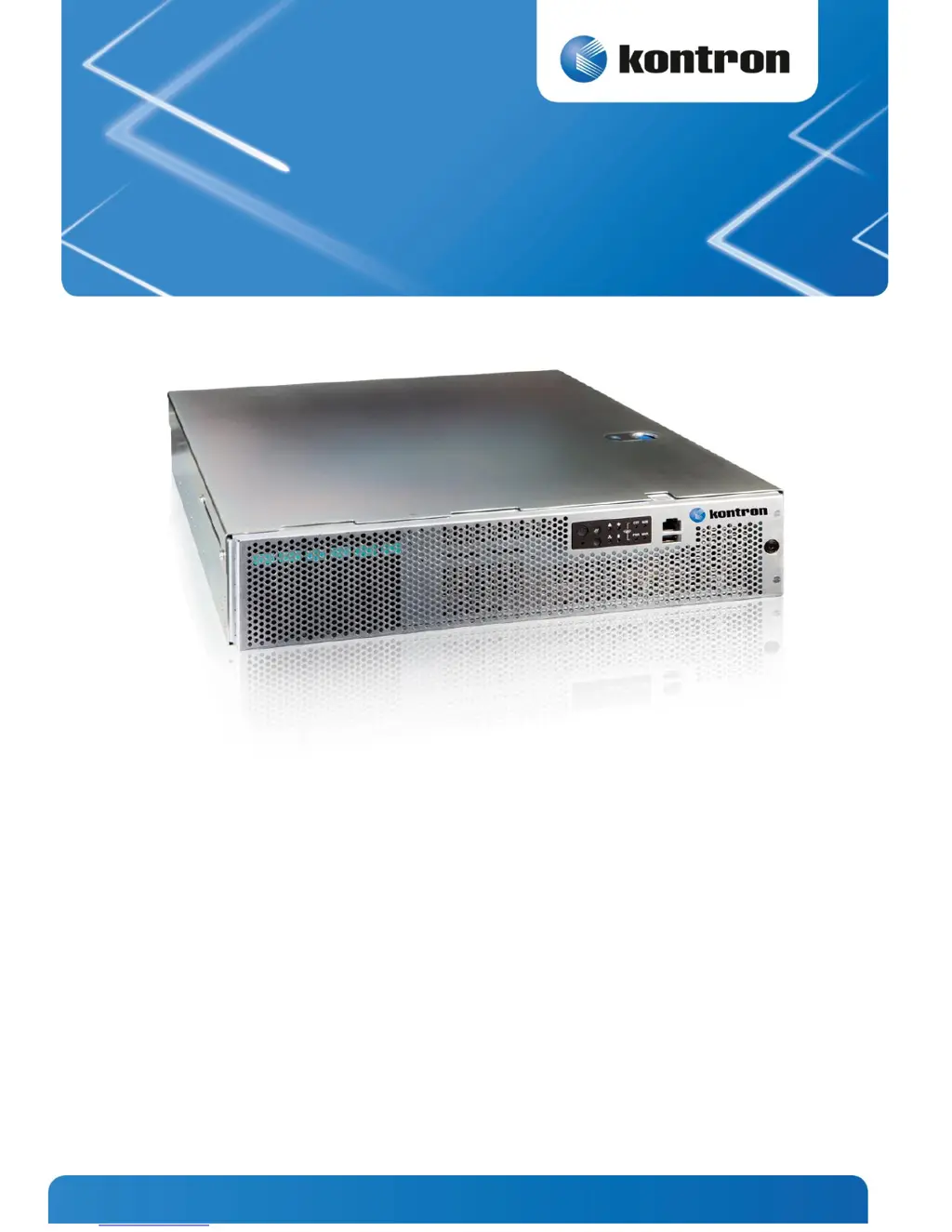
Kontron CG2300 Carrier Grade Server
Document Revision 1.0

Table of Contents

Other manuals for Kontron CG2300

Questions and Answers

Summary

Information

Product Description

Describes the Kontron CG2300 Carrier Grade Server, its features, and processor support.

Purpose of this Document

Explains the manual's scope for trained technicians and outlines its content.

System Overview

What the Server Includes

Details the components included with the CG2300 server, such as chassis, board, and fans.

Product Accessories

Lists separately orderable components and optional accessories for the CG2300 server.

Additional Information and Software

Provides pointers to further technical information and specifications for the server.

Normal Maintenance Tasks

Adding or Replacing Hot-Swappable Hard Disk Drives

Procedure for installing or replacing hot-swappable SAS hard disk drives in the server.

Removing an HDD Carrier from the Chassis

Steps to remove a hard disk drive carrier from the server chassis.

Installing a Hard Drive in a Carrier

Procedure for installing a hard drive into its carrier and securing it.

Replacing System Fans

Instructions for replacing the server's 80mm hot-swappable system fans.

Disassembling Server Components

Before Beginning These Tasks

Safety precautions and preparation steps before disassembling server components.

Tools and Supplies Needed

Lists the necessary tools and supplies for disassembly procedures.

System References

Defines terminology for component orientation (left, right, front, etc.).

Removing the Chassis Top Cover

Step-by-step guide to removing the server's top cover for access.

Removing a Riser Card Assembly

Procedure for removing the server's riser card assemblies.

Removing the Processor Air Duct

Instructions for removing the processor air duct for component access.

Removing the Support Cross Bar

Procedure for removing the support cross bar for front component access.

Disconnecting Cables

General guidance on disconnecting internal cables within the server.

Removing the SAS Hot-Swap Backplane (HSBP) Board

Steps to remove the SAS hot-swap backplane board from the HDD bay assembly.

Removing the Front Bezel

Procedure for removing the front bezel to access front-mounted components.

Installation and Maintenance Tasks

Tasks with the Chassis Cover Removed

Procedures for tasks requiring the chassis cover to be removed.

Installing Memory DIMMs

Detailed steps for installing memory DIMMs into the server board slots.

Replacing or Removing Memory DIMMs

Procedure for replacing or removing existing memory DIMMs.

Adding or Replacing a Processor

Comprehensive guide for adding or replacing the server's processor.

Installing a Heat Sink

Steps for installing a heat sink onto the processor socket.

Configuring Jumpers on the Server Board

Explanation of jumper locations and their functions for server board configuration.

Installing a Hardware RAID Controller

Procedure for installing an optional hardware RAID controller.

Installing PCIe Add-in Cards

Guide for installing PCIe add-in cards into the riser card assemblies.

Replacing the Server Board

Detailed steps for replacing the main S2600CW2SK server board.

Tasks with the Chassis Closed

Maintenance procedures for hot-swappable components without removing the cover.

Adding or Replacing Hard Disk Drives

Procedure for adding or replacing hot-swappable hard disk drives.

Adding or Replacing a Power Supply Unit

Instructions for adding or replacing a hot-swappable power supply unit.

Installing the Server in a Rack

Guidance on installing the server into a rack using mounting kits.

Reassembling Server Components

Before Beginning These Tasks

Safety precautions and preparation steps before reassembling server components.

Re-Installing the Front Bezel

Steps to reinstall the front bezel after maintenance.

Re-Installing the SAS Hot-Swap Backplane (HSBP) Board

Procedure for reinstalling the SAS hot-swap backplane board.

Re-Connecting the Baseboard Power Cables

Steps to reconnect the baseboard power cables.

Re-Installing the Support Cross Bar

Procedure for reinstalling the support cross bar.

Re-Installing a Riser Card Assembly

Steps to reinstall the riser card assemblies.

Re-installing the Chassis Cover

Final steps to reinstall the chassis cover for proper cooling.

Server Utilities

Using the BIOS Setup Utility

Guide to accessing and using the BIOS Setup utility for system configuration.

Upgrading the BIOS

Procedure for upgrading the system BIOS using the provided utility.

BIOS Default and Password Reset Usage Procedure

Instructions for resetting BIOS defaults and clearing passwords.

Troubleshooting

CPU Socket Inspection

Procedure for inspecting CPU sockets for bent pins before installation.

First Level Inspection

Initial visual inspection criteria for CPU socket contacts.

Second Level Inspection

Detailed inspection criteria for CPU socket contacts under a microscope.

Resetting the System

Methods for resetting the system to resolve operational issues.

First Steps Checklist

A checklist of initial checks for troubleshooting system startup problems.

Hardware Diagnostic Testing

Approach for identifying and locating hardware problems within the system.

Specific Problems and Corrective Actions

Solutions for common hardware and system problems.

Power Light does not Light

Troubleshooting steps when the system's power light is not illuminated.

No Characters Appear on Screen

Steps to resolve issues where no display output is visible.

POST Error Beep Codes

List and explanation of POST error beep codes for system failure diagnosis.

Appendix A: Safety Information

Intended Uses

Defines the intended applications and environment for the server product.

If AC power supplies are installed

Safety instructions and precautions for AC power connections.

If DC power supplies are installed

Safety instructions and precautions for DC power connections.

Safety Cautions

General safety warnings and precautions for handling the server.

Appendix B: Regulatory and Certification Information

Product Regulatory Compliance

Lists safety and regulatory requirements the server complies with.

Electromagnetic Compatibility Notices

Provides notices regarding electromagnetic compatibility regulations.

FCC (USA)

Specific FCC compliance information and interference guidelines for the USA.

Appendix C: NEBS Considerations

NEBS Considerations

Details specific requirements and considerations for NEBS compliance.

Appendix D: Getting Help

World Wide Web

Provides contact information and web resources for technical support.

Kontron CG2300 Specifications

General IconGeneral
BrandKontron
ModelCG2300
CategoryServer
LanguageEnglish

Related product manuals