13
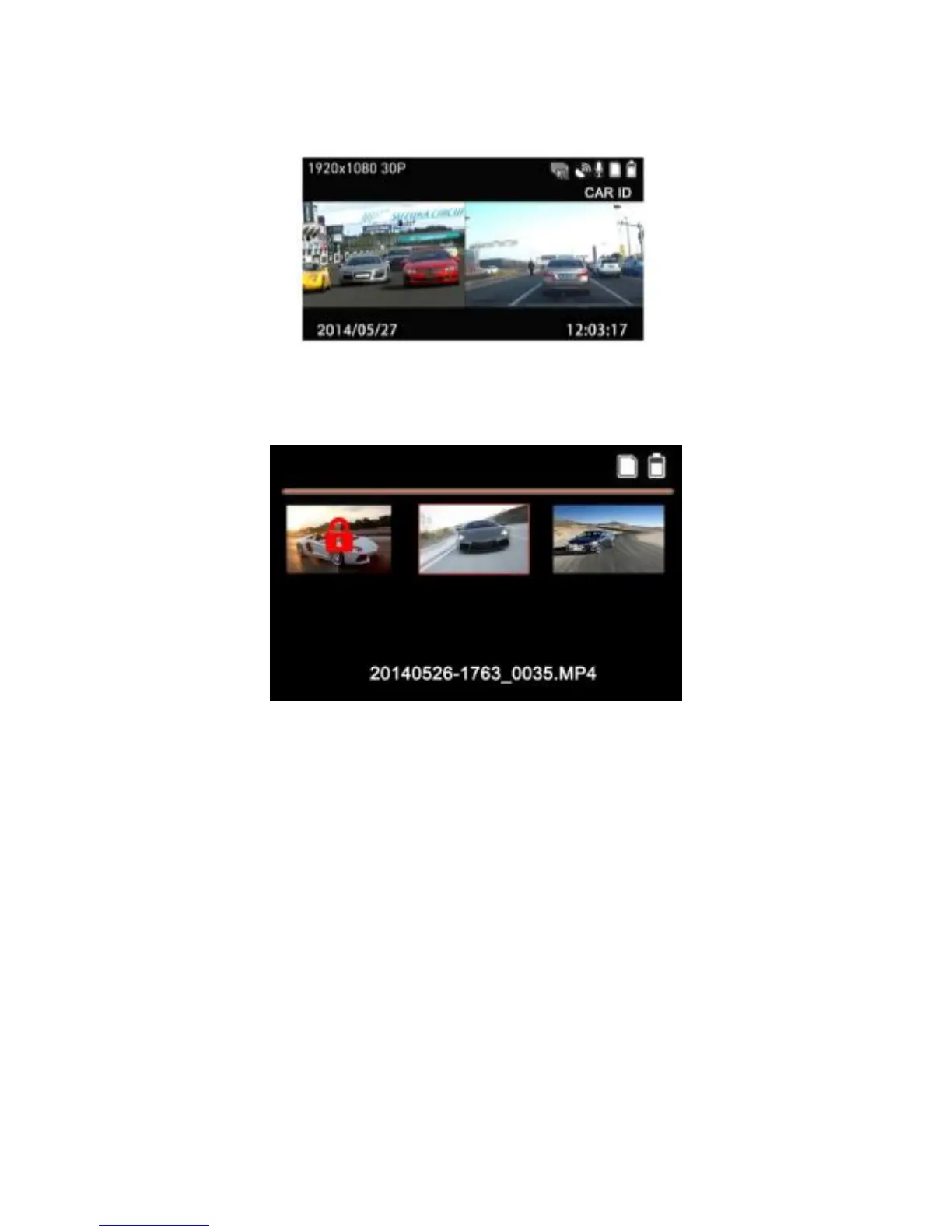
2. Press[Menu] twice to enter into video playback list.
3. Press the [▲] [▼] button to browse for the desired video file and press
the [OK] button to play the video. Press the [OK] button to pause the
playback. Press it again to resume.
4. Press [▲] [▼] to adjust the video volume.
5. Hold [ ▲ ] [ ▼ ] to fast forward or backward, the speed is
2X/4X/8X/16X/32X/64X.
6. Press [Menu] button to stop playing and return to video list.


 To Next Page