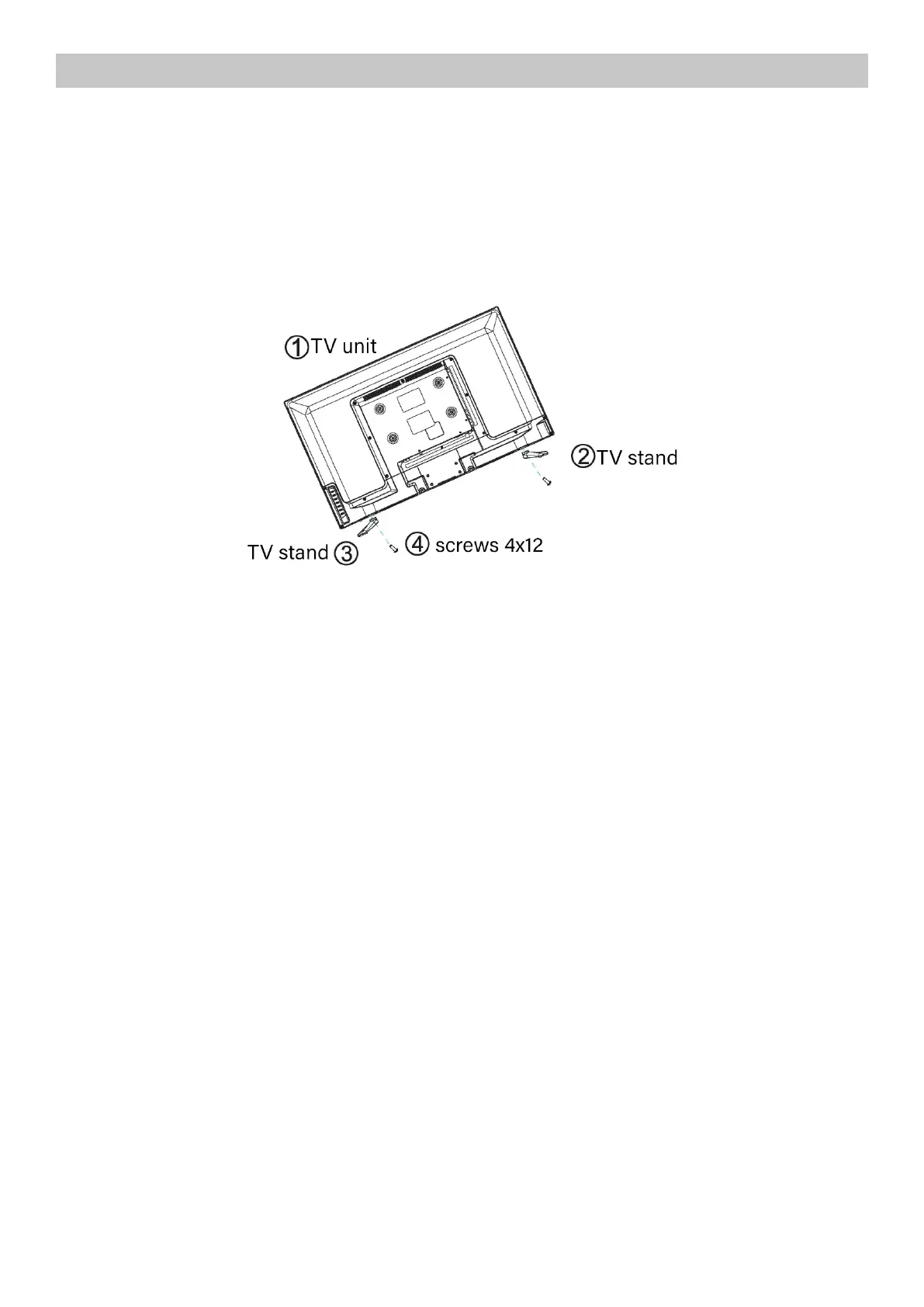
ASSEMBLY
Place the two TV bases in the position described in the figure, insert the screws and tighten them all
the way.
1. VOL +/- : Adjust Volume
2. CH+/-: Select channel
3. MENU : lnto or exit from menu (Use CH+/- button select item, VOL +/- button adjust item )
4. SOURCE Source select
5. POWER : Turn on/o TV
6. IR and Power lndicator:IR issued by the receiving REM signals to contrai the TV;When the green
light TV in normai working condition;When the red light TV in standby.



 To Next Page