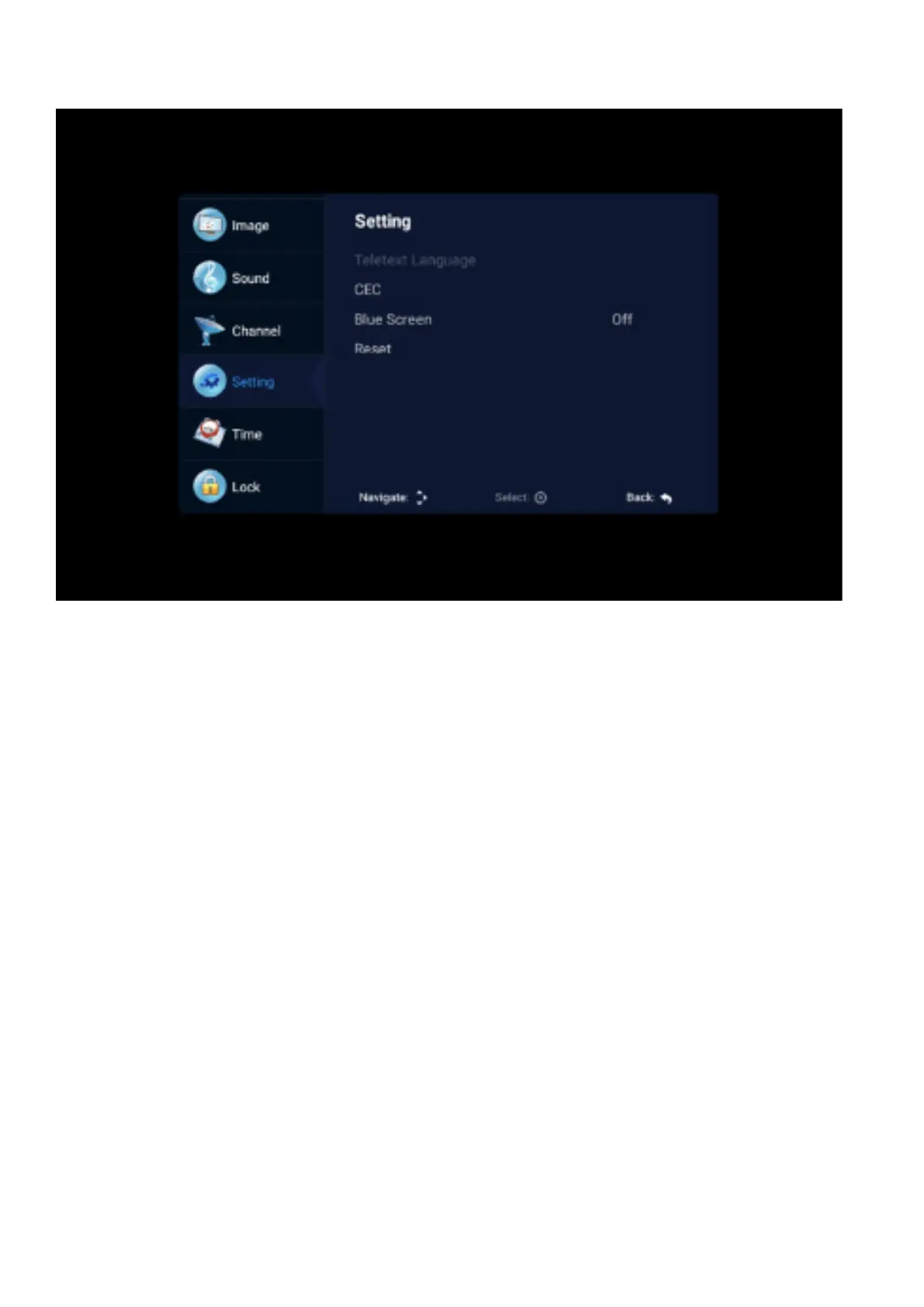
SETTING
CEC
Press the up and down keys to select the option, and then press the OK key to open the CEC function.
When CEC is turned on, you can choose to turn on or o Auto Standby, Auto Power on, ARC, Auto
Standby. When the TV is turned o, the CEC device will be automatically turned o. When Auto Power
on is turned on, when the HDMI connected device is turned on, the TV will automatically turn on.
Open the Device list to display the connected drive device.
Blue Screen
Turn on / o no signal blue screen.
Reset
Select the “restore default settings” option by using the up and down keys, and then click OK to enter
the next window. Can choose to confirm or cancel, choose to confirm the television will restart, the
menu data will restore the initial data, choose to cancel also back to the menu interface.



 To Next Page