TROUBLE SHOOTING
Before contaci the service technician, perform the following simple checks. Il any problem stili
persists, unplug the LCD TV and calling for service.
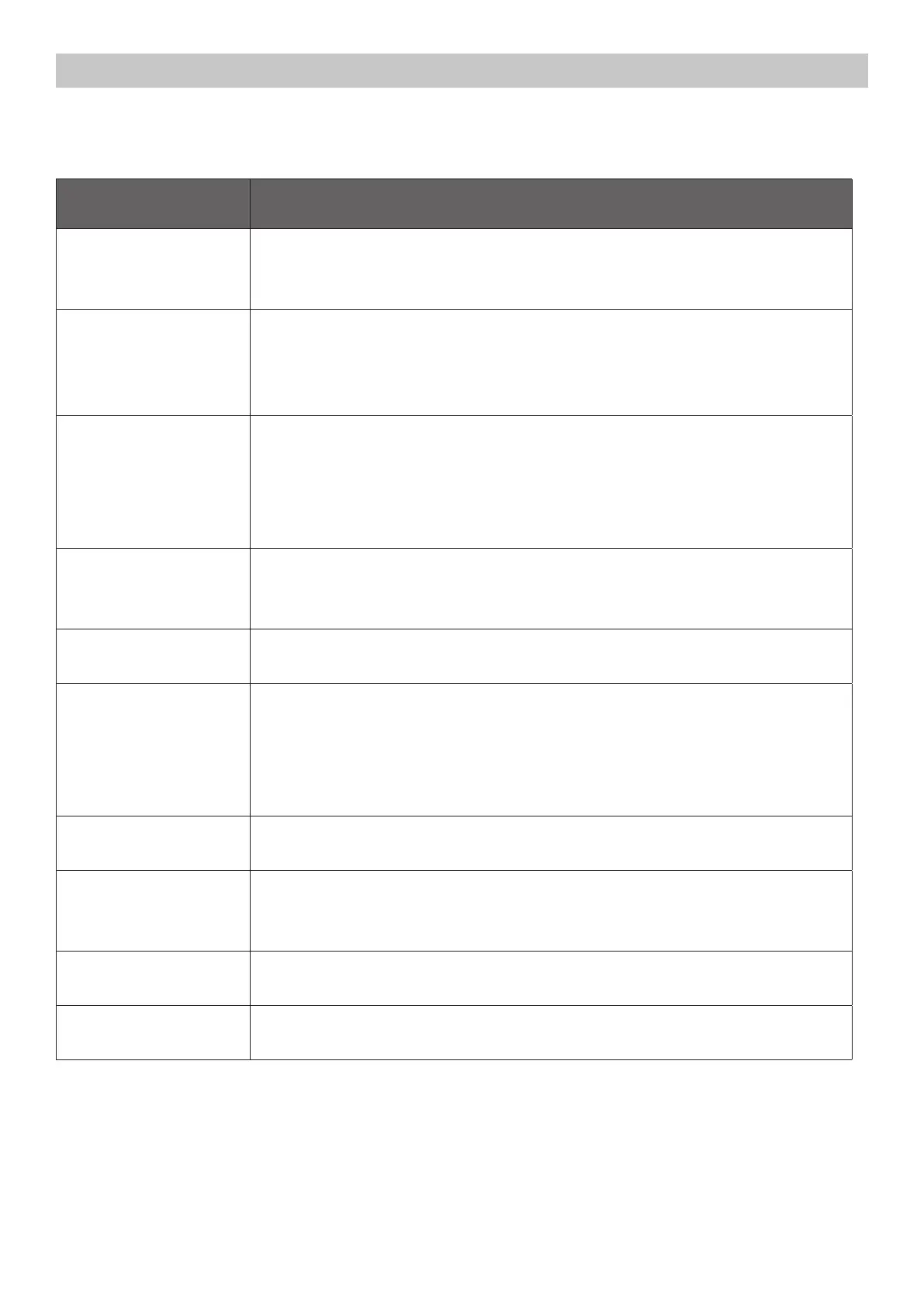
PROBLEM POSSIBLE SOLUTION
No sound and picture
- Check thai the main plug has been connected to a wall le!
- Check thai you have pressed the POWER bullon on the front of TV set.
- Check the picture contrast and brightness settings.
Normai picture bui no
sound
- Check the volume.
- Sound muted? Press the MUTE button.
- Try another channel the problem may be with the broadcast.
- Are the audio cables installed properly
The remote contrai does
notwork
- Check lo see il there isany object between the produci and remote control
Causing obstruction.
- Are batteri es installed with corree! polarity( + lo + ,- lo -).
- Correct remote operating mode set: TV, VCR etc.?
- lnstall new batteries
Power is suddenly turned
o
- ls the sleep timer set
- Check the power control settings. Power interrupted.
- No broadcast on station tuned with auto activated.
Picture appears slowly
after switching on
- This is normai, the image is muted during the produci startup process. Please
contact your service center, if the picture has not appeared after five minutes.
No or poor color or poor
picture
- Adjust the color in menu option.
- Keep a suicient distance between the produci and the VCR.
- Try another channel, the problem may be with the broadcast.
- Are the VIDEO cables installed properly?
- Activate any function lo restare the brightness of the picture.
Horizontal/vertical bars
or picture shaking
- Check lor locai interference such as an electrical appliance or power tool.
Poor reception on some
channels
- Station or cable produci experiencing problems. Tune to another station.
- Station signal is weak, reorient antenna to receive weaker station.
- Check tor sources of possible interference.
Lines or streaks in
pictures
- Check the antenna (Change the direction of the antenna).
No output !rom one of the
speakes
- Adjust balance in menu option.



 To Next Page