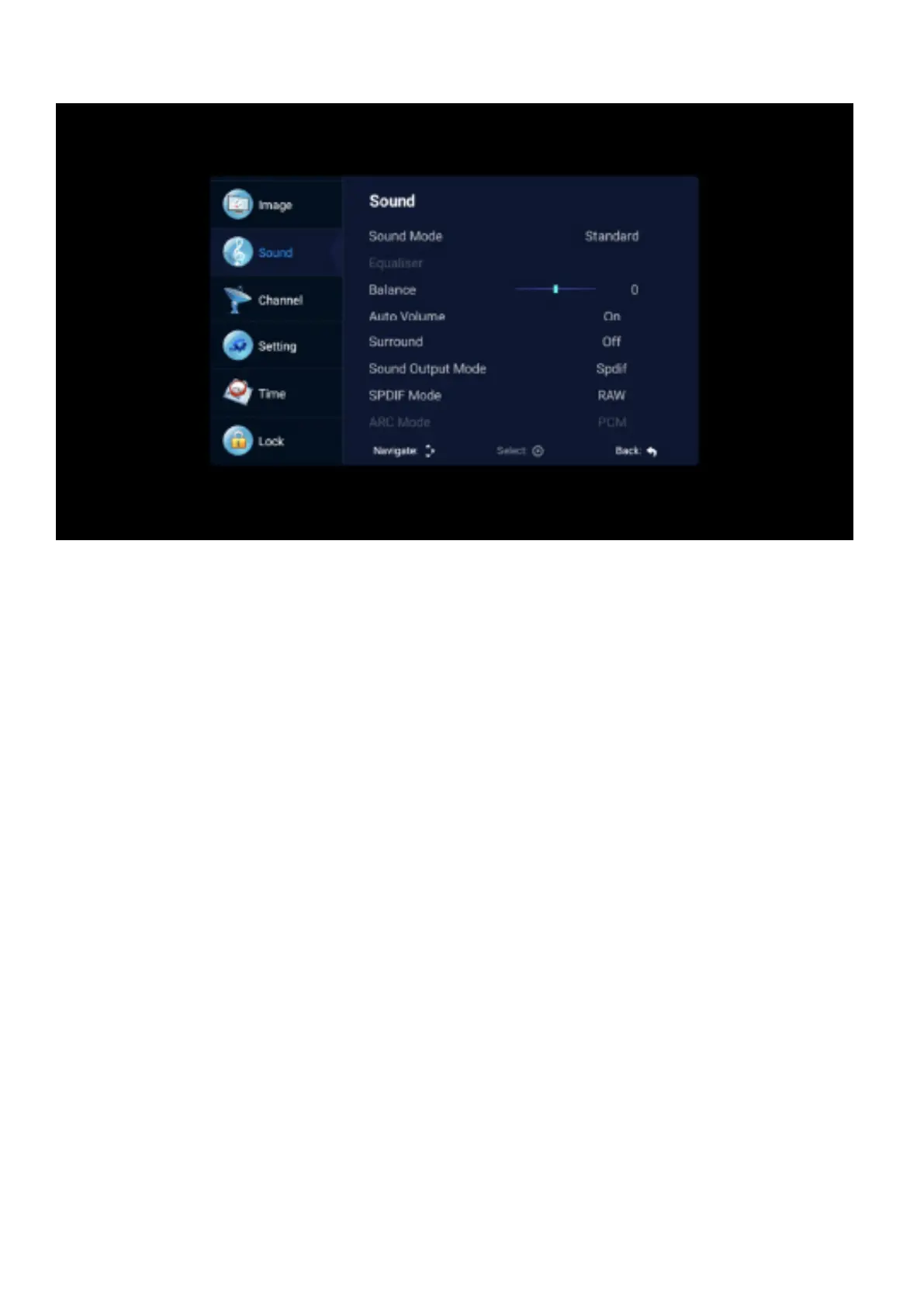
SOUND
Sound mode
Use the up and down keys to select the sound menu, then press the right button to select the “Sound
Mode” option, press the left and right button to switch the sound mode to Standard/Sports/Music/
Movie/User.
Equalizer
Through the up and down keys selected “equalizer” option, and then press the OK key system will
appear dierent bandwidth frequency level
Balance
If the volumes of the left speaker and the right speaker are not the same, you can adjust the “Balance”
to suit your personal preference.
Auto Volume - Surround
Select the “Auto Volume”option, then turn the “Auto Volume” function on or o with the left and right
buttons. This method is also suitable for surround sound adjustment
SPDIF Mode
This is used to convert the digital audio output mode. There are Auto, PCM, RAW, OFF.



 To Next Page