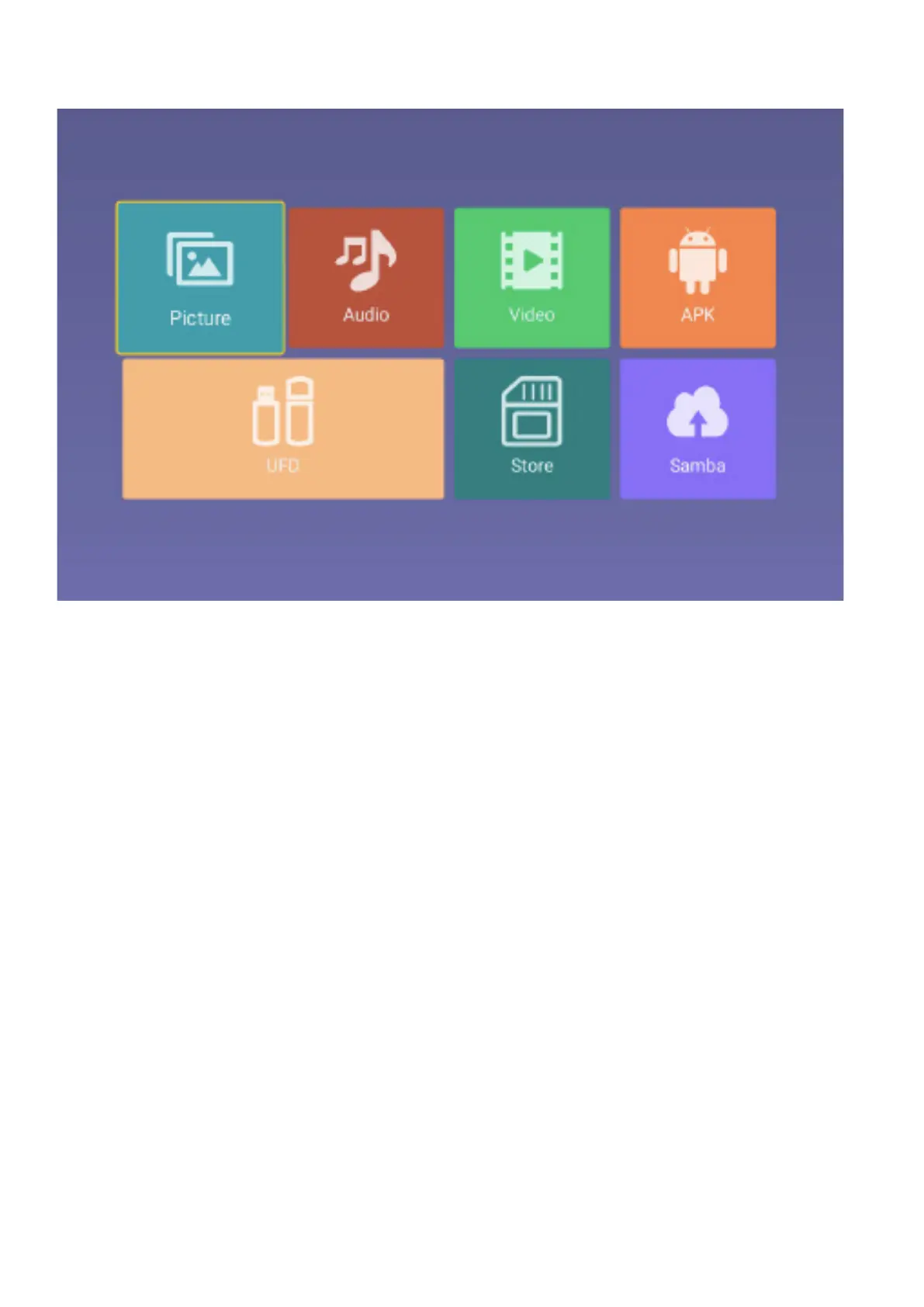
MEDIA PART
Picture
Through the up and down keys to select the “picture” icon, press the confirmation button to confirm,
and then press right to the folder, press the confirmation button to open the appropriate folder. After
selecting the picture, press the confirmation key to open the picture, can carry on some operation
through the left and right keys.
Audio
Through the up and down keys to select the “Audio” icon, press the confirmation button to confirm,
and then press right to the folder, press the confirmation button to open the appropriate folder. After
selecting the Audio, press the confirmation key to open the Audio, you can make some operation
through the left and right keys.
Video
Through the upper and lower keys selected “video” icon, press the confirmation key to confirm, then
press right to the folder, press the confirmation key to open the corresponding folder. After the
selection of the video, press the confirmation key to open the video, you can make some operation
through the left and right.
APK
Select the “APK” icon, press the enter key to confirm the entry, open the corresponding folder. After



 To Next Page