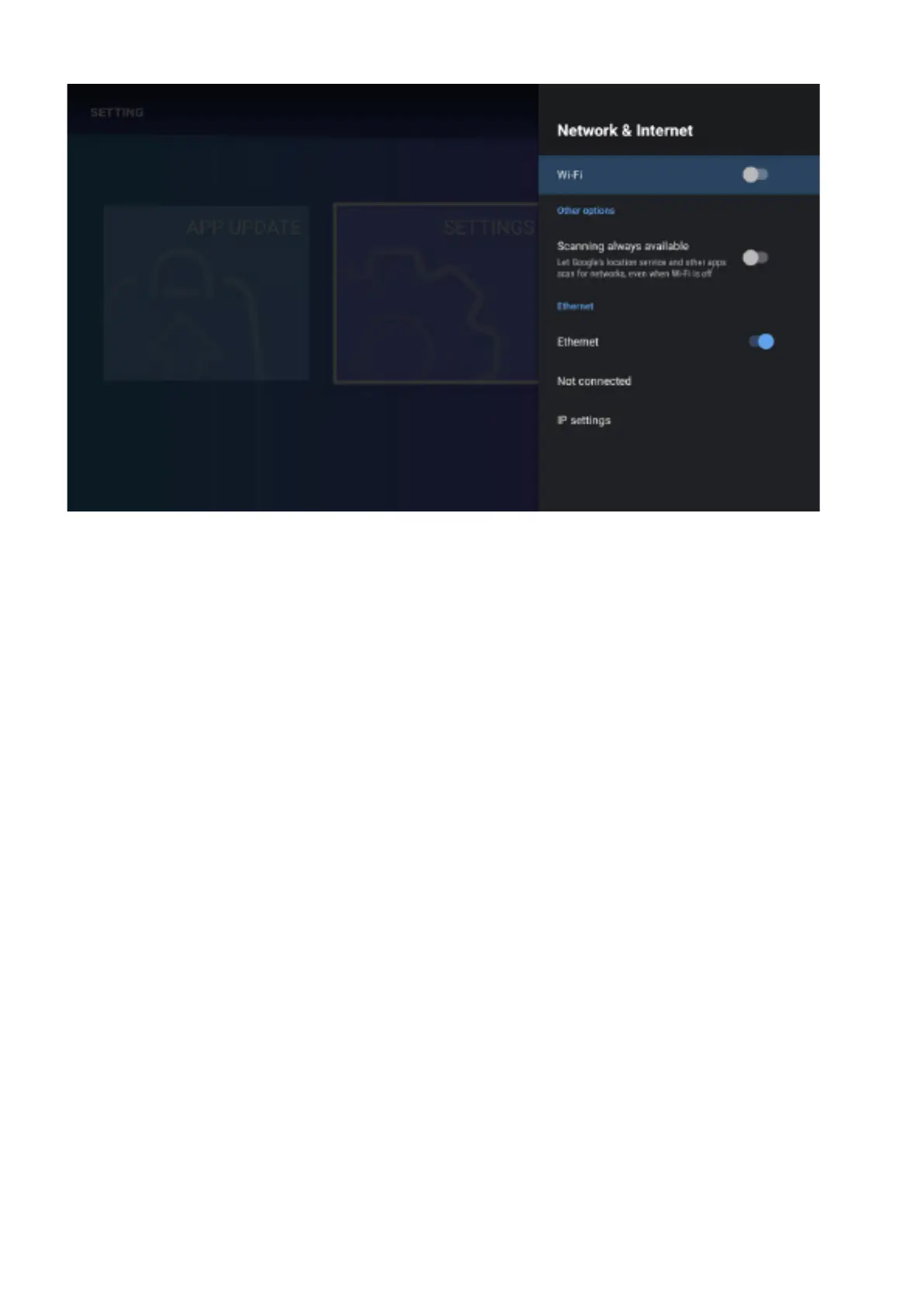
Network
Enter the “Network” menu item “Wi-Fi”, you can open or close the Wi-Fi connection function, there are
4 types of connection: select focus and enter the password in the list of connections, use without-
password protected connection, manually add hot name to connect, and point-to-point direct
connection. For an Ethernet connection, insert the network cable into the network cable interface,
and after identifying the network, the current ipv4 and ipv6 addresses will be displayed. Select Proxy
Settings to set the proxy. IP settings can set the way to get the ip address. There are automatic
acquisition or setting a static ip address.
Accounts & Sign In
Log in and manage your account.
Apps
View all apps and set app permissions.



 To Next Page