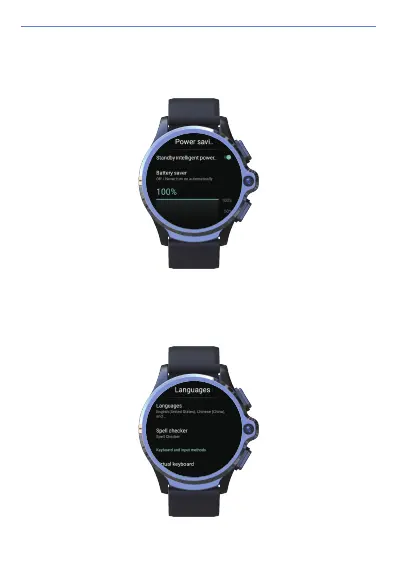
7) Power-saving mode: the smart power saving mode is on by default. The
extreme power saving mode can be turned on, the system will automatically
reduce the operating frequency, shut down all the application auto-start
function, restrict background programs running. You will not receive any
notifications when the extreme power saving mode is on.
8) Language and Keyboard: with the Built-in full set of Google language packs,
the device support most countries and regions in the world.
User Manual
22



 To Next Page