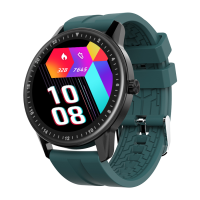
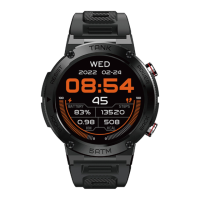
10. Display mode setting:
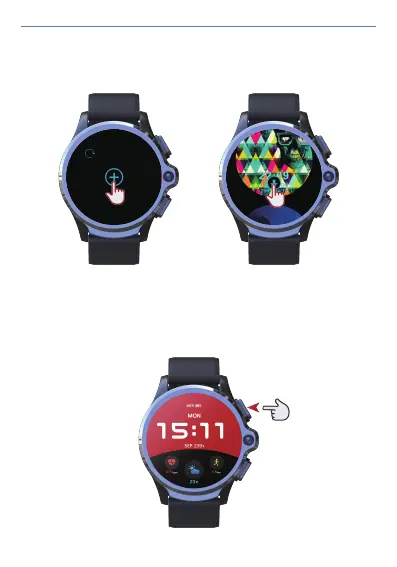
1) Long press the power button for 2 seconds on any interface to enter the
quick display mode setting.
3) Download the dial: Long press the dial, slide to the far right, click the + icon
to download the numerous dial appearances online (this function requires
network connection).
User Manual
30


 To Next Page