E 18
Panorama
Extends the front stereo image to include the surround
speakers for an exciting “wraparound” effect with side-wall
imaging.
Center Width Control
With Pro Logic decoding, dominant center signals can come
only from the center speaker. If no center speaker is present,
the decoder splits the center signals equally to the left and
right speakers to create a “phantom” center image. The
Center Width control allows variable adjustment of the
center image so it may be heard only from the center
speaker; only from the left/right speakers as a phantom
image; or from all three front speakers to varying degrees.
It’s recommended to set the control to use the position 3
values for the Music mode. This will also help distinguish the
Music mode from the Movie mode, which automatically
presets teh Center-width control to position 0.
Panorama
OFF
ON
Center Width
OFF
5
Soft
1
3
2
6
7
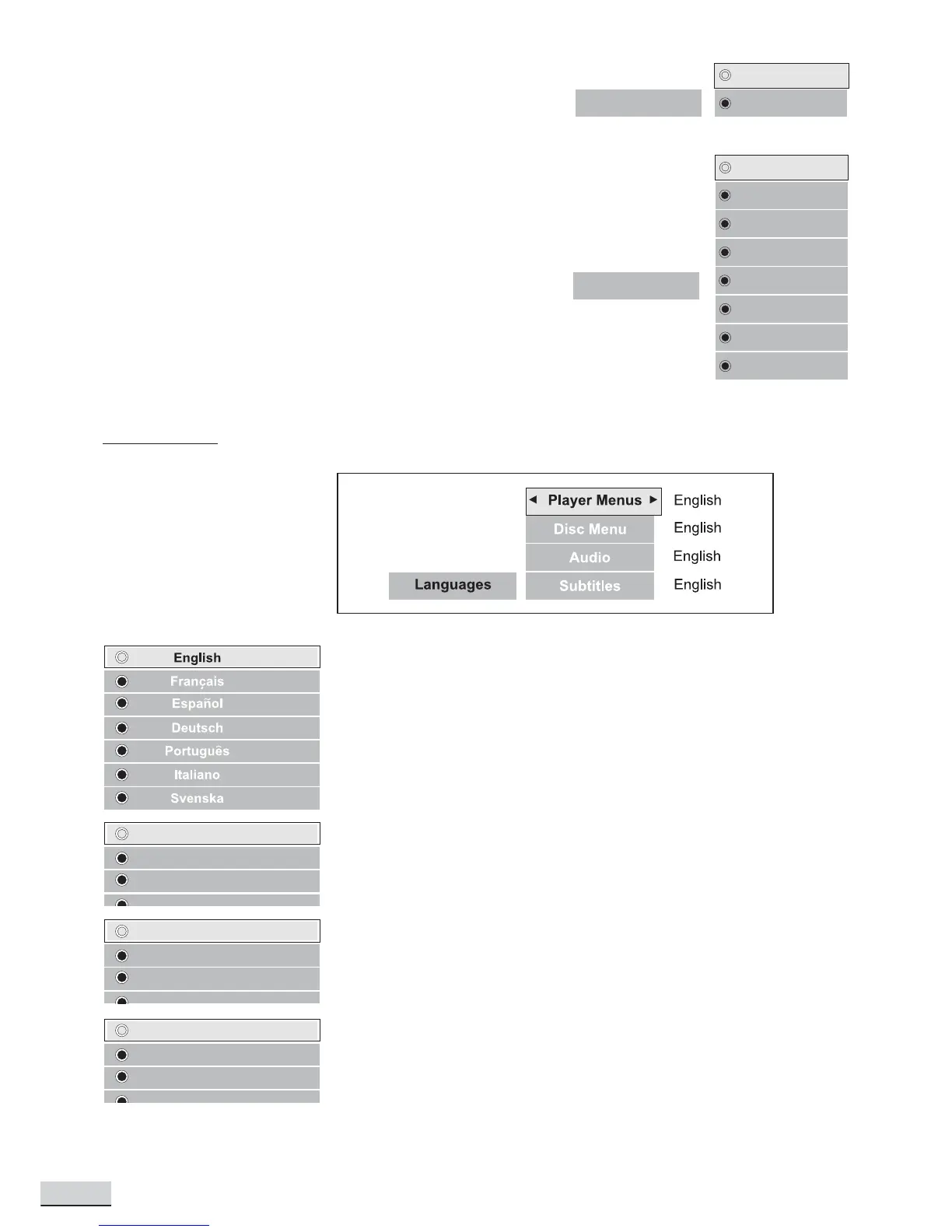
LANGUAGES
Player Menus
Select among the 7 languages as default language for player menus. Press
OK to confirm selection.
Disc Menus
Select among the 7 languages (if available on disc) as default language for
disc menus. Press OK to confirm selection.
Audio
Select amongst the 7 languages (if available on disc) as the default audio
language. Press OK to confirm selection.
Subtitle
Select among the 7 languages (if available on disc) as the default subtitle
language. Press OK to confirm selection.
French
Spanish
English
French
Spanish
English
French
Spanish
English



 To Next Page